
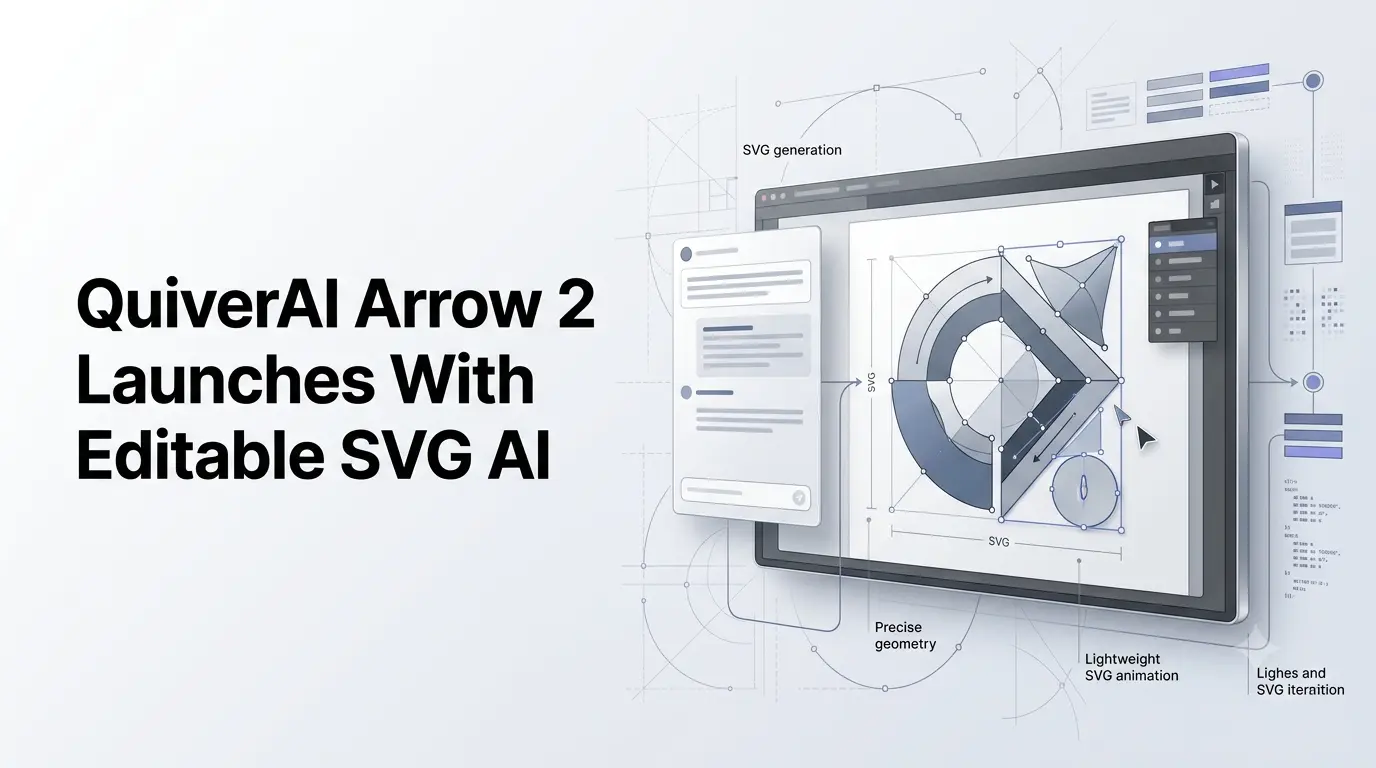
QuiverAI has launched Arrow 2, a new generation of AI models designed to generate precise, editable vector graphics, alongside Arrow 2 Telos, a model aimed at more demanding creative work. The company says Arrow 2 improves generation speed and visual quality across animation, vectorization and asset creation.
QuiverAI announced the models on September 7, 2026, describing Arrow 2 as its most significant update yet. The company has built the system around a different approach from conventional image-generation tools: instead of producing only a finished raster image, Arrow generates vector graphics that can be edited and reused as SVG assets.
The release has since expanded into a broader product update. QuiverAI’s September 16 changelog confirms that Arrow 2 now powers its App, while the company has also shipped an API platform supporting Arrow 2 and Arrow 2 Telos.
Quick Summary
- QuiverAI launched Arrow 2, its new generation of AI models for vector graphics.
- Arrow 2 generates editable SVG graphics rather than only flattened images.
- The model focuses on precision, geometry, composition, vectorization and speed.
- Arrow 2 Telos is positioned for more complex creative projects and requirements.
- QuiverAI’s updated App combines AI generation, conversation and canvas-based editing.
- Arrow 2 also supports SVG animation and vectorization workflows.
- QuiverAI has expanded its API platform for developers integrating Arrow models.
- The story is particularly relevant to the intersection of AI image generation and professional vector design.
What is New in Arrow 2?
QuiverAI says Arrow 2 focuses on three major areas: generation speed, visual quality and the underlying structure of generated SVG files.
The company describes its approach as treating vector graphics as something that should be intentionally constructed through code. With Arrow 2, QuiverAI says generated SVGs use fewer and more precise control points, which can reduce unnecessary nodes and overlapping paths.
The model is also designed to make stronger layout decisions. According to QuiverAI, generated elements can better respect spacing, padding and alignment without requiring designers to specify every detail through prompts.
That is particularly relevant for vector design, where the structure of the underlying artwork can be as important as its appearance.
Rather than simply producing a visually convincing image, the system is intended to create assets that designers can continue to modify after generation.
Vectorization and AI-Generated SVGs
One of the central capabilities of Arrow 2 is vectorization.
QuiverAI says users can convert raster images into editable SVG graphics that can subsequently be refined, scaled and reused. This makes the model relevant to workflows involving brand assets, illustrations, diagrams and other structured visual content.
The company also demonstrates Arrow 2 with illustrations and technical drawings. Its examples include generating variations from references while retaining elements such as palette and graphic treatment, as well as creating line-art concepts where details need to remain consistent across multiple versions.
The practical distinction is that the output remains a vector asset rather than a flattened image.
For designers, that can make AI-generated graphics more suitable for subsequent editing and adaptation across different applications.
Arrow 2 Adds Micro-Animations to SVG Graphics
Arrow 2 also extends QuiverAI’s vector-generation system into animation.
The company says the model can animate shapes and groups that already exist within an SVG. These capabilities are intended for applications such as logo reveals, loading states, motion graphics, product illustrations and animated icons.
This keeps the animation workflow connected to the underlying vector structure rather than treating motion as a separate raster-video process.
QuiverAI positions the capability particularly toward structured, flat artwork and interface-oriented motion.
Arrow 2 Telos Targets More Complex Creative Work
Alongside Arrow 2, QuiverAI has introduced Arrow 2 Telos.
QuiverAI describes Telos as combining the infrastructure and speed of Arrow with additional refinement capabilities associated with frontier models. It is intended for creative projects involving more complex styles, compositions and requirements.
The company recommends Arrow 2 when speed and cost per asset are the priority, while Telos is positioned for harder briefs that benefit from additional refinement.
This creates a two-model approach within the Arrow product family rather than treating every generation request the same way.
The distinction is based on QuiverAI’s product positioning; the company’s announcement does not provide an independent benchmark establishing a universal quality advantage for Telos.
QuiverAI App Combines Generation and Canvas Editing
The Arrow 2 launch is also tied to a redesigned QuiverAI App.
According to QuiverAI’s September 16 changelog, the App now begins with a conversational workflow. Users can describe what they want, have the system generate the artwork, and then continue refining it through follow-up prompts.
The generated result remains an editable SVG.
Users can open creations on the canvas and make manual adjustments, including selecting and duplicating child elements, using undo history, zooming and fitting artwork to the canvas. Changes made on the canvas can flow back into the conversation and creation workspace.
Animation is also integrated into the canvas workflow.
The result is a workflow that combines conversational AI generation with traditional hands-on vector editing rather than requiring users to choose between an AI generator and a conventional design environment.
Arrow 2 Expands QuiverAI’s Developer Platform
QuiverAI is also making Arrow available as a developer platform.
Its September 16 API changelog confirms that Arrow 2 and Arrow 2 Telos are available through the API, with usage priced according to measured token consumption rather than fixed credits. The API also supports an Open Responses-compatible endpoint, allowing developers to work with function calls and custom tools.
The platform includes controls for API endpoints, keys, usage and billing. QuiverAI has also introduced sandbox keys that allow developers to test API behavior without sending requests to a model or incurring model usage charges.
This expands Arrow beyond an end-user design application and gives developers a way to integrate AI-generated vector graphics into their own products and workflows.
QuiverAI’s older Arrow 1-series models remain available through the API, although Arrow 1, Arrow 1.1 and Arrow 1.1 Max have been retired from the company’s App.
What Arrow 2 Means for AI Design Workflows?
The Arrow 2 launch highlights a growing distinction between AI systems that generate visual output and systems designed to produce assets that remain usable inside professional workflows.
For designers, editable SVG output means the generated artwork can be modified after creation instead of being treated as a final image. For developers, the API provides a route to incorporate vector generation into software and automated workflows.
QuiverAI is therefore positioning Arrow as a specialized AI design system rather than a general-purpose image generator.
That specialization is particularly visible in its focus on geometry, vector structure, SVG editing and animation. These capabilities address parts of the design workflow that are difficult to capture when an AI system produces only a raster image.
Availability of Arrow 2 and Arrow 2 Telos
QuiverAI’s September 7 announcement says Arrow 2.0 is available to all users through its App. The company has subsequently documented Arrow 2 and Arrow 2 Telos within its API platform.
For users, the main release provides conversational vector generation, editable SVG output, vectorization, canvas editing and SVG animation. For developers, the API provides access to Arrow models together with usage, billing and integration infrastructure.
The launch marks a broader expansion of QuiverAI’s vector-generation technology from an AI model into an integrated design and developer platform, with Arrow 2 focused on faster vector creation and Arrow 2 Telos aimed at more demanding creative requirements.
Also Read –
QuiverAI: AI Tools, Features, Capabilities & Real-World Use Cases