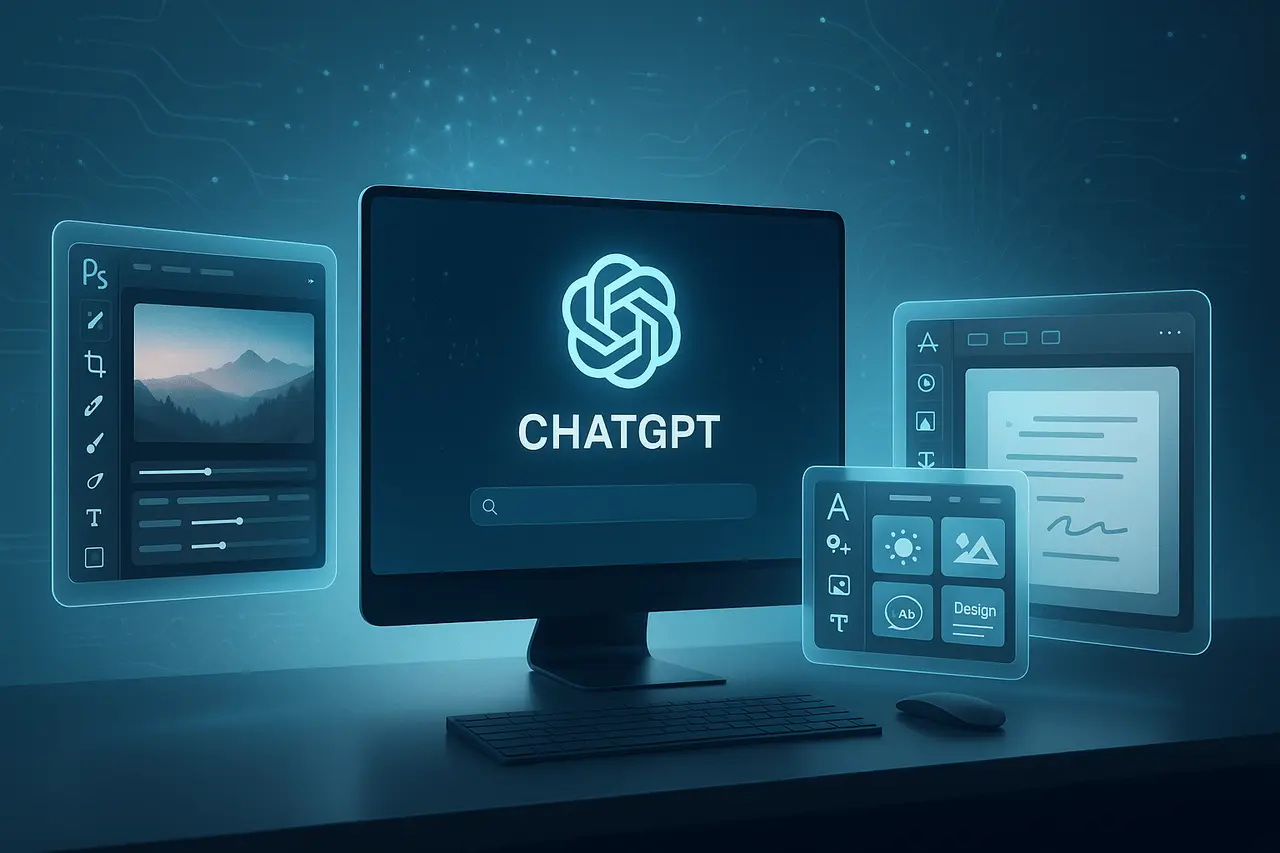
In December 2025, Adobe revealed the inclusion of their most popular productivity and creative apps, Adobe Photoshop, Adobe Express and Adobe Acrobat, straight into ChatGPT. This will open up powerful photo-editing, design, and document workflows to more than 800 million people worldwide through the chat-based AI they already use.
Instead of juggling several applications or switching between desktop and mobile apps, users can now complete various tasks with simple, natural-language instructions. This integration is expected to make document and creative work more accessible to just starting freelancers and even small business owners.
In this article, we will explore the Adobe Photoshop ChatGPT integration, how the new built-in creative and PDF tools work, and what this upgrade means for everyday users, creators, and businesses.
What the Integration Offers: Capabilities & Use Cases
Photoshop via ChatGPT: Simple Photo Editing
With Photoshop now available in ChatGPT, you can make regular photo editing using plain-language commands. For instance, you can say: “Photoshop, blur the background of this picture,” or “Make the colours appear more vibrant.” Chatbots then present a Photoshop interface. Photoshop interface that allows you to adjust brightness, contrast, and exposure, and apply filters. You can also edit specific areas of your image.
It is easy to enhance travel photographs and prepare images for sharing on social media, or to create professional photos for your projects without having a deep understanding of Photoshop’s sophisticated tools. Creative effects, such as an art style or vintage look, can be applied, followed by manual adjustments via sliders if you want.
Express Integration: Design Graphics, Posters, and More
Adobe Express inside ChatGPT unlocks design for those who need graphics but don’t have the time to master complex design software. Users can use an array of templates that allow editing text and images, swapping new backgrounds, and even creating simple animations in chat.
This is particularly useful in tasks such as:
- Making invitations to events or posts on social media
- Flyers or promotional graphics for small-sized businesses
- Quick mockups or presentation visuals
If you stay in ChatGPT, you can quickly tweak and refine your design without switching between apps.
Acrobat for ChatGPT: PDF & Document Management
The Acrobat integration provides powerful PDF editing capabilities to ChatGPT and ChatGPT. Users can:
- Convert multiple PDFs into one PDF
- Modify or take tables and text from PDFs that are already in use
- Convert or compress files, or reorder pages
- Remove sensitive text or mark up documents
This makes the process of working with invoices, resumes, contracts, and other document-heavy workflows much simpler, particularly when you need to integrate editing, formatting, and reorganisation in the same place.
Why This Matters? : The Strategic Impact
Lowering the Barrier for Creativity and Productivity
By integrating these applications into ChatGPT, Adobe is lowering the technical barriers to photo editing, design, and document management, making these tools accessible to anyone with no prior knowledge. As Adobe states, the goal is to “make the art of creativity available to everyone.”
For a lot of users, students, casual creators, small-business owners, freelancers or even entrepreneurs, this could be a substitute for the requirement for standalone editing or design software, easing their workflow and reducing their costs.
Consolidated Workflow: One Chat, Multiple Functions
Traditionally, photo editing, graphic design, and document management have been separate applications. This integration brings them together through a chat interface, significantly improving processes. It’s possible to go from editing an image to embedding it into a flyer or combining multiple documents, all from within ChatGPT.
This is also in line with the trend towards “agentic AI” conversational interfaces that not only provide information but also assist with tasks. For those who are used to changing between tabs and tools, it could be a game-changer.
Free Access and Broad Availability
A notable aspect is that, for now, the tools are available free to ChatGPT users worldwide. They are available to users on the web, desktop, and iOS right now; Android support is currently live for Express as well, and Photoshop and Acrobat for Android are said to be “coming shortly.”
This allows robust design and editing tools to be available to a large number of people, particularly in regions where the standalone Adobe subscriptions can be expensive or unsuitable for casual users.
Adobe Photoshop ChatGPT integration: Limitations and What You Should Know?
- Subset of fully functional features. The versions of Photoshop, Express, and Acrobat available in ChatGPT appear to offer basic, frequently used features (image editing, design templates, and PDF editing). However, it may not have the powerful tools for advanced use that are included in the full desktop versions.
- Adobe registration is required even though access to ChatGPT is “free.” Users may be required to register for an Adobe account to access ChatGPT’s tools. ChatGPT.
- In the process of rolling out platforms, desktop web, mobile and iOS are now supported. Still, full Android compatibility with Photoshop and Acrobat isn’t yet in place so that some users will be waiting for complete functionality on their phones.
What does this mean for Different User Groups?
- Creatives who are Casual and Enthusiasts: It’s great to edit photos in a snap, social media posts, or create small projects without needing to learn sophisticated software.
- Small Businesses and Freelancers: Utilised for marketing posters, flyers, invitations, or document management without having to invest in expensive applications or monthly subscriptions.
- Students and Educators: Useful to create portfolios, posters, presentations, PDFs, and more, quickly and at no cost.
- Professional’s Mobile: For simple edits or changes to documents through a mobile device or a browser, particularly when away from a fully functional desktop suite.
How to Get Started (Quick Guide)?
- ChatGPT can be accessed via the ChatGPT desktop app or web browser, as well as iOS (or Android, for Express right now; Photoshop/Acrobat to follow soon).
- Upload the document or image you’d like to edit, or make a.
- Begin your prompt by entering the name of your desired Adobe application (e.g., “Adobe Photoshop,” “Adobe Express,” or “Adobe Acrobat”), then follow with clear instructions such as “blur backgrounds,” “create an event flyer,” or “combine these PDFs.”
- After the app opens, in ChatGPT, you can tweak the content using tools, adjust sliders, choose templates, modify the text, etc.
- If necessary, export or work within Adobe’s full-featured apps to make more sophisticated edits.
Looking Ahead: What Does It Suggest for the Future?
This integration represents an overall shift in how productivity and creativity tools are provided, moving from monolithic, clunky desktop applications to adaptable, AI-driven platforms hosted in the cloud and delivered via chat interfaces.
For Adobe, this could increase the number of users who may never have purchased a Creative Cloud subscription. For users who want to access the cloud, this means faster access, lower barriers, and more opportunities for experimentation.
Moving forward, we can expect more applications to follow this trend and possibly expand into motion graphics and cross-app workflows. All of this is using AI or chat interfaces.
Final Thoughts
Adobe’s decision to include Photoshop, Express, and Acrobat in ChatGPT is more than just an enhancement in convenience; it is a signpost to a future in which powerful creative and document workflows will be executed through natural-language interactions. With these tools available at no cost within ChatGPT, Adobe has opened the doors for thousands of customers to explore, learn, and create professional-quality output without lengthy learning curves or expensive subscriptions.
While these integrated applications may not replace desktop applications for professionals, they offer impressive capabilities for everyday users, including students, freelancers, and small-scale businesses. As AI-based experiences become more advanced and integrated, this collaboration sets the stage for a brand-new kind of fluid, interactive innovation and productivity.
Frequently Asked Questions (FAQs)
1. Is it true that Photoshop, Adobe Express, and Acrobat in ChatGPT are truly free?
As of the December 2025 launch, the apps are free for ChatGPT users worldwide.
2. Which platforms can be integrated?
They’re available on ChatGPT desktop, the web, and iOS from now on. Adobe Express is already available on Android; Photoshop and Acrobat on Android are coming soon.
3. Do I require an additional Adobe account to use Adobe?
Indeed, Adobe has indicated that users need to sign up for an Adobe account to access these tools in ChatGPT.
4. Can I do professional-level edits using ChatGPT’s version of Photoshop?
The integrated version can handle most regular editing tasks, including adjustments to effects, touch-ups, and selective editing; however, it may lack some features of the desktop version. For more complex, professional-quality work, the complete Photoshop application may be more suitable.
5. What types of tasks do you think Adobe Express for ChatGPT is best suited for?
It’s perfect for creating posters, flyers, social media images, invitations and other designs for marketing materials, using templates that are easy to edit, which are particularly helpful for freelancers, small-sized businesses or even casual designers.
6. Can I combine multiple PDFs, edit content, or merge documents inside ChatGPT?
Yes, the integration with Acrobat lets you combine PDFs, concatenate them, alter or even extract text or tables, reorder pages, compress, and more, making document management easier through ChatGPT.
Also Read –
Agentic AI Foundation: Open Standards for Agentic AI
Why GPT-5.1 Copilot Is Becoming a Complete Productivity Hub?