

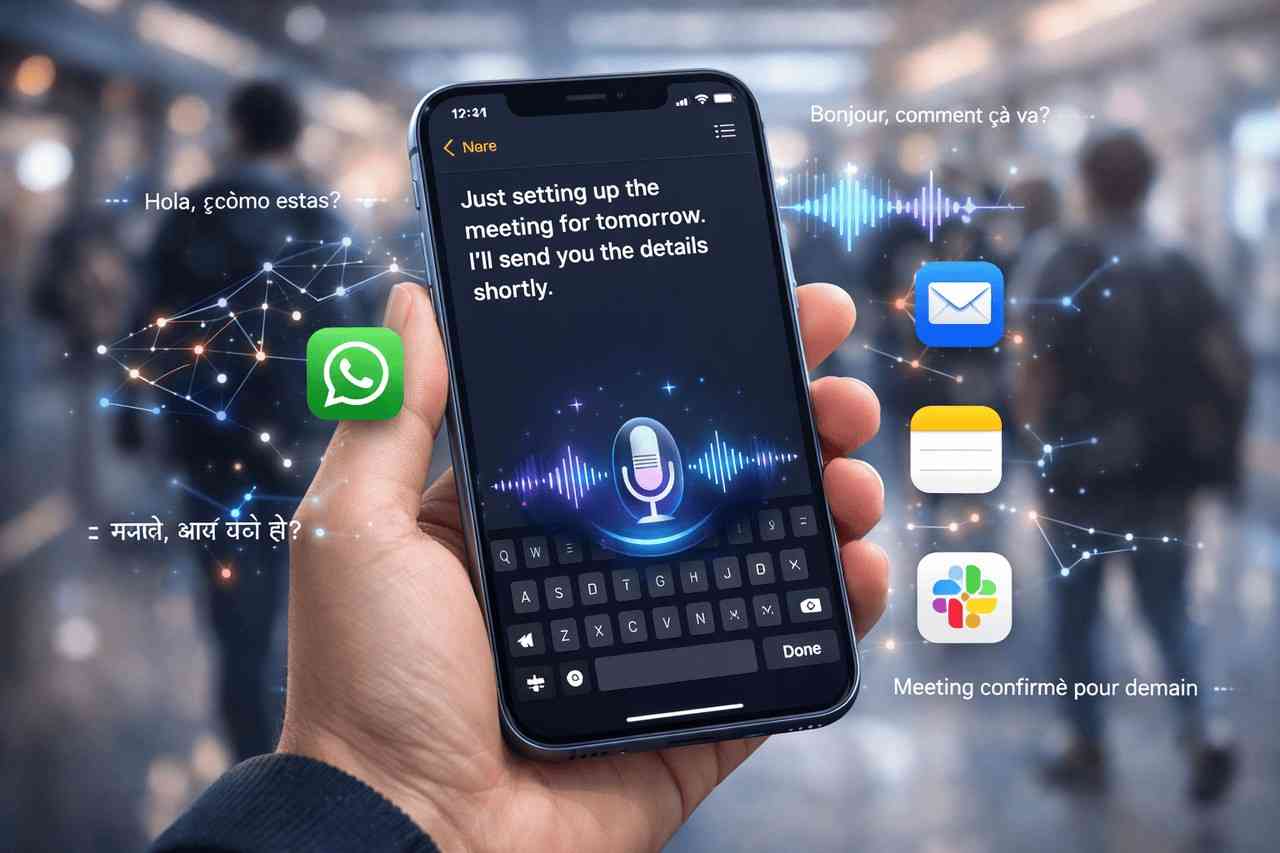
The keyboard on smartphones has largely remained the same for a long time, despite tremendous technological advances in artificial intelligence. As more people depend on their smartphones to work, communicate and even create content, the limitations of touchscreen keyboards become apparent. This is the reason Typeless for iOS is positioned as an innovative alternative. It is designed to function as an AI-powered speech typing keyboard. Typeless permits users to naturally speak and immediately transform their thoughts into well-structured, clear written text. Through the combination of real-time voice dictation as well as intelligent editing and compatibility across all applications, Typeless aims to make writing on an iPhone considerably faster, simpler to use, and more user-friendly than conventional typing.
What is Typeless for iOS?
Typeless for iOS is a sophisticated AI-powered voice keyboard that was designed to replace the traditional keyboard in iPhone devices. It recognises natural speech and transforms it into crisp, professional written text that can be used in virtually every app. If you’re creating emails or sending messages, writing notes or creating papers, Typeless dramatically accelerates the writing process by letting you talk instead of typing. By utilising real-time editing as well as an innovative method for interpreting, the user is able to create professional-grade text that is up to at least four times quicker than standard typing.
How Typeless Enhances Mobile Productivity?
Natural, Real-Time AI Voice Dictation
At its heart, Typeless uses a sophisticated AI engine to comprehend the words you speak and convert them into text immediately. Contrary to other voice-to-text applications, which simply record verbatim words and then refine speech into structured, clear prose by removing irrelevant words such as “um” as well as “uh” to guarantee clarity and professionalism.
The system’s real-time processing lets you format your thoughts as text while you speak, which allows an effortless workflow that is closer to taking notes rather than typing. This feature is invaluable for those who are on the move and walking, commuting or even multitasking.
Speak to Edit: Command Your Text Verbally
One of Typeless’s most distinctive features is its Speak to Edit ability. Instead of using your keyboard to correct mistakes or edit paragraphs, you can simply say what you’d like changed. For instance, you could say “change the past tense to present” as well as “make the sentence more formal”, which the AI adjusts your text to suit. This ability to edit hands-free minimises the time spent editing and helps to speed up the writing process.
Universal App Support
Typeless doesn’t have to be restricted to just one app; it can be used with any app that you have on your iPhone. From messaging platforms such as WhatsApp as well as Slack to Notes, email clients, and even chat interfaces like ChatGPT, you can use dictation any time you require text input. This universal integration makes sure you can dictate using voice without having to switch apps or interrupt your workflow.
Typeless for iOS: Key Features That Elevate Typeless
Intelligent Auto-Editing
The artificial intelligence behind Typeless does not just transcribe speech; it also smartly modifies it. This includes:
- Filler removal to streamline language.
- Repetition elimination to make sentences concise.
- Automatic rewriting from a spoken list and bullet point into a simple written format.
- Self-correction recognition. The system recognises when you change an idea mid-sentence, and then takes only the final thought.
These capabilities convert informal spoken language into professional text, without any manual cleaning.
Multilingual Capabilities
Typeless can support more than 100 languages and is able to identify and translate several languages in the course of a conversation. Automatic recognition of languages eliminates the requirement to switch between languages manually and makes the software extremely useful for multilingual users who often mix different languages during everyday conversations.
This broad support for languages also makes Typeless the ideal choice for international users, professionals, and multi-national teams that communicate in various linguistic environments.
Personal Dictionary and Context Sensitivity
To increase precision, Typeless lets you create your own personal dictionary, where you can include specific names, terms used in industry and acronyms or even brand vocabulary. Once you have added them, the keyboard can recognise these words when you dictate in the future, which reduces the chance of transcription errors when using niche or technical languages.
Additionally, the tool adjusts to the type and tone of the specifics of the application that is being used, such as a formal tone when sending emails, and a casual tone for chat messages.
Typeless for iOS: A Privacy-First Voice Keyboard
In a time of growing security concerns, Typeless is built with an architecture that is privacy-focused. It handles all processing and dictation in-app on your iPhone and doesn’t store your information on servers outside of the app. So, your voice remains completely private. No transcriptions or recordings of your voice are used to help train other external AI models.
Professionals who deal with sensitive data or anyone concerned about cloud data usage. This design will give you security without jeopardising the effectiveness of AI.
Why Typeless Matters in 2026?
With keyboards for smartphones that have remained unchanging in design for more than 10 years, the voice-first keyboards are emerging as an exciting alternative. Typeless is a revolutionary alternative to the traditional keyboarding paradigm by allowing users the ability to write naturally and create high-quality written content with little effort. As AI continues to improve, tools such as Typeless will lead to an intuitive and efficient way of communicating using mobile devices.
Since its introduction in December 2025, Typeless has been deemed a vital productivity boost specifically for students, professional writers, and those who write a lot using an iPhone. Its blend of speed and accuracy, as well as privacy and the ability to change language, places it in the top tier of AI voice dictation software solutions that are available today.
My Final Thoughts
Typeless for iOS is a significant step toward a voice-first mobile interface. Instead of simply recording speech, it refines spoken words into professional writing, allows editing using voice commands, and operates seamlessly across all applications. Its extensive support for languages and its strong privacy-first philosophy further increase its appeal to both casual users and professionals. If you spend long periods of time on your iPhone, Typeless offers a fascinating look at the future for mobile productivity in which typing is an effortless and effective method to write.
Frequently Asked Questions
1. Is Typeless available for free?
Yes, the base edition of Typeless for iOS is free and includes voice dictation features. Additional premium features can be added in the future. However, the first version is able to provide essential dictation at no cost.
2. Can Typeless actually replace the typing experience on iPhone?
Yes, for many people. Typeless was designed to transform speech into text that is polished in real time, which makes it much more efficient than manual typing, particularly when it comes to lengthy texts or messages. But there are some who prefer to combine touch and voice inputs depending on their own context.
3. What languages do Typeless support?
Typeless is compatible with over 100 languages. It’s able to instantly detect the language you’re using, even if you switch languages in the middle of a sentence.
4. What data from my voice will be stored or distributed?
No. Typeless stores voice local to your phone. It does not save or store your voice information externally, making sure your information remains private.
5. Does it work with all applications for my iPhone?
Yes. Typeless works as a keyboard extension for the entire system, which allows you to dictate messages using WhatsApp, Slack, Mail Notes, social applications and almost any other application that supports typing.
6. Can I edit text in dictation after the dictation?
Absolutely. Absolutely. Speak to Edit feature lets you edit and improve your text by using voice commands, eliminating the need to make manual corrections.
Also Read –
Junie AI Powered by Gemini 3 Flash: Terminal-Bench Leader
Qwen3-TTS VoiceDesign and VoiceClone: Advanced AI TTS

