

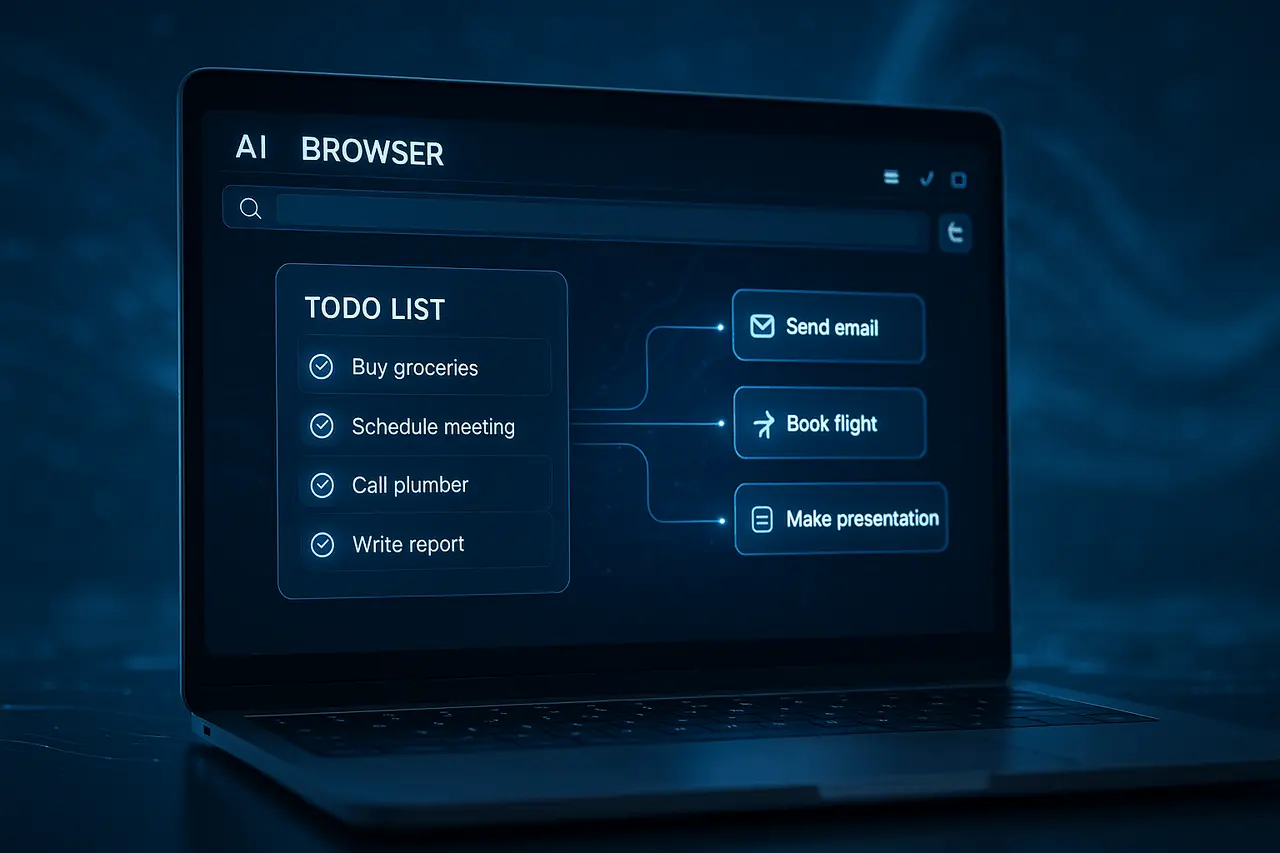
The launch of Comet, an AI-powered web browser from Perplexity AI, marks a significant shift in how we browse the internet. It’s not just a web-browsing tool; Comet is being developed to become a full-fledged productivity tool. Recent signals suggest we could soon see a specialised To-Dos or task management feature. If properly implemented, it will allow users to handle and complete tasks in their browsers, blurring the distinction between the two tools for productivity.
This article focuses on the Perplexity Comet to-do feature, potential implications of a feature that can be used to accomplish tasks in Comet, what it might bring to the table using Comet’s current capabilities, and what you should look for in terms of design, adoption, and user experience.
What exactly is Comet, and why is “to-do support” important?
Comet isn’t a standard browser. It was launched on Windows and macOS in July 2025, and on Android by the end of November. It’s based on Chromium but fully linked to the Perplexity AI engine. Its main goal is to provide users with an embedded browser assistant that can analyse, summarise, and research webpages, complete forms, compose email messages, and more, without requiring any additional apps.
As it stands, Comet already automates many “micro-tasks,” such as summarising articles, assisting with email composition, and comparing products and locating details. It’s the perfect tool for more complex “workflow” tasks, such as managing and scheduling tasks, storing and retrieving work later, or automating multiple-step web-based tasks (like scheduling tickets, placing item orders, or filling out forms).
The introduction of explicit task support can shift Comet from an intelligent browser to an integrated browser and productivity manager that streamlines workflows that require multiple tools (browser, notes app, and Task manager).
The Comet already provides the following: The Foundations for To-Do Automation.
Before you look into the potential to-do function, it’s worth examining Comet’s current strengths, including the foundations for automating tasks.
AI-powered browsing powered by context
The integrated assistant in Comet allows users to make inquiries directly on websites, compare data across tabs, and request summaries or insights without switching contexts.
This AI-native design paves the way for deeper user interaction. Instead of simply consuming content, users can initiate the actions (e.g., “Find the most affordable flight for myself”, “Collect research sources on X subject”, ” Summarise your experience on the page to save it for future reference”).
Automation and Workflow support
With its current build, Comet supports automation-like task forms, such as form filling, navigating the shopping flow, and performing basic page-level user actions. Because these actions are already present in the system, adding a task/to-do system could be based on the existing automation technology.
Extension compatibility and a familiar interface
Since Comet is built on Chromium and compatible with the extensions of existing browsers as well as regular user flows (bookmarks, tabs, extensions), it reduces the hassle of users switching to standard browsers.
It implies that a task feature can be integrated into an existing workflow with no learning curve for those who are already familiar with Chrome-like browsers.
The vision of an “AI-native workplace for productive work”
Perplexity defines Comet as the search engine that “works to your benefit”. It allows you to do everything from basic searches to complex workflows, such as managing shopping, email, finances, and travel planning, using the assistant.
The vision of this tool is similar to that of many productivity tools: to create a tool that allows users to search, analyse, automate, and manage tasks. A To-do feature can define one of the primary workflows that users can already simulate manually in Comet.
What a To-Do Support Could Enable (and Why It Matters)?
If Comet provides the appropriate to-do/task support and support for tasks, here’s what the users will get, and how this could be the major game-changer.
Single view for Browsing + Planning + Action
Instead of switching from browser notes app, browser task manager, calendar and shopping sites, as well as mail, a list of things to do in Comet can let you:
- Capture thoughts or tasks immediately while you browse (e.g., “Reread this article later,”” Buy this laptop when the prices drop,” “Compile information sources”)
- Add the context of tasks (e.g. keep the URL of a webpage, relevant excerpts metadata)
- Trigger automation: reminders, follow-up browsing, form filling, email generation, bookings, etc.
This consolidated view can help reduce interruptions, cognitive burden, and the hassle of app-hopping.
Intelligent automation and follow-through
Because Comet’s AI already navigates, interacts, and fills out forms, task assistance could trigger tasks that require multiple steps. For instance: “Remind me tomorrow to look at flights and choose the most affordable one” or “Track the price of this item and let me know if it goes down.”
This goes beyond active task-tracking (like notes in a to-do list) and into task-based execution. Transforming the browser’s function from use to the act of.
Context-aware workflows for research and productivity
For researchers, students, and professionals, a to-do list feature can be a helpful tool. Examples:
- Find and save search sources in tabs, note them, and then mark them for later reference.
- Manage workflows for creating content. Note down references, gather important points, schedule writing assignments, automate citation collection, and send draft emails.
- Track tasks that are tied to web activities (e.g. keep track of deadlines, deliverables and other items, shopping schedules, travel reservations).
Making productivity more accessible with minimal setup
Since Comet is free and familiar (Chromium-based), Users who are not experts can benefit from productivity without the need for expensive project management tools. The integrated to-do system might appeal particularly to those who prefer efficiency with minimal effort, without the need to install and synchronise multiple applications.
Challenges & Considerations: What to Watch For?
Although the idea sounds promising, there are several issues and trade-offs to weigh.
Security and privacy implications
An AI-powered browser that automates potentially dangerous actions (such as filling forms or navigating) can pose a risk. According to the documentation, Comet identified security issues (a vulnerability known as “CometJacking”) that could be exploited to steal users’ information.
If the to-do feature allows Comet to store tasks related to personal information (logins, credit card information, emails, and other information), Security and data handling will become vital.
Task memory, persistence, and reliability
Comet’s current memory and automated features have limitations (form filling is possible, but maintaining context across sessions may not be reliable).
To provide reliable task-listing software, Comet would need durable storage, device synchronisation, user-friendly privacy settings, and an efficient automation system that can address all technical challenges.
The possibility of over-automation and loss of control for the user
Automating tasks, particularly on forms-heavy or e-commerce sites, can pose a risk if users don’t understand the task being automated. Notifying users, offering oversight, and requiring their explicit consent for the functions are essential to prevent misuse or unintentional actions.
Expectations of users and competition
While support for to-do lists can help make Comet strong, users also expect powerful features from task management software (tags, deadlines, reminders, Integrations, collaboration, and sync over devices). Comet will need to meet user expectations or risk being viewed as a novelty rather than an accurate productivity tool.
Furthermore, the broader browser ecosystem competition (traditional browsers with AI add-ons and extensions, standalone to-do applications, and work applications powered by AI) may be hesitant to be replaced.
What We Know (as of December 2025) and What’s Just a Hypothesis?
- Comet is a Chromium-based, AI-powered browser launched at the end of July 2025 (desktop) and in November 2025 (Android).
- The integrated AI assistant already performs summarisation, contextual searches, and automation (forms and electronic commerce flows), as well as cross-tab operations.
- Perplexity uses Comet as a “thinking partner” for research, decision-making, and workflow execution.
- There are documented privacy and security concerns associated with AI browsers generally, and especially with Comet specifically, because of their ability to respond to user input (raising the possibility of unintentional actions or malicious exploitation).
What we don’t know (publicly) is a complete, formal to-do or task list system built within Comet; i.e., the user interface allows users to create, track, edit, and finish tasks. There is a note on “ToDos help” in the early developer notes, indicating it is in the works; however, there’s currently no confirmation of a release.
While the idea of to-do support remains a guess, the structure and features in Comet make it a feasible and significant step.
Why To-Do Support Would Be a Strategic Move?
The introduction of a complete to-do list into Comet will align with broader developments in productivity and personal computers.
- Tools are Consolidated: More users favour integrated apps over scattered ones. Context switches are less frequent, which increases productivity.
- Rising of AI-Augmented Workflows: As AI gets more innovative and efficient, the automation of repetitive work, scheduling, and research becomes increasingly important.
- Accessibility and Democratisation: A free, AI-powered web browser with integrated productivity reduces barriers to entry for freelancers, students, and small-scale businesses.
- Enterprise Appeal: For knowledge workers or businesses that use a combination of browsing and research, along with task management, can reduce dependence on third-party or enterprise-grade project management tools.
If executed correctly, Comet could redefine what a web browser is and transform it from a passive browser into an active workspace.
Perplexity Comet to-do feature: What to Look For (If You Use Comet)?
If you are trying Comet and you want to prepare for the possibility of assistance:
- Keep an eye out for any announcements or updates from Perplexity AI; they may include to-do lists and reminders, or even task-automation capabilities, soon.
- Secure any sensitive data, as automation could interact with forms and websites, ensuring that payment or personal information is handled with care.
- Utilise Comet’s privacy settings to control which data about your browsing is stored locally. Externally shared.
- Consider early features for to-do lists as a test, and avoid automating crucial processes (like payment processing) as the software matures and reliability improves.
Final Thoughts
A dedicated task management system in Comet could be a significant advancement in the development of AI-powered web browsers. By combining task capture, context-aware assistance, and multi-step automated tasks, Comet could become an integrated workspace that supports everything from simple analysis to complex, repetitive workflows. However, for this possibility to be fully realised, Perplexity must address the significant issues of security, privacy, and user control.
If implemented with care, task support can transform Comet from an effective AI browser into a multifaceted, action-oriented productivity tool. Users would benefit from this because it could mean fewer app switches, more efficient task execution, and a user experience that not only informs but also performs. As AI-driven applications continue to evolve, Comet’s method could indicate the direction of the next generation of computing in everyday life.
Frequently Asked Questions
1. What is the main difference between a Comet and a conventional browser?
Contrary to traditional browsers that display web pages, Comet embeds an AI assistant that can research and summarise information, fill out forms, navigate pages, and even take on tasks. It combines browsing and automation with built-in intelligence.
2. Can Comet already automate tasks like emailing or booking appointments?
Yes, Comet’s AI can handle tasks such as filling out forms, navigating shopping channels, summarising content, and even assisting with email responses based on user input. However, it might not yet provide full task-tracking or scheduling capabilities.
3. Can a to-do feature save my data outside of the system?
Comet currently stores browsing information locally and allows users to control what information is shared with the outside world. If support for to-do is added, you will see explicit privacy settings that control the storage and sharing.
4. Are you sure that Comet is safe enough to be used to perform sensitive tasks?
There are security issues that have been flagged (for instance, a possibility of “browser hijacking” or unintentional automation). This means that any payment system, sensitive automation, login credentials, and so on should be utilised with care.
5. What devices can I run Comet on?
At present, Comet supports Windows, macOS, and Android. iOS support is not yet officially confirmed.
6. Is there a cost associated with using Comet?
Comet is free for all users. Premium tiers offer enhanced AI response times and more advanced features; however, the basic functions of the browser and assistant are accessible for free.

