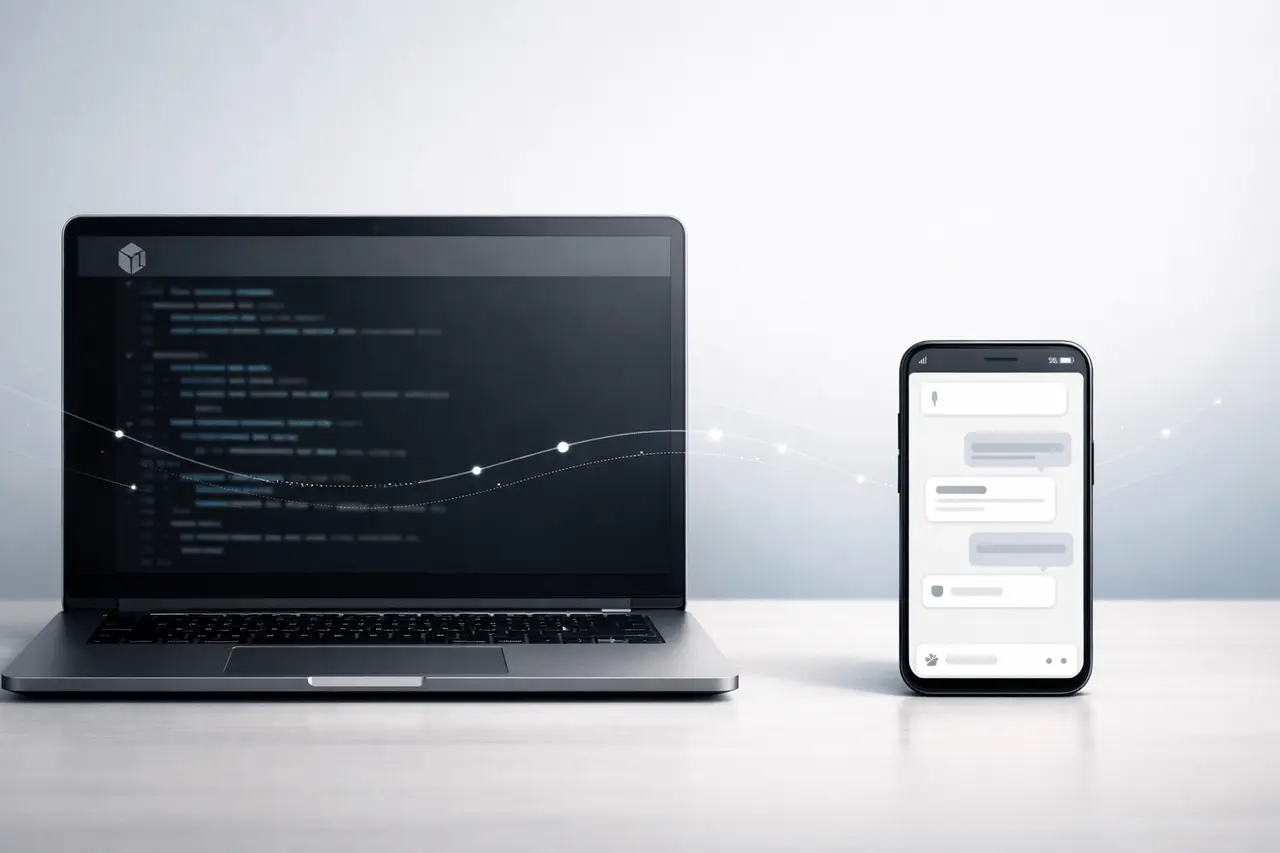
Claude Code Remote Control is an innovative feature of Anthropic’s Claude Code that lets you start a coding session driven by AI on your terminal and continue it on another device, such as a tablet, phone, or even your browser, without disrupting your work. This feature lets developers take over work from anywhere and keep the running process going as they switch contexts.
As part of the Anthropic ecosystem, Remote Control is initially available as a research preview for Max-tier users, with support rolling out to Pro and other users in the near future.
Why is Remote Control Important to Modern Development?
Developers are often the first to start complex programming tasks, such as creating features, running test suites, or writing code, on a laptop. Before Remote Control, stopping work and walking away could mean pausing work or losing the context.
Remote Control alters this by making it possible to:
- Device-Agnostic Continuation: It lets you switch between mobile and terminal browser, without losing.
- Continuous Session Persistence: Seamless session persistence Claude Code continues running on your local machine, even if you’re in the middle of a move.
- Increased Flexibility: Code from cafes, meetings, or commutes without being connected to a single device.
This is particularly useful when you have tasks that require a lot of time, like large refactors and automated builds, or test runs, which allow developers to remain productive even after they leave the computer.
How Remote Control Works?
Claude Code is an AI coder that runs inside your terminal. It communicates with Anthropic’s Claude models to carry out sophisticated programming tasks. Remote Control builds on that by streaming the session’s interface onto other devices.
Core Concepts
- Local Execution: Everything runs on your computer. Sessions run on the local filesystem and tools, meaning that there is no need to transfer code into a cloud environment just because you’re able to access the cloud from a remote location.
- Cross-Device Access: You can connect to the session via:
- The Claude mobile application (iOS/Android)
- A web browser at claude.ai/code
- Tablets or a secondary laptop
- Session continuity is the term used to describe how conversations and the context remain across different interfaces.
- Automatic Reconnect: If the network connection is lost, most implementations attempt to reconnect and restart the session automatically.
- CLI Support: A specific CLI Command (claude remote-control) activates Remote Control mode, which allows the incoming connection.
Remote Control vs Web Workflow
Claude Code offers both local and cloud-connected options for working.
| Feature | Remote Control | Cloud/Claude Code on Web |
|---|---|---|
| Runs on local machine | Yes | No (runs in virtual cloud environment) |
| Access from mobile/browser | Yes | Yes |
| Uses your filesystem & local tools | Yes | No |
| Ideal for long local tasks | Yes | Optional |
| Cloud resource provisioning | No | Yes |
| Requires network for remote access | Yes | Yes |
Remote Control focuses on local tasks and task continuity via remote access, while Claude Code on the Web executes tasks in an anthropic-managed environment.
Benefits of Using a Remote Control
You gain multiple practical advantages:
Improved Productivity
Make a long compile/test or code refactoring, and then leave it running as you switch devices, so you’re not done.
Familiar Environment
To ensure that your local environment is protected, use your own toolchains’ environmental variables, dependency settings, and terminal configurations.
Unified Workflow Across Devices
Remote access via an app or browser means you don’t need external SSH tools or customised tunnels to manage your session.
More focus and flexibility
It is possible to switch from code at work to a lighter task-based monitoring using your phone at the same time.
Limitations & Considerations
Although it has its advantages, Remote Control comes with some important caveats:
- Preview-Stage Access: Initially restricted to higher subscription tiers (such as the Max).
- Network Dependence: Sessions need a steady connection. In the event of a prolonged interruption, it could disrupt the continuity.
- Single Session Focus: Some implementations focus on a single session. can only allow one live Remote Control session at a time.
- Security Awareness: Sharing local connections on networks, particularly public ones, requires careful handling of access rights and credentials.
Planning around this helps teams use Remote Control safely and effectively.
Real-World Use Cases
1. Long – Term Running Processes
Builds and data migrations, or automated code that might take a long time to complete, could be performed on a laptop and monitored remotely.
2. On-the-go Monitoring
Track ongoing automated tests and continuous integration tests during your commute through your mobile app.
3. Remote Troubleshooting
Begin to complete a remote debugging job without losing the session context.
4. Distributed Development
Teamwork with teams when the primary machine is capable (e.g., a remote server or desktop), but the collaborators require access to various devices.
My Final Thoughts
Claude Code Remote Control adds an adaptable, platform-independent option for running AI-assisted programming across different platforms while keeping sessions running locally. By dissociating the execution of the work from the interface, developers can move their work without sacrificing local context or tools.
This feature confirms Anthropic’s concept of Claude Code as not just an AI for command-line use, but also a programmable, agentic developer companion accessible in any browser, terminal, or mobile application.
When you’re working on long-running tasks, debugging code, or just switching to your mobile during sessions, Remote Control empowers developers to stay active wherever they are.
Frequently Asked Questions (SEO-Optimised)
1. What devices can support Claude Code Remote Control?
Remote Control access is available via web browsers and the official Claude mobile applications (iOS/Android), which allow you to join local sessions started on laptops or desktops.
2. Will my application run in the cloud while making use of Remote Control?
No. Your sessions and code run on your machine. Remote Control only streams the interface to a second device.
3. Do I require additional software to be able to be able to use Remote Control?
You can use the integrated commands (Claude remote-control) within Claude Code, and access them through the browser or app. No third-party tunnelling is needed.
4. Can I switch between devices mid-session?
Yes. Remote Control lets you pick the same session across multiple devices without restarting.
5. Is Remote Control available to all Claude Code users?
It is initially an experimental test for Max users and will be made available to all subscribers later.
Also Read –
Claude Code Git Worktree Support for Parallel Agents