

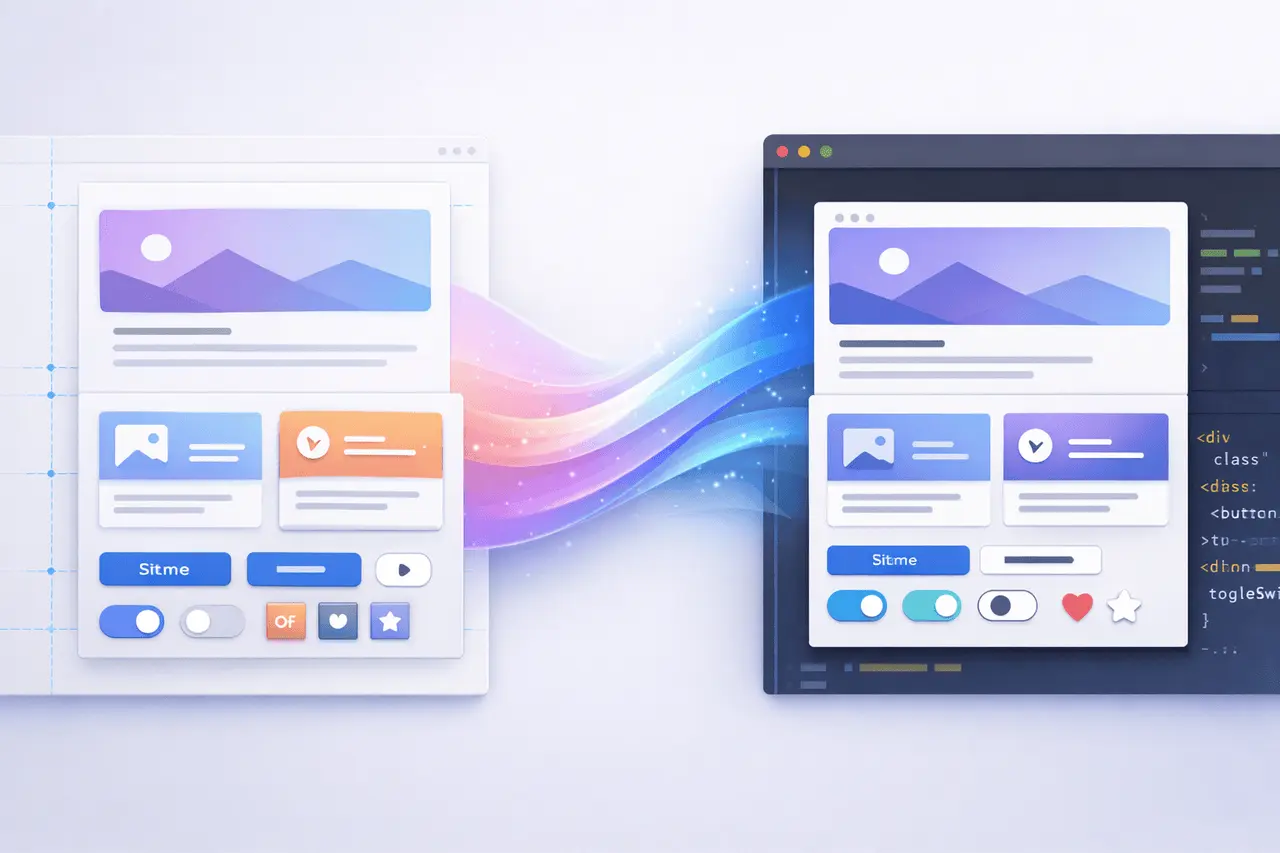
The design-to-development handoff has long been one of the most fragile points in product development. Figma Connect introduces a streamlined way to transform Figma designs into code while preserving every pixel, asset, and interaction detail. Created for engineers and designers of the future, it removes common friction points such as plugins, complex middleware, and shaky high-fidelity design.
Through the direct copy-and-paste workflow in MagicPath, Figma Connect aims to bridge the gap between visual design and interactive prototypes without compromising quality, speed, or fidelity.
What Is Figma Connect?
Figma Connect offers a design-to-code workflow that lets teams convert Figma designs into code-backed, interactive prototypes.
Instead of using plugins or complicated integrations, designers can copy design concepts directly in Figma and paste them into MagicPath, which transforms them into functional prototypes with the design’s quality completely intact.
This model focuses on efficiency, precision, and dependability, which are essential for teams creating production-quality interfaces.
Why Figma Connect Matters?
Traditional handoff processes can lead to errors, rework and confusion between development and design teams. Figma Connect addresses these issues by eliminating unnecessary layers from the workflow.
The main reasons why it is important are:
- Removes the need for third-party plugins
- Does not require complex middleware, as well as the “MCP” kind of integration cost
- preserves exact structural and visual details, as well as the image’s structure.
- speeds up the creation of prototypes and iteration
For teams focused on speed and quality, this is an important advancement in turning designs into functional software objects.
How Figma Connect Works?
At its heart, Figma Connect simplifies the journey from designing to interactions.
High-Level Workflow
- Create or finalise designs in Figma
- Design templates straight from the Figma canvas
- Paste into MagicPath
- Instantly create interactive prototypes
There are no configuration steps, there is no plugin installation, and no export pipelines are needed.
Pixel-Perfect Fidelity by Design
One of the most important promises for Figma Connect is full design preservation.
It includes
- The exact layout and spacing
- Text styles and typography
- Effects of colours, gradients and effects
- Images, icons and many other assets
Every pixel, every detail, and every asset stays the same throughout the transition from prototype to design, ensuring that what you design is precisely what you review and test.
No Plugins, No Middleware, No Complexity
Many design-to-code applications rely on plugins or layers of integrations that may be damaged or lose integrity, requiring regular maintenance.
Figma Connect does not do this at all:
- No plugin installation
- No dependency management
- No configuration overhead
- There are no compatibility problems with updates
It helps to make the workflow more reliable and stable for long-term projects.
Figma Connect vs Traditional Design-to-Code Approaches
| Aspect | Traditional Workflow | Figma Connect |
|---|---|---|
| Setup | Plugins and tools required | No setup |
| Fidelity | Often approximate | Pixel-perfect |
| Assets | Manual export needed | Automatically preserved |
| Iteration speed | Slow, error-prone | Fast and direct |
| Maintenance | Ongoing plugin updates | Minimal |
This comparison demonstrates how Figma Connect can simplify the typically splintered process.
Key Benefits for Teams
Figma Connect is a valuable tool in multiple capacities within Product teams.
For Designers
- Maintain creative control
- Avoid design degradation
- Reduce handoff documentation
For Developers
- Create accurate, well-structured prototypes
- Reduce interpretation errors
- Accelerate implementation planning
For Product Teams
- Faster iteration cycles
- More reliable design reviews
- Better collaboration across disciplines
Practical Use Cases
| Use Case | How Figma Connect Helps |
|---|---|
| Interactive prototyping | Quickly validate flows and interactions |
| Design reviews | Share accurate, clickable prototypes |
| Stakeholder demos | Present realistic product behavior |
| Pre-development alignment | Reduce rework before engineering starts |
These examples show how Figma Connect integrates seamlessly into other companies’ workflows.
Limitations and Considerations
Although Figma Connect can simplify a lot of the design-to-code workflow, it is important to consider:
- It is focused on interactive prototypes, not full-scale deployment
- Backend and engineering logic are distinct steps
- Teams must agree on how prototypes can be translated into codebases that will be finalised
Knowing these limits helps to set the right expectations and increase the value.
Figma Connect in the Broader Design-to-Code Ecosystem
Figma Connect complements, rather than replaces, more general development workflows. It works alongside other tools, such as design systems, component libraries, and front-end frameworks.
Reducing friction earlier in the process lets teams focus more on performance, architecture, and user experience rather than the translation task.
It makes it an ideal bridge between design and technical execution.
My Final Thoughts
Figma Connect represents a meaningful change in how teams move between design and interaction. By eliminating plugins, simplifying complex integrations, and preserving each design element, it provides a more efficient and secure workflow for modern product teams.
As design systems become more sophisticated and collaboration becomes increasingly multi-functional, tools like Figma Connect help ensure that creative intentions endure the transition from the canvas to the code and set the stage for more efficient, higher-quality digital experiences created with confidence and clarity.
Related areas to explore include modern design systems, interactive prototyping tools, and emerging design-to-development workflows.
FAQs
1. What exactly is Figma Connect employed to serve?
Figma Connect can transform Figma ideas into interactive models by simply copying them into MagicPath, preserving full design quality.
2. Does Figma Connect require plugins?
No. Figma Connect works without plugins or extensions, nor any additional configuration procedures.
3. Are design assets saved through the use of Figma Connect?
Yes. Every pixel and even the visual details of the original design are saved throughout the conversion process.
4. Is Figma Connect suitable for production code?
Figma Connect focuses on generating interactive prototypes. The engineering process at the production level requires developers and integration.
5. Who is the most benefited by Figma Connect?
Front-end developers, designers, and product teams benefit from faster iteration times, more precise alignment, and reduced hands-off friction.
Also Read –
Cursor 2.4 Update: Faster AI with Subagents

