

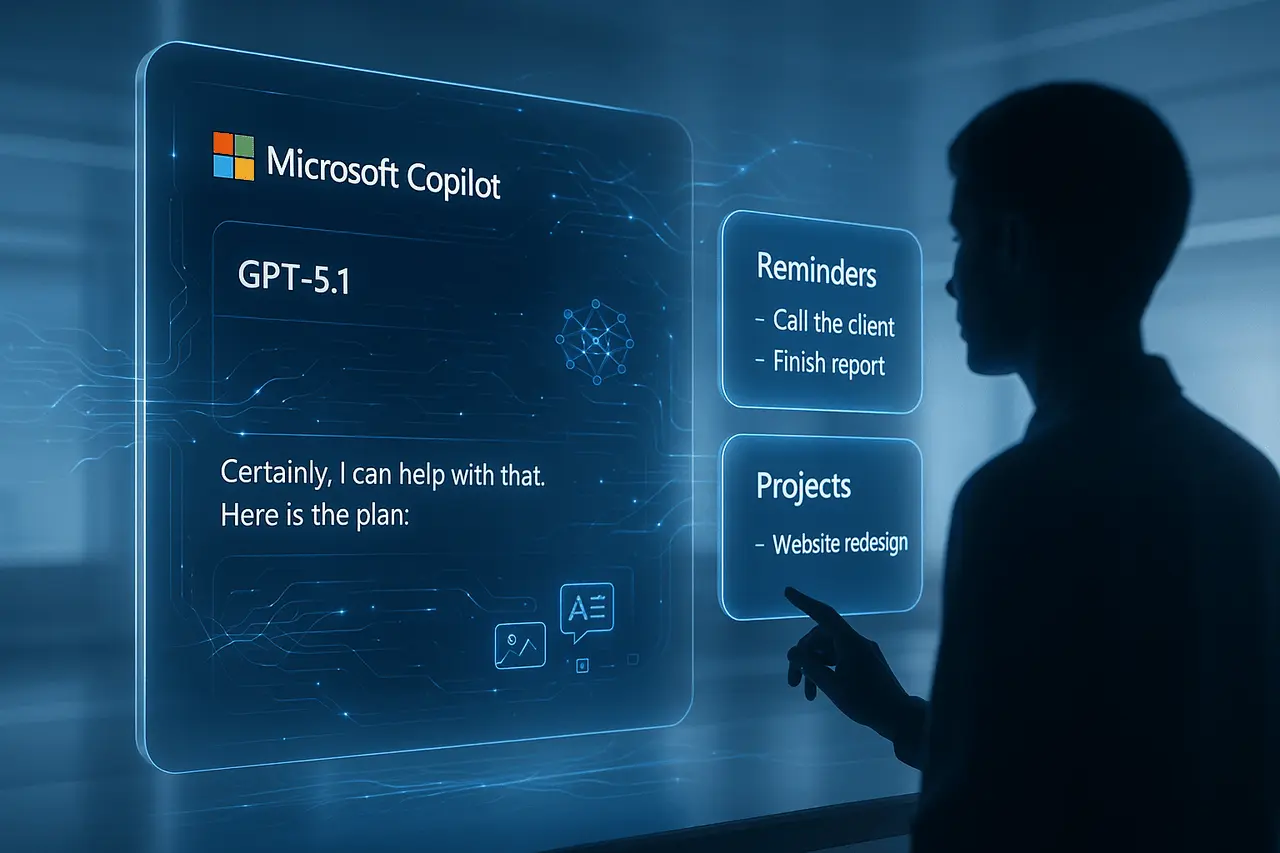
Microsoft is expanding Copilot’s capabilities with the integration of GPT-5.1 and new productivity-focused features such as Reminders and Projects. This shift marks a significant evolution of Copilot from a conversational AI into a more structured, task-aware assistant that supports planning, organisation, and daily workflow management. GPT-5.1 delivers improved reasoning, faster response patterns, and adaptive handling of complex queries, making Copilot more capable in both casual and professional contexts.
Alongside these model upgrades, Microsoft’s move toward built-in task management underscores a growing industry recognition that AI tools must not only answer questions but also help users stay organised and productive. As these features continue to roll out, they represent a meaningful step toward transforming Copilot into a central hub for intelligent work management.
Key Takeaways
1. GPT-5.1 Copilot introduces significant improvements in speed, reasoning, and flexibility.
2. A new set of reminders, along with project features, transforms Copilot into a productive workspace.
3. Users can organise chats, tasks and plan workflows right within Copilot.
4. The rollout process is underway, and features are gradually becoming available across platforms.
5. Copilot is growing from a basic AI assistant into a central hub for productivity, helping you with your everyday tasks.
What’s New: GPT-5.1 and Productivity Features?
Recently, Microsoft Copilot began rolling out support for GPT-5.1, the latest iteration of the GPT series from OpenAI. Officially launched on November 12, 2025, GPT-5.1 immediately replaced GPT-5 in many products, including Copilot.
But this update isn’t just about a new underlying model. Alongside GPT-5.1, Copilot is gaining features that push it beyond a reactive assistant — notably a new Reminders menu and support for Projects (for organising chat history and work).
In effect, Copilot is shifting toward becoming a full-fledged productivity companion, capable of both intelligent conversation and structured task management.
Why GPT-5.1 Matters?
Improved reasoning, adaptability, and speed
GPT-5.1 brings two main model variants: Instant and Thinking. The instant version handles rapid replies, while Thinking is reserved for more complex reasoning. This dual mode allows Copilot to adapt dynamically to your needs, whether you want a quick answer or a deep analysis.
Compared to GPT-5, GPT-5.1 is designed to feel “warmer,” with enhancements such as customizable personality options and responsiveness to subtle user needs.
This means smarter, more natural interactions with Copilot, especially when juggling complex workflows, extensive documents, codebases, or multi-step planning, all with minimal latency overhead.
Unified AI experience across tools
Copilot’s use of GPT-5.1 spans multiple contexts, from consumer-level chat to business-grade productivity tools. For example, whether you’re using it in a free Copilot setup on Windows or via a paid subscription in enterprise contexts, GPT-5.1 is now the default.
Because of this, there’s no need for manual model selection: Copilot internally routes each request to the appropriate GPT-5.1 variant (Instant or Thinking), depending on complexity.
As a result, users, whether casual or professional, benefit from better conversational quality, deeper reasoning, improved coding assistance, and enhanced support for long-form content.
Reminders and Projects: Copilot as a Task Manager
One of the most significant shifts is the introduction of a Reminders feature inside Copilot. This lets users create, view, and manage reminders directly through the assistant interface, effectively combining chat, note-taking, and scheduling in one place.
In addition, Projects is reportedly being added to help manage and categorise different conversation threads or workflows. This allows users to organise their tasks, research, or creative sessions neatly, an organisational layer missing from many other AI assistants.
By integrating reminders and project-level organisation, Copilot positions itself as a hybrid between a productivity app, a planner, and an AI assistant. For many users who already rely on Copilot for writing, coding, summarising, or brainstorming, task management becomes a logical next step.
What This Means for Users: Pros and Trade-offs?
Benefits
- Streamlined Workflow: Instead of juggling separate tools for chat, notes, tasks, and reminders, you can now handle much of it directly within Copilot.
- Seamless AI-powered Productivity: With GPT-5.1’s reasoning power, even organised tasks like drafting documents, summarising meetings, translating content, or generating code can benefit from an assistant that “understands” the context.
- Fewer context Switches: Since reminders and project organisation live within Copilot, you avoid switching between different apps, which saves time and reduces friction.
- Free access for Many Users: The rollout suggests that GPT-5.1 is available in Copilot on Windows, even for users without a paid subscription, making these upgrades widely accessible.
Considerations and limitations
- Gradual rollout and Availability: Because GPT-5.1’s deployment is server-side, not all users may get the new experience immediately. It may take time before Reminders or Projects appear in your version of Copilot.
- Unclear long-term Roadmap: As of now, “Projects” seems to be in a developmental or early phase, according to reporting. Its possible features may be tweaked, delayed, or expanded further before full launch.
- Feature Availability may vary by Region or License: Some advanced Copilot features (e.g., enterprise-level automation, connectors, integrations) have different availability based on subscription and licensing, so features seen in specific markets may not appear everywhere immediately
Why This Matters: Filling a Gap in AI Productivity Tools?
Historically, many AI chat assistants have focused on reactive tasks: answering questions, generating text, summarising, and providing coding suggestions. But very few have attempted to combine those capabilities with built-in task or time management, a feature more commonly reserved for standalone apps (to-do lists, calendar apps, planners).
The new Reminders and Projects functionality inside Copilot addresses a significant unmet need: integrating generative AI with personal productivity workflows. This integration can boost retention and user engagement, because managing tasks and projects is often daily, and doing it efficiently with AI can make Copilot more central to users’ habits.
In effect, the upgrade is a strategic shift: Copilot is no longer asking it anything; it’s becoming “organise and get things done,” which is arguably more valuable for long-term productivity.
GPT-5.1 Copilot: What to Watch Next
- Rollout to more Platforms: For now, GPT-5.1 rollout has been confirmed on Windows; broader web, mobile, and non-Windows environments may follow.
- Expansion of Projects and Reminders: As project development continues, features such as project-level notes, task dependencies, and reminders tied to calendar events or deadlines may emerge.
- Integration with Workflow Tools: Given Copilot’s integration with Microsoft 365 apps (Word, Excel, PowerPoint, Outlook, etc.), there’s potential for these new features to tie into documents, meetings, or calendar, creating a unified digital workspace.
- Broader Context-Aware AI Features: With GPT-5.1’s improved reasoning and multimodal support, expect better performance on tasks like summarising large documents, handling long codebases, supporting creative workflows (e.g., editing, research), or even generating content across media types.
Final Thoughts
The introduction of GPT-5.1 Reminders and Projects establishes GPT-5.1 Copilot as more than an AI assistant. It’s also evolving to become a backbone of productivity for daily use. By blending natural language intelligence with structured task and project management, GPT-5.1 Copilot reduces friction, minimises context switching, and helps users focus on results rather than tools.
Although the rollout is underway and certain features are still in development, the direction is evident: GPT-5.1 Copilot is becoming a space where tasks, conversations, planning, and execution all come together. For those who want to experience a more advanced, practical digital experience, these advances signal a significant shift towards AI-driven, intuitive, powerful work management. It is also seamlessly integrated into daily workflows.
Frequently Asked Questions
1. When did GPT-5.1 become available in Copilot?
GPT-5.1 was officially released on November 12, 2025, and its rollout into Copilot began soon after. Some users started seeing it on Windows devices via a server-side update.
2. Do I need a paid subscription to use GPT-5.1 in Copilot?
No. The rollout includes free Copilot for Windows users and paid subscribers, meaning many users get access without additional cost, though paid plans may offer fewer usage limits.
3. What exactly can the new “Reminders” feature do?
The Reminders menu lets users create, view, and manage reminders directly in Copilot, combining note-taking, scheduling, and prompt-based task management. It’s designed to help you organise tasks without needing a separate planner or to-do app.
4. What is “Projects” in Copilot — and how does it help?
Projects is a feature under development that lets users categorise and manage their chat history and workflows. Rather than scattered chats, you can collect related content under a project, making Copilot more structured and easier to navigate for ongoing tasks.
5. Will these features work across devices (web, mobile, Windows)?
As of now, the GPT-5.1 rollout is confirmed for Windows; web and mobile support is likely to follow, but availability may vary by region and update schedule.
6. Does this mean Copilot can replace other productivity apps?
For many users, yes, especially for note-taking, reminders, task scheduling, coding help, writing, summarisation, and basic project tracking. However, advanced features like calendar sync, complex project management, or enterprise-grade task automation may still require dedicated tools or integrations.

