

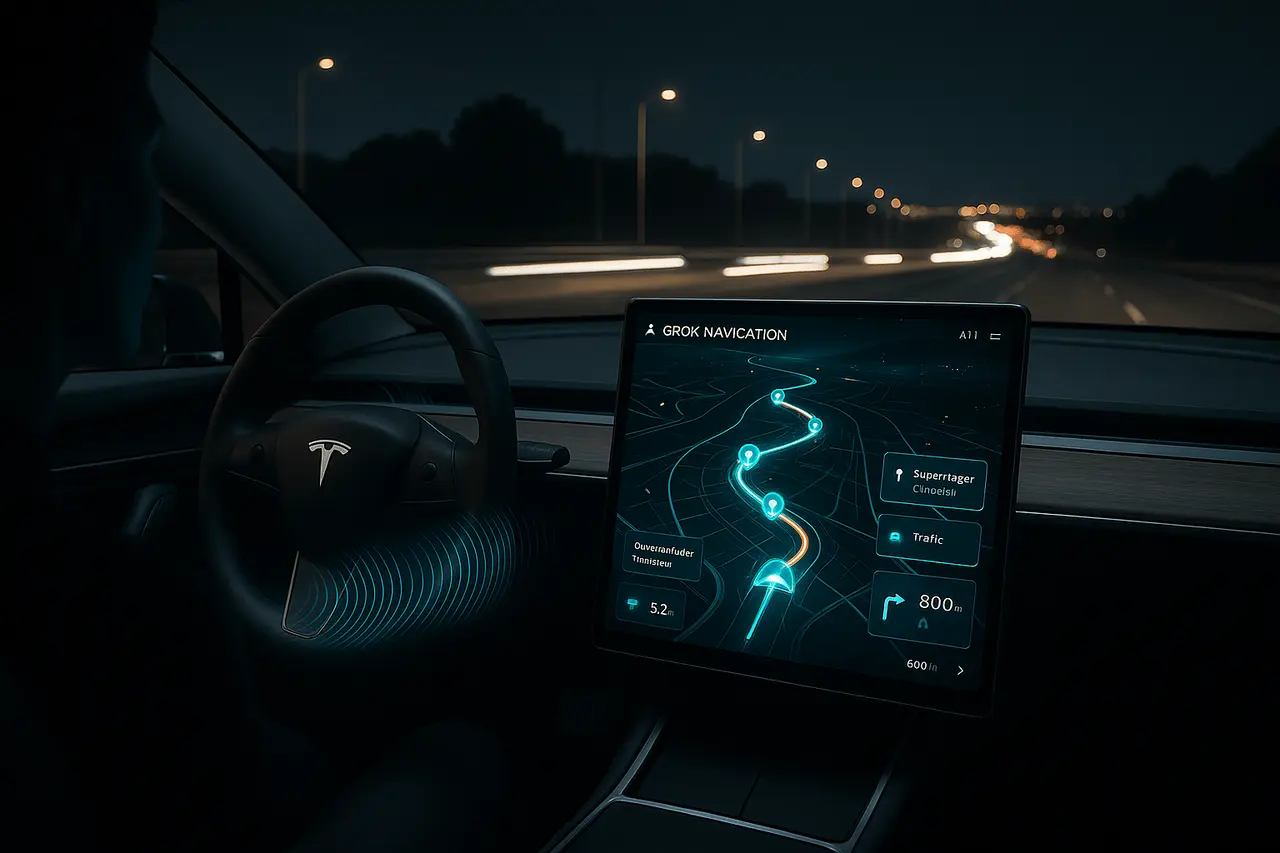
Tesla’s holiday software update pushes the automaker further toward tightly integrated AI in cars; Grok, the conversational Assistant created by Musk’s xAI, can now manage navigation. It was announced in the 2025 Holiday Update (released December 2025). The update elevates voice commands from basic single-destination commands to more realistic travel planning. You can create multi-stop routes, alter plans while driving, and let Grok handle the logic of your route.
In this article, I have explained the functions that Tesla Grok Navigation provides, the other features added in the update, who can use them, and what this means for safety and usability.
What can Grok navigation do today?
The most important feature is that Grok can add and modify navigation locations through natural language. Instead of manually entering addresses on the touchscreen or speaking only one area at a time, drivers can say to Grok, Take me to the airport, then stop for coffee at a nearby cafe, and finish at 123 Main Street, and Grok will create that multi-stop route. The company suggests setting Grok’s personal style to Assistant for navigational commands. This mode is specifically designed for convenience and hands-free trip planning.
Key capabilities introduced:
- Multiple-Stop Route Based on a single Directive: Make a compound request and Grok the program to route.
- On-the-fly Editing: Can include, remove, or reorder stops in the trip without having to tap your screen.
- Language-Based Confirmations: Grok documents plans in a way that drivers can verify modifications verbally.
- Context Awareness: Grok will suggest nearby places of interest, and even suggest charging stops if they are relevant (where Supercharger information can be found).
The features are currently being made available as a beta, which means Tesla plans to improve their behaviour and ensure reliability in future updates and Telemetry.
Similar features are available in the Holiday Update.
The navigation feature is just one of the many improvements that are designed to ease the driving experience:
- Site maps for 3D Superchargers: Supercharger sites now include 3D site maps showing the layout of stalls and, in the pilot zones, real-time stall availability. This allows drivers to plan which stalls to use and which chargers are in use.
- Dog Mode Live Activity: When Dog Mode is active, regular cabin snapshots and status updates will appear on the pet’s iPhone lock screen. This means you can keep an eye on your pet’s activity from a distance.
- Dashcam Overlay with Telemetry: Dashcam footage can display telemetry overlays (speed, steering inputs, etc.) that are useful for reviewing and gathering evidence after incidents.
- Small Security and Convenience Enhancements: Phone left-behind chimes to activate phone keypads on chargers with wireless, brand-new focus icons for Autosteer, and more customisation options for car apps.
Some vehicles may not have all the functions right away; availability often depends on the capabilities of the hardware and subscription services.
Who is eligible for Tesla Grok Navigation? (hardware and region-specific limits)
Tesla’s on-car AI features usually require the proper on-board computation in addition to active connectivity. Like the previous Grok launch, eligibility is restricted by:
- The Generation of Vehicle Hardware: Higher-performance computing modules (found in many newer and mid-2021 vehicles) are often required to support the most advanced AI capabilities.
- Premium Connectivity and Similar Services: The following cloud-assisted services work best with a subscription that provides live data and internet access.
- Regional Rolling Out: Tesla markets releases and can limit certain functions in accordance with local regulatory or mapping demands.
If you aren’t seeing Grok navigation in the moment, you should look up Tesla’s release notes for your car’s software or the in-car Software menu for eligibility and rollout times.
Tesla Grok Navigation: UX and the safety implications
Voice-driven multi-stop routing solves the persistent UX problem; having to interact with a touchscreen while driving is unsettling. By shifting route programming to natural voice, Tesla aims to minimise hand-to-hand interaction and reduce eye-off-road time. If the voice assistant consistently interprets complex instructions and manages routing optimisation (including charging and traffic issues), the benefit is considerable.
There are some important cautions to be aware of:
- Reliability of Beta Versions: The earliest voice systems may misspell addresses or POIs; therefore, drivers must verify their locations audibly and utilise confirmations.
- Hands-on and Regulatory Specifications: Semi-autonomous and autonomous driving rules vary by jurisdiction. Voice navigation doesn’t alter the legal obligation to keep your hands on the wheel or your eyes on the road when required.
- Behavior of Fallback: If connectivity or computing capacity is insufficient, Tesla retains traditional voice commands and manual routing techniques to fallback.
What is the reason Tesla will bet on the integration of AI?
Tesla’s approach with Grok has been vertical integration. Employing an AI assistant developed within the same company ecosystem enables tighter integration among the vehicle’s functions, including charging infrastructure, vehicle telemetry, and user accounts. This integration could lead to a smoother user experience. Grok can track your vehicle’s state, suggest nearby Superchargers using live stall information, and communicate with in-car applications in ways a third-party chatbot could not without deep APIs.
This is in contrast to the voice assistants built into bolt-ons, which are generally limited in their ability to connect to the vehicle’s internal functions. Integrated models can be customised to the specific requirements of the automotive industry (safety filters, precise confirmation, and local regulations) and adapted using direct vehicle telemetry to boost model performance.
Tesla Grok Navigation: What’s next to watch?
- Reliability and Accuracy: Early user reports and fleet telemetry can determine how reliable multi-stop routing is across various real-world scenarios.
- Privacy and Data Usage: When assistant features allow you to tap into cabin cameras, vehicle Telemetry, and account data, privacy practices and opt-ins are essential to monitor.
- Expanding the Scope of Vehicle Control: Navigation is the initial integration point. Future releases could increase Grok’s control surfaces within the vehicle’s settings, subject to review and approval by the regulatory authorities.
Final Thoughts
Tesla Grok Navigation is a practical improvement to Tesla’s in-car experience, reducing friction in driver interactions that involve planning and route changes. Although the feature is currently in Beta, its utility depends on consistent interpretation, safe-aligned behaviours, and seamless integration with Tesla’s larger ecosystem. This 2025 Holiday Update illustrates how vertically integrated AI, explicitly crafted to a vehicle’s capabilities and environment, can be superior to generic assistants. If reliability improves, the Grok-powered navigation system could become the core element of the Tesla user experience, helping drivers focus on their journey rather than managing their touchscreens.
Frequently Asked Questions
1. Do I have to upgrade my car to gain Grok navigation?
Yes. Grok navigation is part of the 2025 holiday update from Tesla (announced in December 2025). Install the most recent version of the software via the software menu in your car once it becomes available.
2. Which Tesla models can be used to support Grok for navigation control?
Support is contingent on the vehicle’s computing hardware and the regions. Cars with higher-end on-board processors (those that came with more modern computing modules) and active Premium Connectivity are most likely to benefit from the feature.
3. Does Grok Navigator work hands-free? Is it safe for use when driving?
Grok navigation was designed for users without hands and reduces interaction with touchscreens, but it’s available as a Beta feature. Drivers are still required to comply with local laws and be attentive when operating the vehicle.
4. Can Grok plan charging stops into a multi-stop route?
If appropriate, Grok can suggest charging stops and use Supercharger site information. Information about stalls in real time can vary by area.
5. Does Dog Mode Live Activity stream videos continuously to my phone?
Dog Mode Live Activity offers regular snapshots of status and updates on the iPhone lock screen, but not continuous streaming, to address security and bandwidth concerns.
6. What happens if Grok is unable to interpret an address correctly?
Grok offers voice confirmations before leaving. If an error occurs, you need to change the course using either the touchscreen or voice. Tesla maintains manual controls as a last resort.
Also Read –
Grok 4.1: Instant AI Responses and Predictive Interaction

