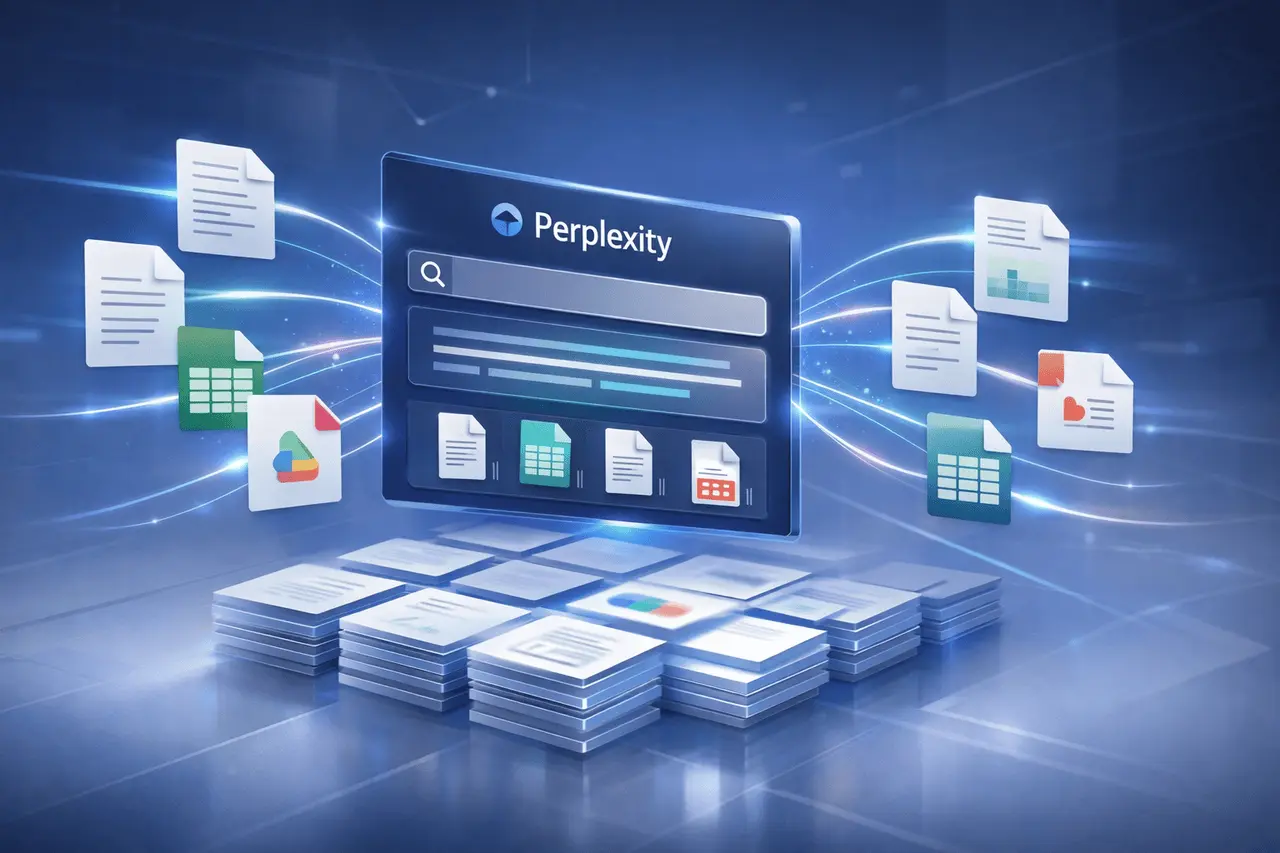
Perplexity Google Drive search introduces a secure method for businesses to connect internal documents with AI-powered solutions. The feature lets teams search and index up to 5,000 critical files that are kept in sync and receive more complete, contextually aware answers using their own information. It is accessible to Enterprise Pro users and all Max tiers, making it an ideal option for groups that depend heavily on document sharing.
Integrating directly with Google Drive bridges the gap between web que results and an organisation’s Google Drive Search.
Perplexity Google Drive search is a native integration that catalogues the contents of selected Google Drive files and uses them to generate AI responses. Instead of searching through each file one at a time, Teams can use natural language questions and get synthesised responses to their documents.
Key characteristics
- Indexes up to 5,000 files
- Keeps indexed content in sync with Drive updates
- Enhances answers with private, organisation-specific context
- The software is now available for the Enterprise Pro and Max tiers
Why Perplexity Google Drive Search Matters?
Organisations keep their most important information within Drive documents, policies, projects, research and other client materials. Searching for documents is a traditional method of finding them, but it doesn’t address queries about them.
This integration is crucial because:
- Reduces time spent hunting for information
- Enhances the accuracy of answers through the use of reliable source materials from internal sources
- Preserves context across multiple files
- Scales to a massive active Drive repository
For those who work in the field of knowledge, this shifts the focus of search from retrieval to comprehension.
How Perplexity Google Drive Search Works?
- Selecting Files: Admins or users with authorisation can choose up to 5,000 high-value files in Google Drive.
- Cataloguing and Sync: Perplexity catalogues selected files and keeps them in sync as documents are modified.
- Contextual Querying: Customers can ask questions in natural language; answers are generated using indexes of Drive Content.
- Full Responses: This system integrates information from multiple documents to deliver precise, relevant solutions.
Core Features at a Glance
| Feature | What It Delivers |
|---|---|
| File indexing | Catalogs up to 5,000 selected Drive files |
| Continuous sync | Keeps answers aligned with the latest document updates |
| Context-aware answers | Uses internal documents to improve relevance |
| Tier availability | Enterprise Pro and all Max plans |
Availability and Access
Perplexity Google Drive search is not a free service that everyone can use. It is only available to:
- Enterprise Pro
- All Max tiers
This designation reflects the focus of this positioning on companies with significant document repositories and a need for collaboration.
Practical Use Cases
Team Knowledge Management
- Request policy information or process queries without having to open multiple files
- Cut down onboarding time by providing immediate, document-backed solutions
Research and Analysis
- Summarise the findings across spreadsheets and reports
- Cross-reference information with no manual compiling
Operations and Planning
- Find information from timelines, plans and notes in a single query
- Answers should be kept current as the files change
Perplexity Google Drive search: Benefits vs. Limitations
| Aspect | Details |
|---|---|
| Benefits | Faster answers, reduced search friction, synced content, private context |
| Limitations | File cap of 5,000; limited to specific paid tiers |
Practical Considerations Before Enabling
- Strategy for Selecting Files: Choose documents with high impact first to keep within the 5,000-file limit.
- Control of Access: Ensure that the permissions of your drive match those who can query the indexed content.
- Content Hygiene: Well-organised, up-to-date files yield better answers.
My Final Thoughts
Perplexity Google Drive search brings private organisational knowledge into AI-driven responses, powered by 5,000 synced Google Drive documents, for teams on Enterprise Pro and Max tiers, offering quicker, more precise insights with no manual search. As companies continue to collect documents on a massive scale and integrate with other systems, this type of integration points towards a future in which asking questions, rather than opening files, is the primary method of work.
FAQs
1. What exactly is the Perplexity Google Drive search used for?
It can provide AI-powered solutions which draw directly from the company’s Google Drive documents.
2. How many files are indexable?
Up to 5,000 selected documents could be catalogued and kept in sync.
3. Does the integration keep up to date if the files change?
Yes. Indexed files are kept up to date, so responses reflect the most recent information.
4. What plans offer Perplexity Google Drive search?
It is included in Enterprise Pro and all Max levels.
5. Does this replace Google Drive’s original search engine?
No. It complements Drive search by offering context-based answers, not just results from docu
Also Read –
Perplexity BlueMatrix Partnership: AI Equity Research for Buy-Side