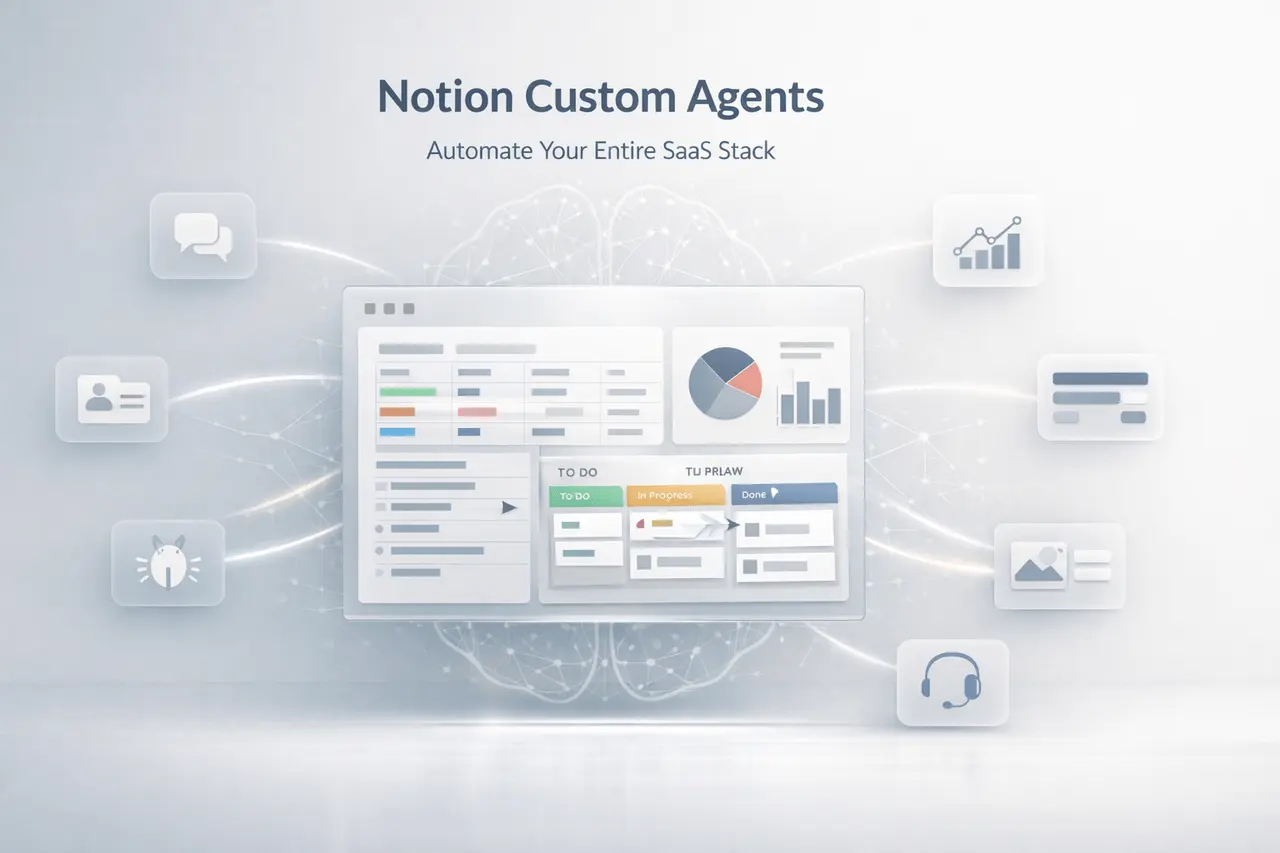
Notion Custom Agents are designed to connect your entire SaaS stack, including monitoring tools, capture information, generate reports, and seamlessly direct tasks. Instead of hopping to Slack, Linear, Figma, Stripe, or HubSpot, teams can put their information and take action within Notion.
By 2026, AI-powered workflow automation will become a key operational element for companies today. Notion Custom Agents extend this shift by enabling automated workflows across engineering, product and finance, sales, and support without requiring constant manual triage.
This article describes the basics of what Notion Custom Agents do, how they operate, and why they are necessary, as well as how businesses can utilise them to improve processes.
What Are Notion Custom Agents?
Notion Custom Agents can be configured as AI-driven automations embedded in Notion’s workspace. They can connect via external SaaS tools, track activity, extract structured data, and then initiate workflows.
Different from basic integrations, this agent:
- Watch the activity on different platforms
- interpret unstructured information (messages or notes, threads)
- Create well-structured outputs (reports, dashboards and CRM updates)
- Send tasks to the correct group or workflow
They serve as an operating intelligence layer within Notion.
How Notion Custom Agents Work?
At a high level, Notion Custom Agents operate in three layers:
1. Monitoring and Data Ingestion
Agents connect to other platforms and monitor their activity continuously for:
- Conversations
- Problems, tickets and other issues
- Transactions with financial institutions
- Product usage metrics
- Revenue data
2. Context Extraction and Structuring
Using AI, agents:
- Extract actions in Slack threads
- Convert Figma’s sticky notes into structured documentation
- Sort GitHub issues according to their severity
- Find patterns within Intercom conversations
3. Workflow Automation and Reporting
After structuring data, agents:
- Generate recurring executive reports
- Send bugs to the engineering teams
- Sync CRM records
- Track spending as well as renewal cycles
- Monitor Churn and MRR
The changes to Notion, from a document tool to a live control centre.
Core Integrations Supported by Notion Custom Agents
Notion Custom Agents connect with major businesses across departments.
Collaboration & Communication
- Slack – Watch channels, collect action items, and automate the routing of tasks
- Intercom – Identify the patterns of support and present information about the products
Product & Engineering
- Linear: Sync your workflows and create periodic reports
- GitHub is a way to categorise new issues and automate triage.
- Sentry – Surface crashes and critical route bugs
- Amplitude – query the usage of the product and track its use
Design & Documentation
- Figma – Get information about FigJam boards and transform ideas into Notion pages that are structured
Finance & Revenue
- Stripe – Monitor churn, MRR, as well as revenue and churn metrics
- Ramp – Track vendor spending and renew cycles
Sales & CRM
- HubSpot – Data from pipelines and create sales reports
- Attio: Sync contact information, and enhance deal records
Feature Comparison Table
Notion Custom Agents vs Traditional Integrations
| Capability | Traditional Integrations | Notion Custom Agents |
|---|---|---|
| Data Sync | Basic field mapping | Context-aware extraction |
| Automation | Rule-based triggers | AI-driven interpretation |
| Reporting | Manual dashboard creation | Auto-generated recurring reports |
| Cross-tool context | Limited | Multi-source contextual analysis |
| Issue routing | Manual triage | Automatic categorization & routing |
This transition from rules-based automation to AI agents is a major advancement in business process automation.
Use Cases by Department
Use Cases by Industry Function
| Department | Example Automation | Business Impact |
|---|---|---|
| Product | Query Amplitude data & track adoption | Faster feature iteration |
| Engineering | Route GitHub issues by severity | Reduced response time |
| Finance | Track Stripe revenue & Ramp spend | Better forecasting |
| Sales | Generate HubSpot pipeline reports | Improved deal visibility |
| Support | Analyze Intercom trends | Faster product feedback loop |
These cases show how Notion Custom Agents unify fragmented systems into one seamless workflow.
Why Notion Custom Agents Matter?
1. Reduced Operational Overhead
Manual triage between Slack, Linear, GitHub CRM, and Linear systems takes hours per week. AI agents address the need for repetitive coordination.
2. Centralised Intelligence
Instead of dashboards that are scattered across tools, teams receive well-organised insights in Notion.
3. Real-Time Context
Agents draw information from multiple sources at once. Examples:
- A GitHub bug that is linked to a discussion on Slack
- Revenue changes linked to trends in churn
- The use of the product is linked to feature adoption
This synthesis from multiple sources enhances the decision-making process.
Benefits of Notion Custom Agents
- Fewer manual workflows
- Faster bug resolution
- Automated executive reporting
- Improved CRM hygiene
- Proactive error detection
- Cross-functional visibility
For startups scaling and mid-sized businesses, it reduces operational friction substantially.
Limitations and Practical Considerations
While extremely powerful, Notion Custom Agents require:
- A secure API connection and appropriate permissions for API connections
- A clearly defined workflow
- Structured data environments
The organisations must also make sure:
- Data governance compliance
- Access to CRM and financial data
- Alignment between departments
AI agents can improve workflows, but they cannot substitute for strategic oversight.
How Notion Custom Agents Improve Workflow Automation?
Traditional automation relies on strict rules. AI agents look at the context.
For example:
- A Slack message requesting the feature is now a Linear ticket.
- A Stripe churn event triggers an executive report.
- The Sentry crash spike routes directly to engineering leaders.
It is a transition from passive dashboards to more proactive systems.
SEO-Focused Subheading: Notion Custom Agents for Workflow Automation
When companies search for solutions to automate workflows, they usually evaluate Zapier-style automation against the embedded AI platforms.
Notion Custom Agents move far beyond simple triggers through:
- Extracting information from conversations that are not structured
- Cross-referencing multiple SaaS integrations
- Reports can be generated without any manual prompting
This defines Notion as both a knowledge management system and an operational AI layer.
My Final Thoughts
Notion Custom Agents represent a significant improvement in AI-driven workflow automation. By integrating tools such as Slack, Linear, Stripe, HubSpot, and GitHub to form a unified layer of intelligence, they reduce the need for manual coordination and enable proactive workflows.
Modern teams are managing difficult SaaS stacks. Notion Custom Agents centralise insights, automate reports, and simplify the workflows across functions. As AI agents are integrated into enterprise systems, software such as Notion is advancing beyond documentation to become operational control centres for online enterprises.
The future of automation for business processes isn’t just about integrating tools; it’s about understanding them intelligently. Notion Custom Agents are an early sign of this transformation.
Frequently Asked Questions
1. What exactly are Notion Custom Agents used for?
Notion Custom Agents automate workflows across platforms, monitor the activity, gather insights, and create well-structured outputs such as Tickets and reports.
2. How are Notion Custom Agents different from traditional automation tools?
Traditional tools are based on triggers fixed to a certain extent. Notion Custom Agents use AI to understand context and efficiently handle data from multiple sources.
3. Do Notion Custom Agents connect to CRM systems?
Yes. They can integrate with platforms such as HubSpot or Attio to transfer contact information, monitor deals and create pipeline reports.
4. Do Notion Custom Agents support financial tracking?
Yes. They can pull revenue information from Stripe and vendor spend data from Ramp to track MRR, churn, and renewals.
5. Are Notion Custom Agents useful for engineering teams?
Yes. They can track GitHub issues, detect Sentry errors, and route critical bugs to reduce response time.
6. Does one require technical expertise to utilise Notion Custom Agents?
A basic understanding of workflow configuration is useful; however, they’re designed to be accessible in the Notion work environment.
Also Read –
Notion AI Agents: Computer Use and Claude Code