

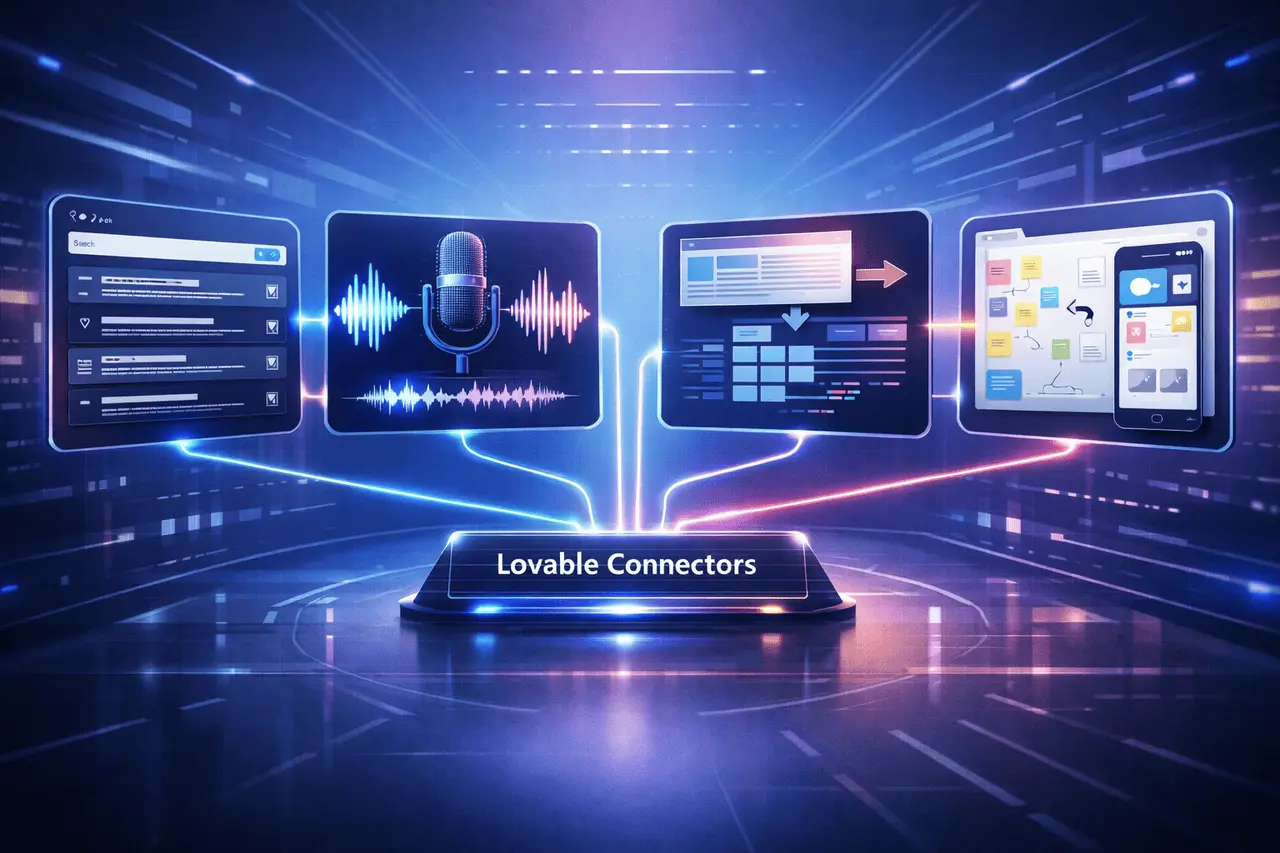
In 2025, Lovable, a fast-growing platform that enables developers to build AI-powered applications, released a suite of Lovable Connectors, integrations that seamlessly connect powerful third-party tools to Lovable projects. These connectors enable builders and developers to integrate advanced features such as real-time analysis, natural voice output, web data extraction, and visual design-to-app workflows into apps without writing traditional backend code.
By extending Lovable with connectors for Perplexity ElevenLabs, Firecrawl, and Miro, users can now create feature-rich apps that go beyond simple user interfaces and static material. This article will explore how each connector contributes to Lovable’s ecosystem and the kinds of apps you can build with them.
What Are Lovable Connectors?
Lovable Connectors, modular, flexible integrations, connect Lovable’s zero-code or low-code development environment to external services. Instead of creating new custom-built integrations, developers can use connectors that bring the capabilities of an external tool directly into their Lovable apps.
The connectors can be found on the Lovable dashboard under “Connectors,” where they can be added, authenticated, and set up in just a few clicks. Once the connector is connected, its capabilities are available to use within your applications.
The first release includes four necessary connectors: Perplexity and ElevenLabs. Firecrawl and Miro each serve distinct functions within modern app workflows.
Perplexity Connector: Bring Real-Time Research Into Your App
Perplexity Connector enables real-time question-and-answer interactions in Lovable-built apps using sourced answers. Perplexity is an AI search engine that browses the web and provides short answers, accompanied by citations.
Developers can open the door to new possibilities. For instance, you can develop:
- A helper for plants that offers advice and diagnoses problems based on research conducted in real time.
- An trip planner with a travel planner that provides current travel advice and recommendations.
- A briefing for sales instruments to provide the information and help prepare before the call.
Instead of hardcoding responses or using static information, your app dynamically pulls in the most relevant information.
ElevenLabs Connector: Add Voice and Audio Generation
The ElevenLabs Connector integrates high-end audio-to-text and text-to-speech capabilities into Lovable applications. ElevenLabs is renowned for its highest-quality, expressive speech synthesisers and custom-made voices. Through this integration, applications can:
- Speak content out loud with natural-sounding voices.
- Create audio or soundtracks tailored explicitly to the user’s preferences.
- Allow accessibility functions such as narrated audio guides and audio description.
Use cases can include: children reading apps that read stories aloud with voice characters and language learners who can hear the correct pronunciation, or apps for meditation with relaxing voices or soundscapes.
Developers can connect multiple ElevenLabs API keys and utilise them to enhance interactive experiences right through Lovable’s interface.
Firecrawl Connector: Structured Web Data Extraction
Its Firecrawl Connector allows Lovable apps to crawl and extract structured data out of web page content. Firecrawl is a robust API for data extraction and crawling that can transform unstructured Web content into valuable datasets.
Let’s developers create:
- A Job board that combines the listings of multiple websites.
- Price trackers monitor competitor pricing in real time.
- Curated content directories for niche markets.
The most important thing is that Firecrawl’s integration will be free for Lovable customers until the 31st of January 2026, with Lovable-supplied managed credentials.
By using this plug-in, apps can stay up to date with the latest data sources without having to maintain bespoke Scrapers or backend infrastructure.
Miro Connector: From Whiteboard to Working App
One of the most innovative connectors is Miro, a collaborative visual platform widely used for brainstorming, flowcharts, and UX design. Its Miro Connector lets Lovable read boards, comprehend the flow of sketches and flows and create interactive prototypes using visual images.
Instead of creating designs manually, designers and teams can:
- Import user flows and diagrams from Miro.
- Automatically create working prototypes for apps.
- Rapidly develop from concept to deployment with no need for manual transfer.
This significantly reduces the time between ideation and implementation, allowing teams to test ideas and produce MVPs quickly.
Lovable Connectors: How Connectors Fit Into the Lovable Workflow
Connectors expand Lovable’s fundamental strengths in the development of full-stack applications using AI:
- Rapid Prototyping via Chat: Chat-based project specifications and follow-up questions help define requirements.
- Modular Integration: Sharing connectors enables easy integration of features such as audio, research extraction, data extraction, and visual interpretation.
- There is no Backend Overhead: External capabilities are available without developing a custom server.
This approach to ecosystems allows developers to focus more on the user experience and the application technology instead of plumbing integrations.
Lovable Connectors: Practical Use Cases Across Industries
Here are a few examples of applications that have been made more efficient with the help of Lovable Connectors
Education and Learning
- Language-learning apps with audio that feature expressive pronunciations and real-time Q&A explanations.
- Study assistants who respond to questions and provide resources for academic subjects.
E-Commerce
- Pricing dashboards dynamically that keep track of the prices of competitors with the help of Firecrawl.
- Tutorials for products with voices and audio guides.
Productivity and Collaboration
- Tools for sales enablement that create briefings through perplexity analysis.
- Rapid prototyping generation using design boards created in Miro.
Media and Accessibility
- Storytelling platforms featuring auto-generated narration, background music and.
- Accessibility enhancements that allow visually impaired users to read the interface content aloud.
Lovable Connectors: Getting Started With Lovable Connectors
To begin using connectors:
- Log in to your Lovable dashboard.
- Navigate to Settings – Connectors.
- Select the connector you wish to enable (Perplexity ElevenLabs, Perplexity, Firecrawl and Miro).
- Perform the steps to authenticate (e.g. enter API keys when needed).
- After connecting, the tool’s capabilities are available to your applications.
This straightforward onboarding process removes a lot of the complexity typically associated with third-party APIs.
Final Thoughts
Awe-inspiring Connectors represent a significant advancement in how modern applications are designed, developed, and scaled. Instead of working on custom integrations or maintaining the backend, programmers can concentrate on solving real-world user issues and testing innovative ideas. Real-time research, natural voice output, structured web data, and design-to-prototype workflows can be seamlessly integrated into a single development environment. While these connections continue to evolve, they establish Lovable as a solid foundation for robust, production-ready applications that can quickly adapt to changing user requirements and data.
Frequently Asked Questions
1. What platforms does Lovable Connectors support?
Lovable Connectors currently integrates Perplexity, ElevenLabs, Firecrawl, and Miro into Lovable’s development environment for apps. Each connector provides specific functions, such as research recording, audio generation, data extraction, or visual board interpretation.
2. Do I need a separate account to use these services?
Yes, for the majority of connectors, such as Perplexity or ElevenLabs, you need API credentials for the service you’re using. Firecrawl is compatible with the managed credentials provided by Lovable up to early 2026.
3. Are these connectors available for no cost?
Connector usage may be contingent on the pricing of each service and Lovable’s platform plans. Firecrawl is free for a limited time; other services may incur costs depending on API utilisation and the number of credits.
4. How does the Miro Connector operate?
The Miro Connector can read Miro boards, including user flows and diagrams, transforming them into interactive prototypes in Lovable with no manual recreation.
5. Are connectors appropriate for applications in the enterprise?
Yes. Connectors can be utilised in both enterprise and small contexts, enabling the integration of live research, automated scraping, and voice interfaces, as well as design-to-app workflows.
6. How do I set up these connectors?
Connectors can be configured on Lovable’s dashboard under Settings> Connectors. Follow the steps to authenticate and activate each integration.

