

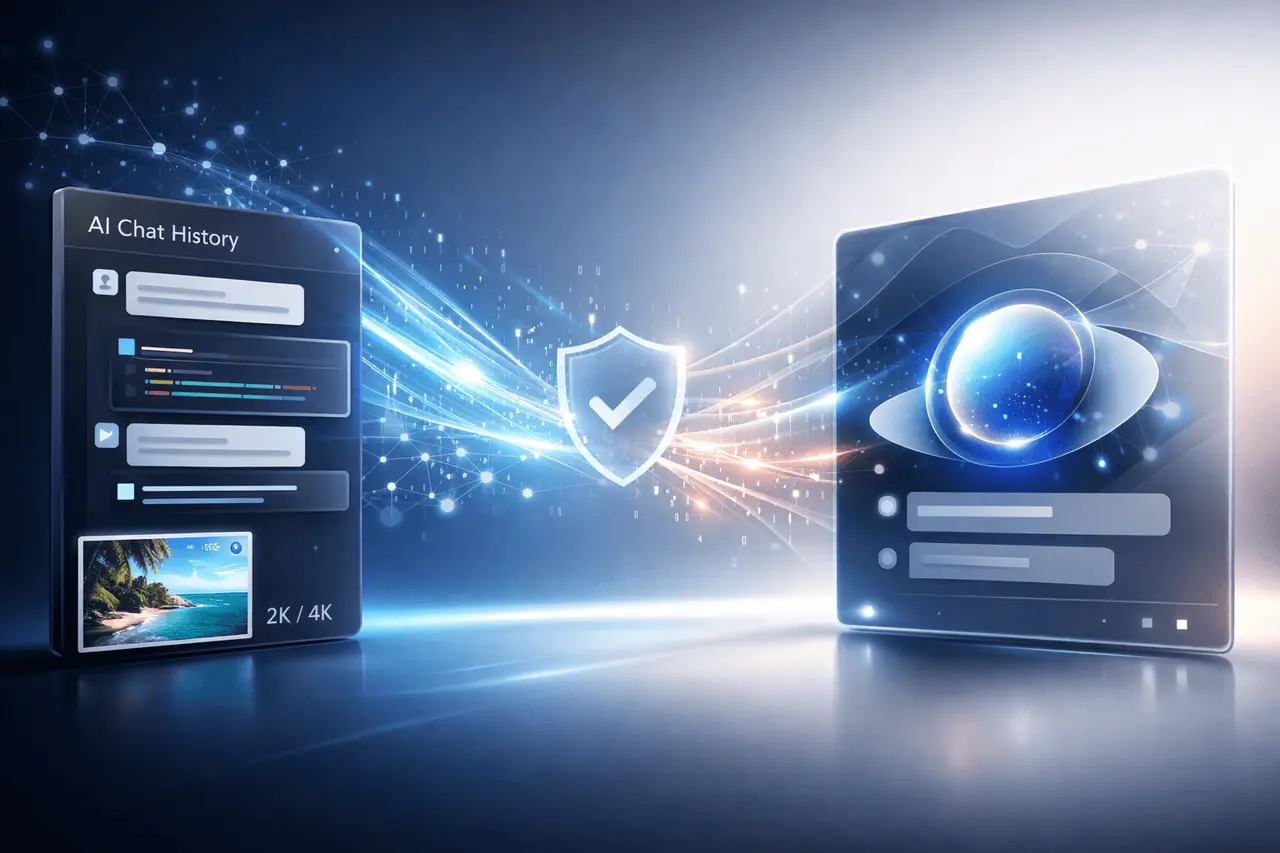
As AI assistants are integrated into everyday life, people increasingly want consistency across platforms. Google is currently working on updates that make it easier to import AI conversations into Gemini and transfer conversations with other assistants without much hassle. In addition to chat imports, Google is experimenting with features such as a method for confirming likeness via video and higher-resolution image downloads for Nano Banana Pro outputs.
This article explains what the import of AI chat into Gemini will mean, why it’s important, how it operates at a higher level, and what effects these changes might have on businesses and users.
What Does It Mean to Import AI Chats into Gemini?
The capability to import AI conversations into Gemini allows transferring conversations from other AI assistants into the Gemini environment. Instead of having to start from scratch, users can keep their context, prompts, and previous discussions when switching platforms.
This is especially important for professionals who rely on continuous AI conversations to:
- Analysis and research
- Coding as well as debugging
- Content planning
- Knowledge management
By allowing chat imports, Google hopes to reduce the cost of switching and improve the user experience by making Gemini more compatible with other applications, such as ChatGPT.
What is the reason for importing AI Chats into Gemini Matters?
AI conversations typically include valuable context that has been built over months or weeks. If this history is lost, it can affect productivity and lead to duplicate work.
The main reasons why the capability is essential are:
- Continuous Context: In-progress projects gain from the preservation of instructions and reasoning chains.
- Flexible Platform: The user can test multiple AI applications without having to be tied to one ecosystem.
- Adoption by Enterprises: Organizations need data transferability to meet compliance requirements and maintain workflow stability.
From an ecosystem view, chat portability signifies an evolution towards open AI workflows, rather than separate assistants.
How does Chat import into Gemini Works? (Conceptual Overview)
Google has not yet made the full technical workflow public. Based on common patterns of data portability, this procedure typically involves structured conversation data rather than raw text scraping.
On a more fundamental level, the import of AI chats to Gemini probably includes:
- Importing the chat logs using an AI platform using a compatible format
- mapping role and metadata, such as assistant prompts for users and user responses
- The ability to reconstruct the conversations in Gemini while keeping the order and timingstamps
If more specific technical specifications are not available, it’s essential to keep in mind that the specific limitations, formats, and supported sources could change as the feature develops.
Key Features Included in the Update
Easier AI Chat Imports
The main improvement focuses on reducing friction when transferring conversations to Gemini. This implies less manual work and greater compatibility with current AI tools.
Potential benefits include:
- Faster onboarding for new Gemini users
- Eliminated loss of the historical AI context
- Improved multi-tool workflows
Mysterious Likeness Video Verification
Another new addition announced is a video verification feature. Although the details aren’t precise, it appears to be a short video used to verify identity.
Possible use cases include:
- Security of your account and verification of identity
- To prevent misuse and impersonation
- Supporting high-trust or sensitive AI-related interactions
Since Google has not yet released its complete specifications, the precise implementation method and the exact nature of this verification technique are in doubt.
2K and 4K Image Downloads for Nano Banana Pro
Google is also testing a way to download Nano Banana Pro images at higher resolutions, such as 4K and 2K.
This is particularly applicable to:
- Creative professionals and designers
- Media and marketing teams
- High-resolution print or display use cases
At the moment, only the possibility of downloading at a higher resolution has been identified, without any confirmed technical limitations or supported formats.
Feature Overview Table
| Feature | Purpose | Practical Benefit |
|---|---|---|
| AI chat import into Gemini | Transfer conversations from other AI tools | Preserves context and productivity |
| Likeness video verification | Identity confirmation via video | Improved trust and account security |
| 2K/4K Nano Banana Pro downloads | Higher-resolution image exports | Better quality for professional use |
Real-World Applications and Use Cases
Individual Users
For people, importing AI chats in Gemini lets you experiment more easily with AI tools, without losing prior work. Developers, writers, and students can maintain continuity while switching between assistants.
Businesses and Teams
Companies get the benefit of:
- Easier tool transitions during vendor evaluations
- Centralized AI workflows
- Retraining and re-prompting costs
High-resolution image downloads provide branding, presentations, and marketing materials.
Security-Sensitive Environments
Likeness verification using video could be helpful in corporate or other environments where identity assurance is needed before using sophisticated AI capabilities.
Advantages vs. Limitations
| Aspect | Advantages | Limitations |
|---|---|---|
| Chat portability | Reduced lock-in, preserved context | May depend on supported formats |
| Verification features | Increased trust and security | Details and availability not fully disclosed |
| High-res image downloads | Professional-grade outputs | Likely limited to specific plans or tools |
Practical Considerations Before Using Chat Imports
Before importing AI Chats to Gemini, users must consider:
- Data Sensitivity: Check the conversation data being transmitted
- Formatting Differences: Some context may not map perfectly across platforms
- Storage Limits: Large chat histories may have size constraints
For organizations’ internal data governance policies, they will determine how AI conversations are transferred.
My Final Thoughts
The ability for users to transfer AI conversations into Gemini is a significant step towards more user-centric, flexible AI ecosystems. By enabling conversation portability and exploring new methods for establishing identity and improving image quality, Google is addressing real-world issues faced by AI users.
Although some details are still limited, the updates point to an era in which AI tools are easier to switch between, more secure, and better suited to professional workflows. In the years to come, as Gemini continues to develop features focused on consistency, trust, and output quality, it will play an essential role in broader AI adoption.
FAQs
1. What does “import AI chats into Gemini” mean?
It’s the term for transferring existing AI conversations from other assistants to Gemini, so users can continue working with their previous conversations without losing any context.
2. Are there any chat logs I can import from ChatGPT in Gemini?
Google is striving to make it easier to import chat data from various AI tools, such as ChatGPT; however, the exact supported formats and limitations may vary.
3. Does likeness verification have to be done?
No requirement has been confirmed. This feature is only available in specific applications, based on the information available.
4. What is Nano Banana Pro? images in 4K and 2K?
These are higher-resolution options for exporting images, allowing customers to save AI-generated photos in 4K or 2K quality.
5. Who will benefit the most from these Gemini updates?
Teams, professionals, and companies that rely upon long-running AI conversations or superior visual outputs gain the most.
Also Read –
ChatGPT Ads: How Personalized In-Chat Advertising Works?
Google MCP Integrations: CI Fixer | Jules and Gemini 3 Flash

