

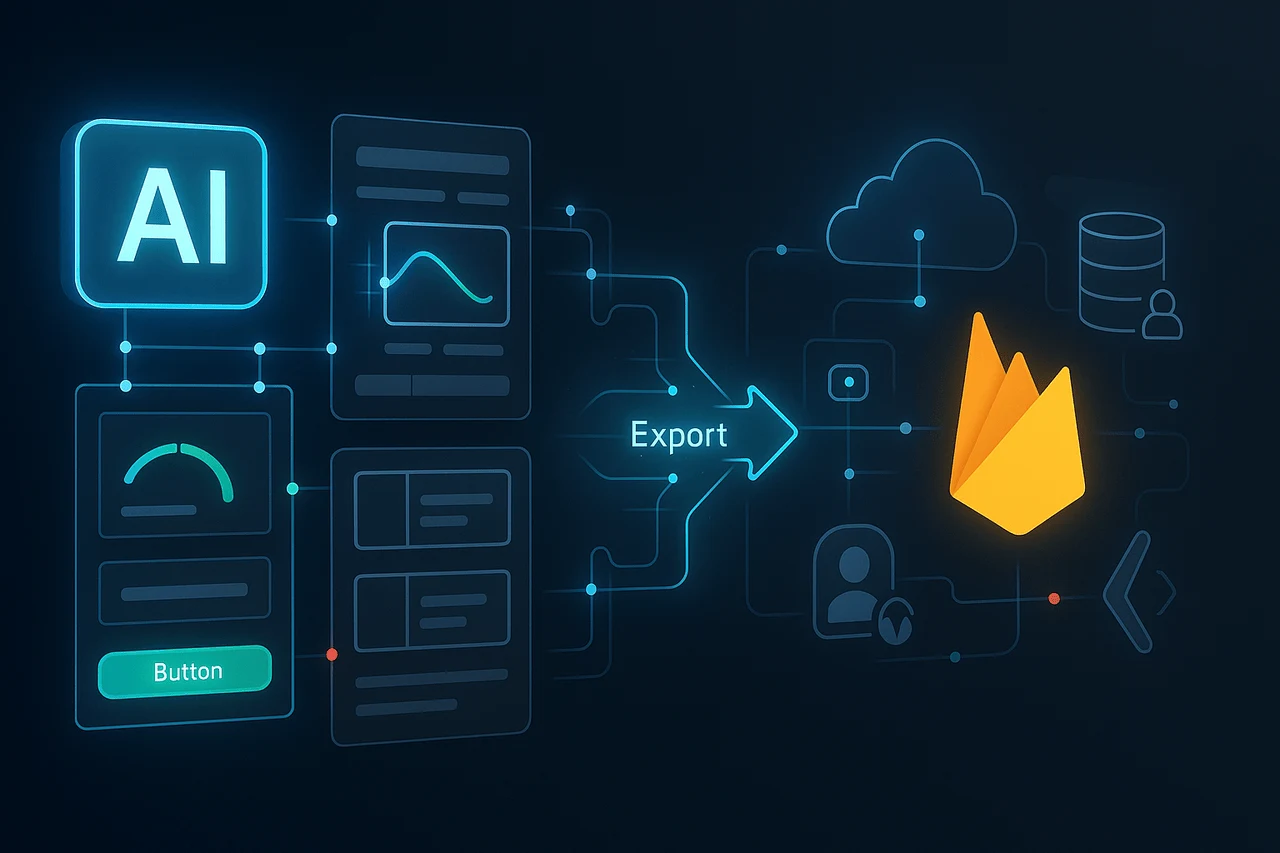
AI-powered development tools are changing how software interfaces are developed and used. One of the most prominent developments this season is Stitch, an interactive UI design tool developed by Google Labs that can turn visual commands and inputs into precise user interface designs and front-end code. The tool is now available for download.
Google is developing a new export feature for Firebase integration that will drastically streamline the workflow, from design to backend-enabled applications. This article explains Google Stitch Firebase export, what this export option means, how Firebase and Stitch are integrated into Google’s overall strategy, and what developers need to know to prepare for these developments.
What Is Google Stitch?
Stitch is an AI design assistant experiment created by Google Labs and introduced at Google I/O 2025. It uses Gemini’s multimodal capabilities to develop user interface designs with simple English commands or images, allowing developers and designers to move from idea to code quickly. The software supports static UI design for mobile and web layouts, generates front-end code in formats such as HTML or CSS, and exports to design tools like Figma for further refinement.
Stitch seeks to close the gap between initial design ideas and production-ready interface assets. By translating text descriptions (e.g., “create a dashboard with a sidebar and activity feed”) or sketches into UI frameworks, teams can reduce manual work. It’s available via Google Labs rather than as an official product that comes with all the bells and whistles that are standard in tools.
The Role of Firebase in Google’s Developer Ecosystem
Firebase is Google’s backend-as-a-service platform widely used to develop robust mobile and web applications. It is a vital infrastructure for:
- Cloud Firestore and Realtime Database for data storage.
- Authentication services for user management.
- Cloud Functions for serverless logic.
- Hosting to host dynamic and static apps.
By 2025, Google had expanded Firebase’s capabilities with the introduction of Firebase Studio, a cloud-based AI-powered development tool powered by Gemini. Developers can create, prototype, and deploy full-stack apps that include UI, backend, frontend, and authentication using natural language prompts and interactive agents. Firebase Studio seamlessly integrates these AI capabilities into Firebase services, making it easy to create and launch applications without manually configuring infrastructure.
What the New Stitch Export to Firebase Option Means?
The major upgrade Google is working on is the ability to export data from Stitch directly to Firebase. While neither feature is accessible to the public for general use, this integration will help bridge the gap between UI layout and complete-stack app development.
Why It Matters?
- The Full-Stack Design Workflow: Designers and developers typically operate in separate software such as Figma or Sketch, and write and develop in different ways. Exporting the UI straight to Firebase Studio would reduce friction between development and design.
- Accelerated Prototyping: By connecting UI designs directly to Firebase, developers can swiftly create feature prototypes using backend logic and data services already in place, adjusting Firestore schemas and authentication and hosting settings without switching platforms.
- Unified toolchain: Stitch and Firebase Studio, along with Firebase backend services, would create a seamless toolchain for building AI-aided apps from concept to production, with a focus on Google Cloud infrastructure.
Since Firebase Studio already supports importing designs and generating code from prompts, an export from a UI design tool like Stitch could further enhance this flow.
How Stitch and Firebase Studio Compare to Alternatives?
In the crowded field of AI-driven design and application development, Stitch and Firebase Studio are distinct within Google’s ecosystem; however, they’re not independent of each other.
AI App Builders and UI Tools
- Lovable: A free AI platform that produces full-stack web apps using natural language. It covers the frontend, backend, database, and deployment, usually in a single package, without requiring Firebase.
- Other UI tools: Competitors such as Uizard, UX Pilot, and AI-based design tools focus on quickly creating interfaces but may not fully integrate with the backend platform.
Firebase Studio vs. Lovable
- Firebase Studio excels at combining design code, design, and Google backend services, but it requires more developer input to design the backend logic and workflow.
- Lovable focuses on rapid MVP development and full-stack automation, which can be attractive to non-technical founders and startups.
In this regard, it is suggested that a Stitch export feature to Firebase can help align design-centric workflows by leveraging Firebase’s robust backend, reducing gaps in UI design and app prototypes.
Google Stitch Firebase export: Potential Challenges and Limitations
Although the export feature promises to be useful, some practical issues remain to be addressed:
- Experimentation: Stitch remains a Google Labs experiment, meaning the features could change without notice and might not be ready for production.
- Static UI Insight: Stitch is currently focused on generating static interfaces. Interactive logic and intricate stateful components are still developed manually.
- Prompt Sensitivity: The quality of output depends on the clarity with which the prompts are laid out; unclear instructions could result in lower-quality code.
- Ecosystem Integration: Integration into Firebase Studio and backend provisioning workflows could take some time to perfect and be available to developers around the world.
Google Stitch Firebase export: Preparing for Stitch + Firebase Workflows
Teams and developers who are interested in this upcoming workflow should prepare for:
- Explore Firebase Studio: Familiarize yourself with its AI agents, prototyping tools, and backend provisioning.
- Try Stitch: Use it to create UI designs and export them to tools like Figma to understand its capabilities and drawbacks better.
- Learning Prompts Best Practices: Simple, specific prompts lead to more realistic UI designs and code.
- Prototyping early projects: Use these tools in smaller applications to identify integration points before using them in workflows for production.
Final Thoughts
Although the option to export to Firebase in Stitch isn’t available yet, t direction it is heading in is obvious: Google aims to bring together UI generation tools, application logic, and backend functions into a more user-friendly developer experience. Easier to use on mobile and web applications. This could lead to faster prototyping, better collaboration between developers and designers, and fewer handoffs between tools. As Stitch moves beyond its experimental stage and Firebase Studio continues to expand its AI capabilities, their integration has the potential to change how interfaces are designed and developed. Developers who are familiar with these tools will benefit from this new stage of app development driven by AI as it becomes more widely available.
Frequently Asked Questions
1. What’s the new Firebase export feature for Stitch?
It’s a feature coming soon that will allow users to import AI-generated UI designs created with Stitch directly into Firebase Studio or Firebase backend workflows, easing the transition from design to application development.
2. Is Stitch available right now?
Stitch can be used as an experimental tool available through Google Labs, but it is not fully integrated into Firebase as an official feature.
3. What is the best way to let Firebase Studio help build applications?
Firebase Studio offers an AI-enabled development platform that lets you prototype and generate full-stack apps with natural-language prompts and integrate with Firebase services.
4. What if I could utilize Stitch with or without Firebase?
Absolutely, Stitch produces UI styles and saves the designs into Figma and as Frontend Code that can be used independently of Firebase.
5. What is the best way to compare Stitch to other tools, such as Lovable?
Stitch is a strong proponent of UI design using AI, as well as seamless export, while Lovable focuses on full-stack application development from natural language descriptions.
6. When will Firebase exports be made accessible?
Google hasn’t announced the release date yet. Developers are advised to keep an eye on updates from Google Labs and Firebase to stay informed about when they will be released.
Also Read –
NotebookLM Gemini Integration: How Google Is Evolving AI Research?
Gemini Live API on Vertex AI: Real-Time Native Audio AI

