

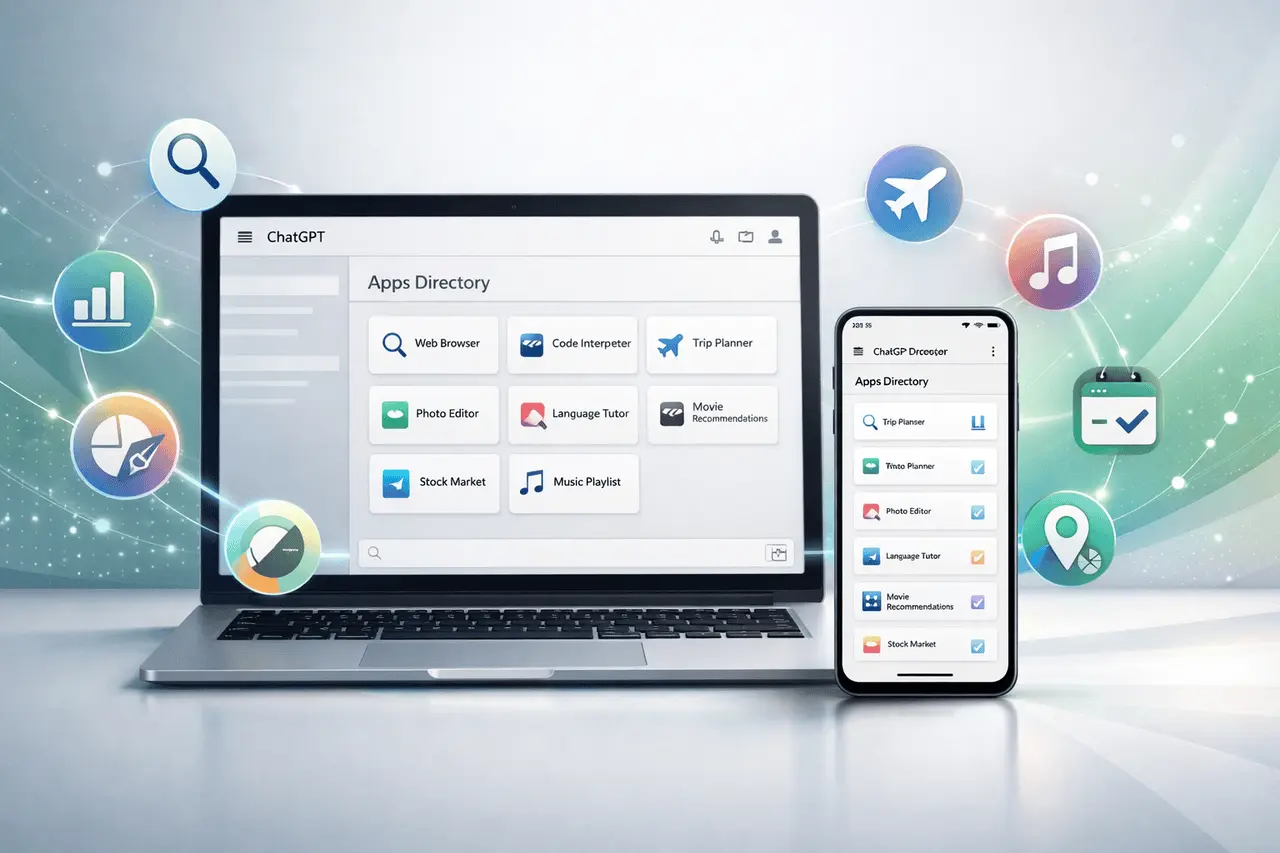
OpenAI has launched a dedicated Apps Directory within ChatGPT for desktop and mobile, signalling a significant shift in how users find, install, and use integrated third-party tools and services. The previous name was connectors. These capabilities were reorganised into apps and made easier to find via an accessible directory in the Apps menu within Settings. This directory is a collection of interactive tools that expand the basic ChatGPT experience by providing context-aware assistance and real-time actions directly integrated into conversations.
The launch reflects OpenAI’s ambition to transform ChatGPT from a powerful conversational assistant into a full productivity and service platform where users can complete tasks, access information, and communicate with other systems without switching applications or tabs. In this article, we will explore the ChatGPT Apps Directory, including its features, use cases, availability, and impact on the ChatGPT ecosystem.
What is ChatGPT Apps Directory?
ChatGPT Apps Directory is a built-in feature that lets users discover how to enable and manage apps right from ChatGPT’s chat interface. It integrates tools that enhance ChatGPT’s capabilities, including access to external services, live data, and interactive features. Available on the web and mobile devices, the directory lets users add new features without leaving the chat. It transforms ChatGPT into a much more effective, multifunctional workspace rather than just a chatbot.
ChatGPT Apps Directory: A Unified Directory for In-Chat Functionality
The core feature of this update is the Apps Directory, a searchable list of applications users can access directly in ChatGPT. It is accessible through the Apps section in the Settings (and occasionally via the sidebar). This directory allows users to find ways to connect, manage, and access applications that meet their specific needs, including research and productivity, travel, and lifestyle.
The directory’s structure is designed to allow exploration and discovery. Users can search for apps by category, read detailed descriptions of their functionality, and connect to them with just a couple of clicks. After installation, apps can be activated via chat using “@” prompts or via menu options, making them appear as natural extensions of the chat itself.
What Apps Does ChatGPT Use?
Apps that are part of ChatGPT surpass the traditional integrations or plugins. They enable the AI to communicate with external services, access live data, and execute tasks on behalf of users. Some of the key capabilities are:
- Interactive user Interfaces: Certain apps include integrated UI elements, such as maps, cards, or lists, which are displayed directly in chat.
- Application for Search and References: They may connect to services to bring in relevant information and provide context in the responses.
- Research Deep: Some software provides multi-source research that flows through the chat.
- Sync and History Integration: Integrating history and sync apps can index or sync information, ensuring answers are based on current data.
- Action Execution: Once allowed and enabled, apps are permitted to take specific actions (e.g., ordering items or modifying records) after user approval.
This integration level transforms ChatGPT into a workstation hub that enables workflows to be created, developed, and completed without switching contexts.
ChatGPT Apps Directory: A New Developer Ecosystem
OpenAI does not just provide directory access to pre-built tools. It is also actively opening the system to third-party developers. Starting December 17, 2025, developers can submit their applications for review and inclusion in ChatGPT’s App Directory. ChatGPT Application Directory.
Developers can use the Apps SDK and Model Context Protocol (MCP) to create these integrations. The SDK framework lets developers expose APIs, develop interactive front-end applications, and specify how ChatGPT can trigger app features in chat.
After they have been reviewed and vetted in accordance with safety and quality guidelines, Apps can then be released for ChatGPT’s global users. As time passes, OpenAI plans to feature top-quality apps more frequently and to find ways to surface relevant tools during conversations.
The first batch of approved third-party apps will begin rolling out slowly in the early part of 2026.
ChatGPT Apps Directory: Broader Availability and Plans
Apps are available for users with a range of ChatGPT plans, including Free Go Plus (plus) and Pro; however, availability may vary by region and application partner. Some features depend on the availability of the partner service and are not currently available in specific locations (such as the European Economic Area, Great Britain, or Switzerland).
For enterprise users, business administrators can manage app access, permissions, and even action controls. This is vital to ensure secure deployments within organizational contexts.
ChatGPT Apps Directory: Use Cases That Matter
The brand new Apps Directory makes ChatGPT more than just a conversational model. It is now an actual work platform:
- Productivity: Create documents and presentations, and collaborate using integrated services such as Canva or project management tools.
- Lifestyle and Travel: Find hotels, flights, or restaurants, all without ever leaving your chat box.
- Media and Music: Curate playlists, use streaming platforms, or set your media preferences by making requests to the chat.
- Search and Research: Convert in-depth research, data analysis, or context references into solutions for professional and academic work.
- Business Workflows: Connect internal data sources or enterprise tools for streamlined daily workflows.
Early adopters are already exploring ways to use apps for complex tasks, such as automated scheduling, real-time search integration, and even enterprise-grade workflows.
ChatGPT Apps Directory: The Strategic Impact
By embedding an index of discoverable applications, OpenAI positions ChatGPT as more than just a chatbot. It transforms into a programmable workstation and platform. This is a radical departure from the app store model, placing tools and services directly in the context of conversation to reduce friction and boost productivity.
Developers get a brand-new distribution channel and the opportunity to make money, and users get a centralized hub of extensible capabilities, enhanced by natural language interactivity.
Final Thoughts
The announcement to the ChatGPT Applications Directory is not just an update to a feature; it’s a fundamental shift in how AI platforms are organized and used. By centralizing app discovery and enabling deeper integrations, OpenAI has established ChatGPT as a platform rather than an independent assistant. This means for users fewer contextual switches, more efficient workflows, and an expanding set of tools accessible through natural spoken language. Developers will gain access to an entirely new distribution channel and the opportunity to create interactive, contextual experiences at scale. As the directory grows and more third-party apps are recognized, ChatGPT is likely to become a central hub for digital work, combining action, conversation, and integration into a user-friendly experience.
Frequently Asked Questions
1. How do I log in to ChatGPT’s Apps Directory? ChatGPT Application Directory?
You can access the Apps Directory by clicking the Apps menu in the Settings menu on both the mobile and web versions of ChatGPT, or by browsing categories in the sidebar or via search.
2. Do I require a premium plan to make use of apps in ChatGPT?
A variety of apps are available for Free Plus, Go, and Pro plans; however, some apps may require specific plan types or partner services.
3. Can apps do things on my behalf?
With user consent, certain apps can take actions such as placing orders or updating services. Consent and authorization are needed to ensure security.
4. How can developers post their applications in the directories?
Developers utilize the Apps SDK to build apps. Apps SDK to create applications and submit them to OpenAI’s OpenAI Developer Platform to be reviewed and listed. Approved apps are listed in the directories.
5. Are apps accessible all over the world?
App availability can depend on the region’s rollout and the provider’s coverage. Certain apps might not launch in specific areas or countries at first.
6. What is the difference between apps and older integrations or plugins?
In contrast to older plugin applications, the apps in ChatGPT are more integrated, with user interfaces that include interactive actions, and they are more widely connected through the SDK and MCP, which makes them more powerful and adaptable.
Also Read –
ChatGPT Images: Features, GPT Image 1.5 and How It Works?
ChatGPT Go Latin America Expansion: Access and Benefits

