

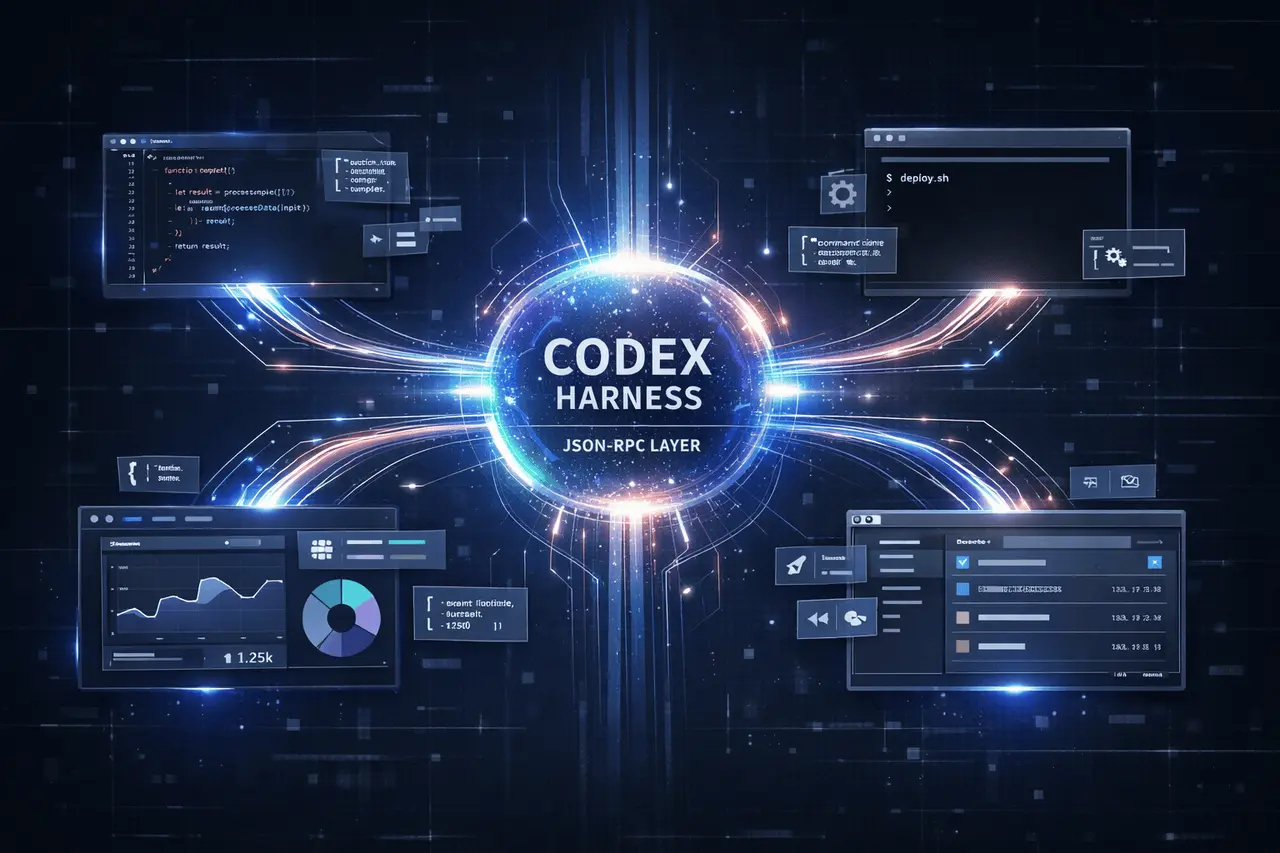
The Codex harness from OpenAI is the foundation of the company’s sophisticated code-centric agents, which unify interfaces that include IDE extensions, command-line tools, and native apps. This article describes exactly what Codex harness and App Server do, how they function through a bidirectional JSON-RPC standard, and the importance of them for tool builders and developers, as well as how integrations benefit from this design. Coverage is based on the Unlocking the Codex harness engineering overview, published on February 4 2026.
What Is the Codex Harness?
Codex harness is the agent’s internal logic that coordinates interactions between user inputs and model reasoning, tool executions, and persistent session states across Codex surfaces. It comprises:
- The agent loop at the heart that combines user-generated intent and model progression
- Thread lifecycle management for conversation history
- Tool invocation and execution of the sandbox
- Configuration and handling of authentication
All officially licensed clients, regardless of command-line tools, web interfaces, IDE Integrations (e.g., Visual Studio Code, JetBrains Xcode), or the standalone Codex desktop application, depend on the same harness.
Why a Unified Harness Matters?
- Consistency: Developers have the same basic behaviours and intelligence, regardless of their surface.
- Feature Parity: The new capabilities (such as streaming workspace diffs and parallel agents) are available across clients without requiring a rewrite of the core algorithm.
- Maintainability: Centralising the model and session logic makes it simpler to make updates and bug fixes.
The Codex App Server: Architecture Overview
The Codex App Server is the interface that provides clients with harness capabilities using the bidirectional JSON-RPC protocol over traditional input and output (stdio) streams. It acts as both a runtime server for the core thread and the contract clients’ interface for controlling and receiving information from agents.
Key Architectural Components
- Stdio Reader: Observes JSON-RPC messages on Stdin and frames them for the server’s logic.
- Message Processor: Transforms client requests into internal operations against the harness. It converts internal events back to JSON-RPC messages.
- Thread Manager: manages the persistent session (threads) and creates sessions when required. Sessions can be started, resumed, forked or archived.
- Core Threads: Every thread is a container for an ongoing agent session, keeping track of dialogue, tool execution state, and event streaming.
This creates an App Server, a slim but robust bridge that provides low-latency, interactive workflows to clients.
The JSON-RPC Protocol Explained
The core that is the App Server is JSON-RPC. It’s a lightweight remote procedure call protocol that uses JSON messages to send requests, replies, and notifications. The App Server uses a different JSON-RPC streaming format, lines-delimited JSON (JSONL), over STDIO, which eliminates the “jsonrpc”: “2.0” field while preserving method and parameter conventions.
Message Types
Requests
Include a method, params, and an id.
Example:
{ "method": "thread/start", "id": 10, "params": { "model": "gpt-5.1-codex" } }Responses
Echo the id with either a result or an error.
Notifications
Have method and params but no id, used for streaming events.
Bidirectional Communication
The App Server protocol is completely bilateral, which means:
- Clients can issue commands (such as creating a thread or testing).
- The server can send alerts to the user about intermediary progress, tool calls, or approvals, as well as stream messages from agents.
- A single user action can trigger an array of instances that the user can render gradually.
This design provides a high-end UI experience that goes beyond simple request-response interactions.
Conversation Primitives
To manage and represent agents’ workflows in the present App Server protocol, it uses structured primitives.
Item
The smallest form of input/output: typed events, like agent messages, user messages and executions of tools. They are clear on their timelines (started by a delta that can be optional in streaming, then completed).
Turn
A piece of work performed by an agent initiated by user input. A turn consists of an ordered list of items representing the agent’s outputs in increments, along with the tools used to accomplish the task.
Thread
A container that can be used to store an in-continuous Codex session between the user and the agent. Threads can persist across sessions, allowing clients to reconnect and resume where they left off.
Integrating Clients into App Server App Server
Diverse Codex client surfaces integrate the App Server by using the following patterns:
Local IDEs & Desktop Apps
Clients such as Visual Studio Code, JetBrains IDEs, and the Codex macOS app bundles. Codex macOS app bundle, or download the binary from the App Server and run the app as a child. They have a permanent bidirectional stdio channel that allows them to send commands and receive stream notifications in real-time.
Web Interfaces
A backend worker provides an application server, a container. It then launches the App Server and manages a long-lived JSON RPC link. The browser communicates with the backend via HTTP (or server-sent events (SSE) which keeps client-side UIs light.
Command-Line Interfaces
The original Codex CLI ran the core agent logic directly. Through the App Server software, even CLI workflows can be unified using JSON-RPC. This enables enhanced, more consistent features across different surfaces.
Feature Comparison: Integration Methods
| Integration Method | Best Use Cases | Notes |
|---|---|---|
| App Server (JSON-RPC) | IDE extensions, desktop apps, rich UIs | Full harness exposure |
| MCP Server | Standardized MCP clients | Subset of Codex features |
| CLI Exec / SDK | Automation, CI/CD tasks, scripting | Lightweight, simpler |
Benefits for Developers
- Consistent User Experience: Consistent Experience. The same agent features across terminals, editors, and the web.
- Rich Interactive: Updates in increments and streaming events boost UX.
- Flexibility: Bindings can be created in a variety of languages using JSON schemas derived from the protocol.
Challenges and Considerations
- Integration Overhead – Clients require JSON-RPC bindings and event handlers.
- Version Compatibility – While made to be backwards-compatible, the latest protocols require careful client maintenance.
- Efficiency – Performance, multithreading, and streaming introduce complications in environments with limited resources.
My Final Thoughts
The Codex harness and App Server architecture are an essential step towards delivering a continuous, scalable, real-time coding experience for agents across all platforms. Using a bidirectional JSON-RPC protocol and well-structured conversation primitives, OpenAI enables IDEs, web-based apps, and CLIs to create effective interactive workflows without reinventing the core technology. As agent ecosystems develop, they will be able to facilitate more extensive integrations and enhance developers’ productivity.
FAQs
1. What is the purpose of the Codex harness?
This is the agent’s core technology and the session manager that powers the entire Codex experience for users across all tools and platforms.
2. How does the Codex App Server communicate with clients?
Utilising a bidirectional JSON-RPC protocol, streams as JSONL via standard input/output, or via proxy servers on the network.
3. Can developers create the integration for themselves?
Yes, by implementing JSON-RPC client bindings for their language of choice and joining an App Server interface.
4. What advantages does App Server have over REST APIs?
Contrary to stateless REST, it supports streaming events, long-duration sessions, and incremental updates, enabling richer interactions.
5. Is the JSON-RPC protocol stable?
OpenAI has created the App Server protocol to be forward-compatible while also allowing for evolution in time.
6. Can the App Server take over MCP?
The Application Server gives you more features. MCP can be used in workflows that are standardised on the Model Context Protocol.
Also Read –
Codex App: Command Center for Building with AI Agents
Codex in JetBrains IDEs: GPT-5.2 AI Coding Inside IDE

