

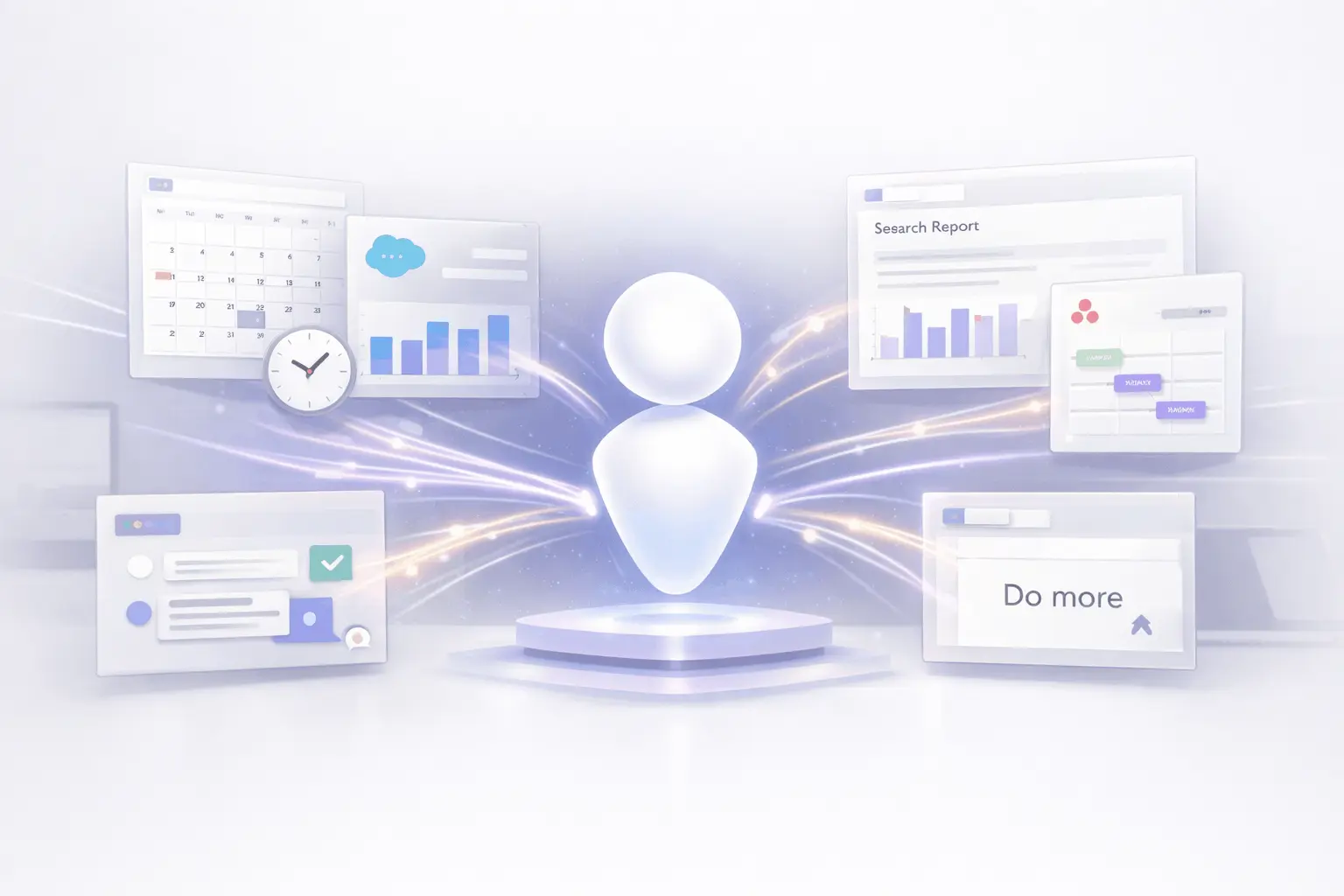
AI assistants are swiftly changing from being tools that respond to requests to systems that actively contribute to the process of getting things done. Claude Tasks mode reflects this change by moving beyond conversational intelligence towards real-time execution. Instead of just providing analysis or making recommendations, the system is designed to perform actual actions within everyday productivity and business tools.
By analyzing calendar data, creating CRM records, writing research reports, creating project roadmaps, and processing customer feedback, the Claude Tasks mode frames AI as an operating partner rather than just an informational resource. This shift addresses the growing demand from professional groups seeking AI to ease the transition between execution and insight.
What Is Claude Tasks Mode?
Artificial Intelligence is evolving beyond chatbots that type text or answer questions. The next phase is action-capable AI as well. Claude Tasks’ mode is a leading illustration. Created by Anthropic, Claude Tasks mode marks a shift from passive language models to AI that performs real work across productivity and business applications. Instead of simply creating text, it can initiate specific actions such as analyzing time usage, adjusting systems, writing documents, planning projects, or processing feedback.
At its heart, Claude Tasks mode combines natural language understanding and automation, allowing users to ask the AI not only for insight but also for tangible results across the tools they use every day.
From Chatbot to Action Engine
In general, AI assistants excel at creating text, such as notes, essays, or summaries, but they’re not as effective at executing tasks that involve interacting with other programs. Claude Tasks mode is designed to bridge the divide by delegating performing actions. Instead of requiring users to convert their insights into workflows manually, AI can do it for them. AI can integrate with third-party apps and complete operational tasks on behalf of the user.
This shift aligns with the broader trend of AI systems that can handle real workflows, communicate with productivity platforms, and perform actions, reducing manual work and allowing users to focus on higher-value tasks.
Key Capabilities of Claude Tasks Mode
The first features from Claude Tasks mode showcase a range of real-world activities that demonstrate the extent to which AI assistants can go about practical applications:
1. Analyze How You Spend Your Time (Calendar)
A powerful application is the ability to read calendar data to gain insights into how time is distributed, identifying patterns, inefficiencies, and areas for improvement. Instead of a manual audit, the AI will analyze your Calendar and present a summary or suggestions.
2. Update Your Salesforce Records (Salesforce)
Salesforce is the foundation of Customer relationship management (CRM) in a variety of businesses. Its Claude Tasks mode lets you interact with Salesforce to record activities, update records, or synchronize data with customers. This makes it easier for teams to maintain accurate CRM information without repetitive manual entry.
3. Write Research Reports (Google Docs)
The creation of text content remains a key component of AI; however, Claude Tasks mode elevates this by generating organized research reports directly into collaborative documents. Users can tell the AI to collect data and then create polished reports in Google Docs, saving time in writing and formatting.
4. Plan Project Roadmaps (Asana)
Planning for projects is another essential aspect where Claude Tasks mode is beneficial. Through a connection to Asana, the AI can develop and revise project plans, assign timeframes and tasks, and help organize teamwork within the project management system. This helps reduce overhead and enables more dynamic planning workflows.
5. Process Customer Feedback (Slack)
Modern teams collaborate and manage feedback through platforms like Slack. In Claude Tasks mode, the AI will process customer feedback, classify it, and then initiate follow-up actions, such as tagging issues or summarizing themes for product teams, directly from Slack conversations.
Why Action-Capable AI Matters?
Action-oriented AI goes beyond advisory functions to become a partner in execution. Professionals who are juggling several platforms, calendars, CRMs, Project trackers, document editors, and messaging platforms– the ability to integrate these workflows with AI could provide significant productivity improvements:
- Reduced manual work: Instead of switching between different tools and copies of information, Claude’s task mode centralizes actions behind natural language commands.
- Increased Convergence: The automated updates across systems reduce human error and help ensure team alignment.
- Quicker Turnaround: Time-consuming tasks like writing reports or organizing data can be completed more quickly with AI-driven multi-step workflows.
- Capability to Scale: Teams can expand their operations by delegating mundane tasks to AI and letting humans take on complex decision-making.
These benefits allow organizations to move towards more seamless, more effective workflows, particularly since the hybrid and remote work model requires seamless coordination between digital tools.
Integrations Drive Real Outcomes
One of the most critical aspects of Claude Tasks mode’s value is the integration with popular applications. By integrating applications like Google Docs, Salesforce, Asana, and Slack, Claude can operate in the same place where work is already happening. This is consistent with modern workplace automation systems, which include actions such as creating records, updating projects, gathering feedback, and even drafting content, all of which are typical business processes.
Integrations with third-party tools are not new to enterprise automation (e.g., Slack’s automation tool that connects to several services). The Claude Tasks mode provides a natural, natural-language-driven interface to these tools, making them available to anyone without special automation expertise.
Behind the Scenes: Technology and Trends
Anthropic’s broader Claude AI ecosystem has been developing toward more advanced, contextually aware models. Recent versions, such as the Claude Opus and Sonnet series, are based on advanced reasoning and expanded context processing. These enhancements support the workflow and behavior of agents that underpin Claude Tasks mode, enabling long-lasting interactions and complex multi-step actions.
The trend towards AI agents that perform tasks autonomously is gaining momentum across the business. While previous models focused on communication, modern innovations aim to integrate AI into operations, generating value through execution and decision support.
Claude Tasks Mode: Challenges and Considerations
Action-capable AI raises practical and ethical issues:
- Protection and Permissions: Allowing AI to communicate with business systems requires robust security and authentication policies, along with data governance, to protect data and prevent unauthorized modifications.
- Accuracy and reliability: Automated processes must be reliable and accurate. In the process of updating CRM or planning projects, incorrect updates could lead to bigger issues. So verification of the user and rollback procedures is vital.
- Training for Users: Teams must learn to create clear instructions and know the boundaries of AI-driven actions.
Addressing these areas with carefully designed, well-formulated policies ensures that action-oriented AI can be a trusted partner rather than a risk.
My Final Thoughts
The Claude Tasks mode demonstrates a larger change in the AI environment: the growth of action-capable, work-aware systems. It integrates directly with popular platforms, including calendars and document editors, as well as project management tools, CRMs, and team communication applications. Claude Tasks mode demonstrates how AI can help streamline complex multi-tool workflows using natural language.
While concerns about security, integrity, accuracy, and governance remain significant, the direction of travel is evident. AI is no longer confined to answering questions; it’s now a substantial part of the daily routine. As technology advances, tools such as Claude Tasks mode are likely to play an essential role in changing how people and companies design, manage, and expand their operations.
Frequently Asked Questions
1. What is it that makes Claude Task’s style different from conventional AI chat?
Conventional AI chat models produce text-based responses. The Claude Tasks mode takes it further by executing actions within external applications, for example, making changes to systems or creating documents based on the user’s instructions.
2. What applications are they able to interact with in Claude Tasks mode?
Some of the first features include integration with Calendar for time analysis, Salesforce for CRM updates, Google Docs for report generation, Asana for project planning, and Slack for feedback management.
3. Do I require technical knowledge to be able to use Claude Tasks mode?
No. The objective is to enable natural-language instructions that an AI can turn into actions, eliminating the need for programming or automation expertise.
4. Does this feature exist for everyone, Claude users, right now?
The timing and availability of the rollout will depend on Anthropic’s release schedule. Early information suggests the feature is coming soon and will be shown in previews.
5. How do you ensure that automated action execution is secure?
Security is determined by how integrations work, which includes authorization, permissions, and auditing. Enterprises should configure access controls carefully to safeguard systems.
6. Does Claude Tasks mode support custom workflows for enterprise?
Yes. With proper integration and configuration, the AI can be adapted to specific business processes across all supported systems and can be expanded via APIs.
Also Read –
Claude Tasks Mode: Inside Anthropic’s New AI Agent Workflow

