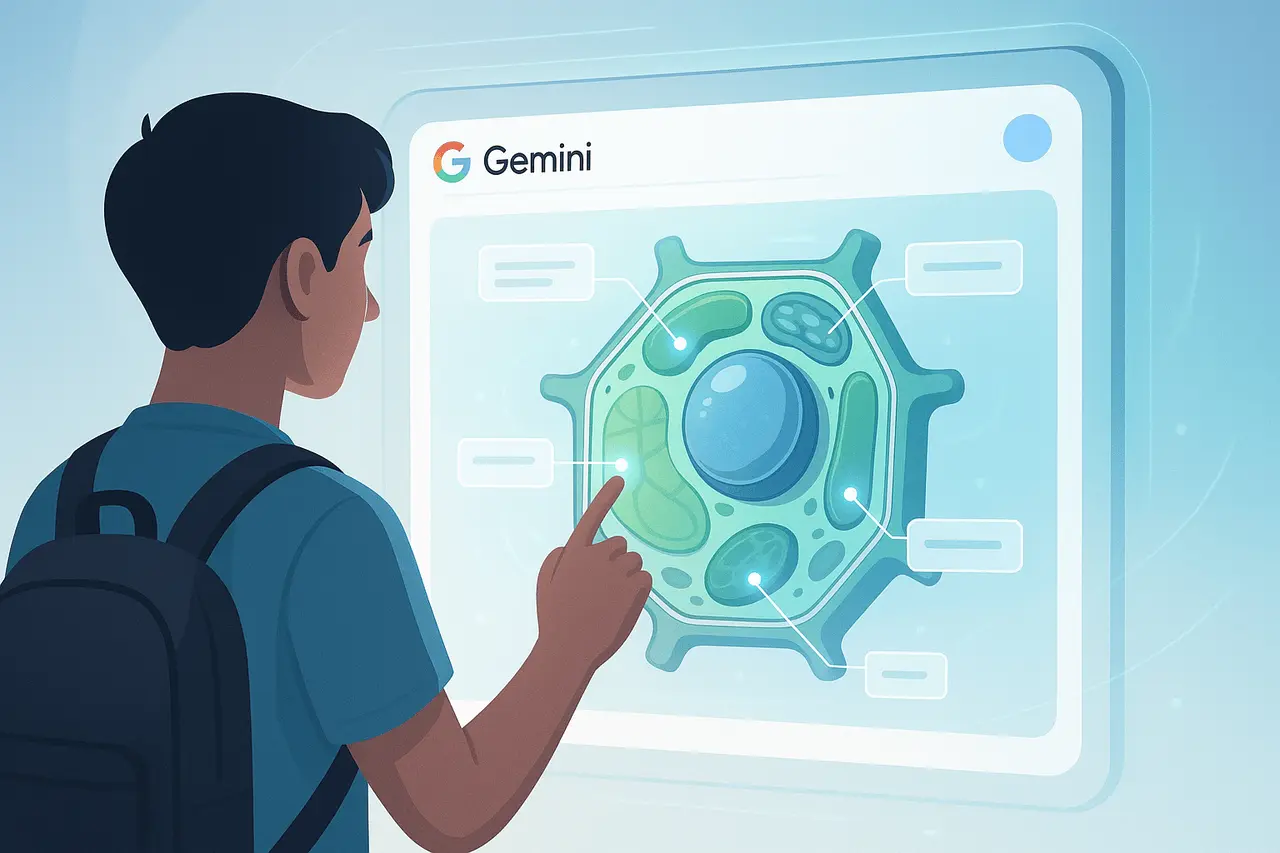
In an age where AI tools and technologies are changing the way we work, study, and think, Google’s ever-changing AI ecosystem is constantly pushing boundaries. The most exciting innovations involve the fusion of NotebookLM, Google’s AI-powered note-taking and research tool, and Google Gemini, its most popular chat-based AI platform. The integration lets users add personalized notebooks to Gemini chats for contextual input, connecting AI research workflows with natural, contextual conversations.
This article focuses on NotebookLM Gemini integration with NotebookLM, what it is, what it means, why it is essential, and how it can transform productivity across professional, academic, personal, and AI applications.
What Is NotebookLM?
NotebookLM is Google’s AI-powered notebook and research assistant, designed to help users synthesize and interact with the content they upload. NotebookLM uses AI models from Google’s Gemini family to analyze documents such as PDFs, Google Docs, Slides, and other materials from external sources, and to generate structured summaries and answers from the input.
Instead of relying on a general web-based knowledge base, NotebookLM responds to the information you upload, using these sources to answer questions, generate ideas, and produce overviews. NotebookLM can create visual and audio summaries, study guides, and other formats to make complex documents easier to understand.
What Is Google Gemini?
Google Gemini is a generative, multimodal AI developed in collaboration with Google DeepMind that powers conversational experiences across all platforms and devices. Gemini is designed to comprehend and respond to richly contextualized prompts, handle images, text, and other input types, and act as an analytical and creative assistant. Gemini’s capabilities range from routine tasks such as writing emails and writing down text, to more complex analysis and code assistance.
Gemini’s vast contextual windows (up to a million tokens in the latest versions) enable it to process large amounts of data and maintain continuity across lengthy conversations spanning multiple parts, an attribute that improves its integration with NotebookLM’s data.
What does the NotebookLM Gemini Integration mean?
1. Attach Notebook Context to AI Conversations
The main innovation of this integration is the ability to add NotebookLM notebooks to the Gemini conversation to provide contextual input. Users can bring their own custom notebooks, stuffed with uploaded documents, insights, and structured summaries, straight into chat. This allows Gemini to modify its responses by using your notebook as a reference.
This integration is more than just the uploading of files. It actually uses the notebook as a knowledge layer that can inform Gemini’s decision-making, delivering more detailed, grounded, source-based answers that reference the user’s content rather than generic training data.
2. Seamless Workflow for Research and Learning
Students, professionals, and researchers are increasingly required to manage massive amounts of information between PDFs, documents, slides, web pages, and other formats. NotebookLM already helps centralize and analyze data. Through the integration of NotebookLM with Gemini:
- You may make an inquiry to Gemini to elaborate on the notes you’ve made, extract pertinent insights, or analyze complex subjects with the organized material within your notepad.
- It is possible to switch from curating your sources in NotebookLM to producing professional outputs (e.g., summary drafts, explanations, or even Drafts) using Gemini without re-installing the application.
This significantly streamlines the research workflow by reducing the friction between information gathering, analysis, and AI-assisted analysis.
3. Improved AI Responsiveness Using Rich Context
Gemini’s strength lies in its ability to deliver intelligent, precise responses to a wide range of tasks. When it’s able to refer to an individual’s NotebookLM notebook:
- Respondents can be more precise and rooted in the user-provided information.
- The AI leverages custom context instead of general internet knowledge.
- Outputs may directly relate to users’ needs, for example, creating reports, studying for exams, or informing colleagues.
This interaction is context-based and mimics aspects of human research workflows: the more a researcher knows about your research materials, the more it will assist.
NotebookLM Gemini integration: Practical Use Cases
Academic Research
Academics and students can import lectures, articles, or research documents into NotebookLM. Then, you can ask Gemini to
- Create thesis outline
- Compare Theories
- Summarize findings across multiple documents
The system is integrated to generate structured academic insights, such as citations and conceptual summaries, from primary sources.
Professional Knowledge Management
Professionals who manage massive knowledge bases, such as legal documents, product specifications, or project files, can use NotebookLM to compile the material. It also has Gemini integration:
- It is possible to create executive summaries or briefs quickly.
- You can also ask clarifying questions on the complex content.
- Team members are more productive when they have access to shared notebooks in Gemini chats.
Personal Productivity
In addition to personal tasks such as organizing a project, giving presentations, or acquiring new knowledge, the integration enables you to store relevant information in NotebookLM and use Gemini to communicate with that information through conversation, helping you make actionable plans.
NotebookLM Gemini integration: Limitations and considerations
As the integration grows, AI capabilities. However, there are some facts to keep in mind:
- Data Security and Privacy: When uploading sensitive files to NotebookLM, users should consider the privacy implications, particularly in corporate environments.
- Availability: Access to more advanced features could depend on subscription levels, such as Google AI Pro or enterprise editions.
- Context Scope: Notebook content affects Gemini’s response, but clear, organized prompts remain essential for getting the right results.
What’s Next for the NotebookLM Gemini Integration?
Google’s overall strategy is to bring AI tools into its platform, enabling seamless transitions between productivity, research, and other tasks. NotebookLM’s more extensive integration into Gemini reflects this aim, which seeks to bridge personal knowledge through a generative AI aid.
As these tools develop with expanded capabilities for different file types, more context windows, and more advanced features for research Users, they can anticipate stronger mixed workflow systems that blur the lines between locating information and deriving meaning from it.
Final Thoughts
This NotebookLM, along with the Gemini integration, reflects Google’s broader vision to bring together research productivity and conversational AI into a seamless ecosystem. By allowing notebooks to serve as anchors for context in Gemini chats, Google is addressing a long-standing gap between gathering information and real-time synthesis. While availability, privacy concerns, and access to features change, the direction is clear: AI tools are becoming more personal, richer in context, and more closely aligned with how people actually interact with data. As the integration matures, it will likely transform how people interact with their information, turning static notes into interactive, conversational intelligence.
Frequently Asked Questions
1. How does NotebookLM integrate with Gemini?
It’s a feature that lets users add the contents of their NotebookLM notebooks, which include research notes and documents, directly into Gemini conversations to provide context. Gemini will then respond from this custom base.
2. What can this integration do to improve AI response?
By supplying Gemini with specific content for users, Gemini can provide more precise responses based on real documents and customized to the context of your documents.
3. Who will benefit the most by this integration?
Professionals, students, researchers, and all those who manage extensive collections of information benefit from the integration, which speeds up research, summarization, and analysis.
4. Do I require a subscription plan to make use of the integration?
Advanced features may require subscription plans such as Google AI Pro or enterprise-level offerings, while the core features may be offered at no cost, based on Google’s current product structure.
5. Do you think NotebookLM handles all types of files?
NotebookLM can handle a variety of document types, including PDFs, Google Docs, Slides, and even websites. Certain types of files may be restricted in handling based on the platform’s current capabilities.
6. Are users data secure with this integration?
Google applies its usual data policies to NotebookLM and Gemini; however, those handling sensitive or proprietary materials must carefully review the privacy and security policies.
Also Read –
NotebookLM DocX Support: What the New Update Means
NotebookLM Mobile Updates: New Image, Infographic and Slide Features Explained