

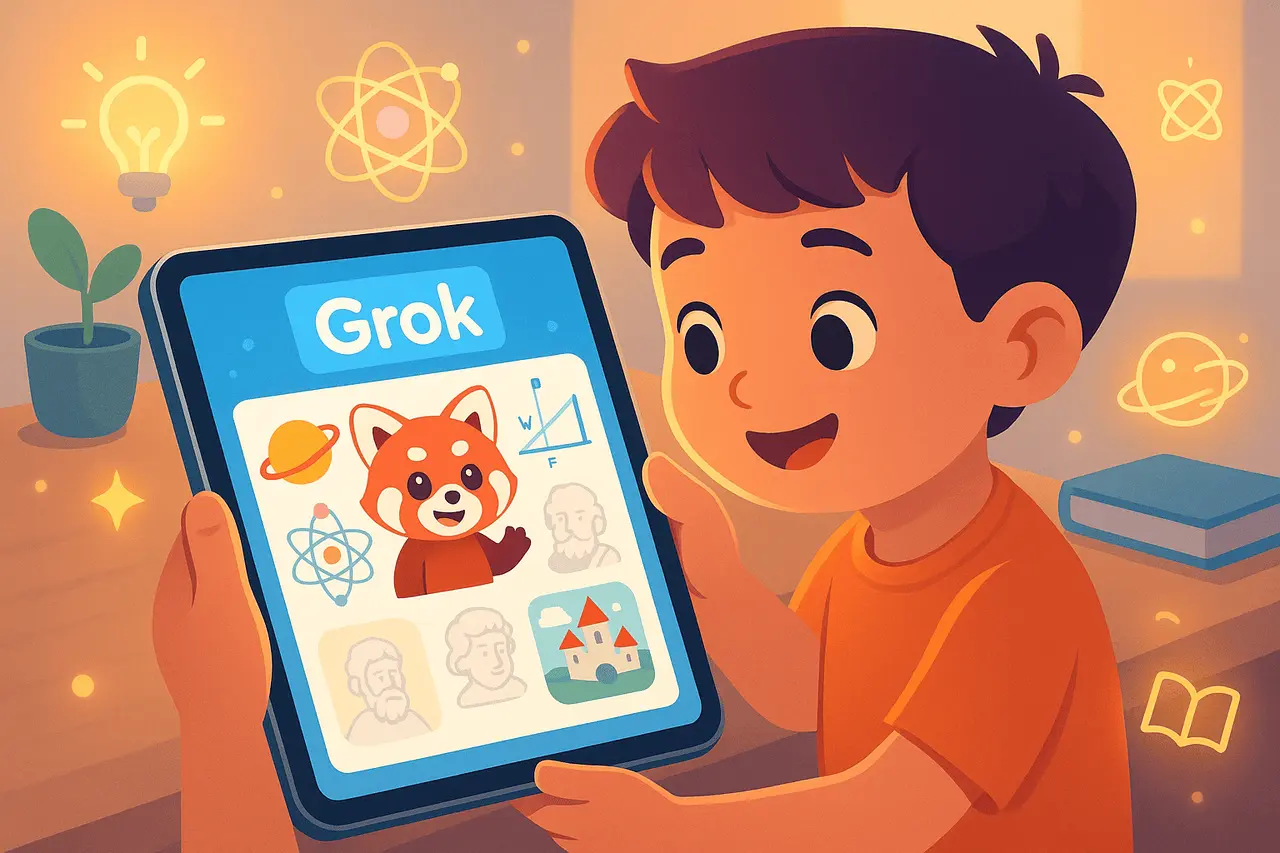
The best way to learn is when they play and explain are in sync. Recently, one of the top-of-the-line consumer AI assistants introduced a kid-friendly experience with a defined companion and a “kids mode” designed to provide younger users with simple, interesting, fun, and engaging answers and stories.
This article will explain what the Grok app for kids is, how it’s supposed to function in real-world situations, the design and safety compromises parents should be aware of, and whether AI assistants can assist children in their learning, not just to pass the time.
What does the Grok Experience for Kids have to offer?
The kid-friendly mode offers a stripped-down version of the primary Grok assistant, with reduced language features, a story-driven personality (a red panda as a companion is a good example), and restrictions on content that does not deal with themes geared towards adults. The idea is to guide small, fun-filled interactions toward the sciences, history, and basic reasoning, with responses suitable for young children and those in the early elementary years. The app’s pages and product descriptions focus on the benefits of real-time responses, image generation, and multiple individual voices as an element of the overall user experience.
A common implementation detail: character companions. Instead of an uninvolved voice assistant, children interact with a character named after them that can tell stories, ask questions, and respond, while constructing explanations using vivid, concrete metaphors – the kind of structure that helps children develop mental models for themselves. Journalists who viewed the feature found that the characters are often upbeat and expressive, employing a simpler vocabulary and rhythm that resembles a story to draw viewers’ attention.
This Format can be Beneficial in Learning (When it’s done correctly)
There are three distinct strengths of learning in a fun, character-driven AI:
- Framing Narratives: Children can remember concepts better when they’re incorporated in a narrative. Red pandas telling a brief background story about the planet, for instance, can help make the idea of gravity and orbiting stick.
- Adaptable and Straightforward: An expertly designed assistant can adapt explanations to a child’s age and knowledge, while nevertheless introducing clear concepts. The app’s design aims to keep the language concise and straightforward, thereby facilitating children’s comprehension at an early age.
- Active Prompts: Effective interactions don’t simply provide details; they also give the children simple questions, offer small tasks for observation or experiments, and encourage play that is driven by curiosity (e.g., “Can you discover three things in your space that roll?”). This transforms passive learning into learning through active participation.
These strengths can be a benefit compared to snackable short-form video, which often focuses on sensation rather than understanding.
Grok app for kids: The Question of Safety and Moderation
Any AI that speaks to children faces two kinds of issues: content safety and the ability to develop. Regarding content, service providers claim they use filters and “kids mode” restrictions to prevent harmful content and eliminate adult-focused content from the child experience. However, independent reports and advocacy organizations have raised concerns that character launch features had previously included characters who displayed sexually explicit or adult-oriented behavior, and subsequent reviews revealed the lack of consistency in moderation. The past has led to criticism from regulators and calls from advocates for child safety to strengthen the guardrails.
From a developmental point of view, Experts warn that AI companions shouldn’t replace human interaction or serve as unsupervised child-sitters. The most effective use cases involve co-viewing or playing, where the caregiver can check answers, expand learning through follow-up activities, and ensure the AI promotes healthy behaviors (screen time limits, source awareness, and critical thinking). eSafety’s guidance on the features of voice mode and personalization options, as well as suggests monitoring and parental control.
Grok app for kids: Practical advice for parents who wish to test a kid-mode AI
If you choose to play with a child-oriented assistant, take these steps:
- Make it a tool for learning, not an option for babysitting: Sit with your child in the early stages and use the time to begin engaging activities that involve hands.
- Install security measures: Enable PIN locks or account controls if they are available. Also, confirm that the app’s content settings are set to “children” mode before use.
- Check for truth in statements: Encourage an attitude of curiosity and verifying -Ask your child, “Should we check that with a book or a parent?” -And show how to search for answers with your child.
- Limit the amount of screen time you spend passively: Prefer active prompts that encourage action (building and observing, or explaining) instead of passively absorbing for long periods of time.
The model that is still in need of improvement
Character companions can be an excellent interface, but they’re far from completely perfect. Early adopters and reporters have reported some tone issues, a few variations in accuracy, and situations in which adult-oriented characters were available through settings that weren’t completely separated from children’s perspectives. These issues can be addressed through engineering and policy measures and are essential in settings where children play. Be on the lookout for bug fixes, transparent moderation logs, and reliable parental controls.
Final Thoughts
A well-thought-out, well-controlled kid mode is beneficial to any kid’s learning toolkit. It can help make abstract concepts more vivid, spark curiosity, and provide simple activities to help children learn off-screen. However, the technology is only as secure and effective as the security measures around it. Parents should view these tools as supplementary -as co-learning partners, not substitutes, prioritizing apps that have clear safety practices, robust moderation, and parental control options.
FAQs
1. Is this Mode Suitable for Children?
Kid mode is typically geared toward preschoolers and early elementary students (roughly 3-8 years old), with very simplified vocabulary and short story segments. Be sure to supervise toddlers and ensure the app includes explicit, age-specific guidance.
2. Does the Assistant Perform Experiments or Display Images?
Many assistant applications support simple image generation, or step-by-step activity instructions (e.g., an oven-safe demo of a volcano). They are helpful, but an adult should review and supervise any activity.
3. Do conversations get recorded and used to Train models?
Privacy practices differ. Review the app’s privacy policy for more information on data use and for explicit language stating that it does not use children’s conversations for model training, if that is important to you.
4. What happens if I find unacceptable material?
Report it immediately through the app’s support channels and remove this child feature until the app can confirm the correction. Advocates urge the platforms to respond quickly to the complaints.
5. Can these devices substitute for instructors?
No. They can enhance learning in the classroom and enrich your learning at home; however, caregivers and teachers are crucial for learning in the social and emotional realm, for assessment, and for individualized instruction.

