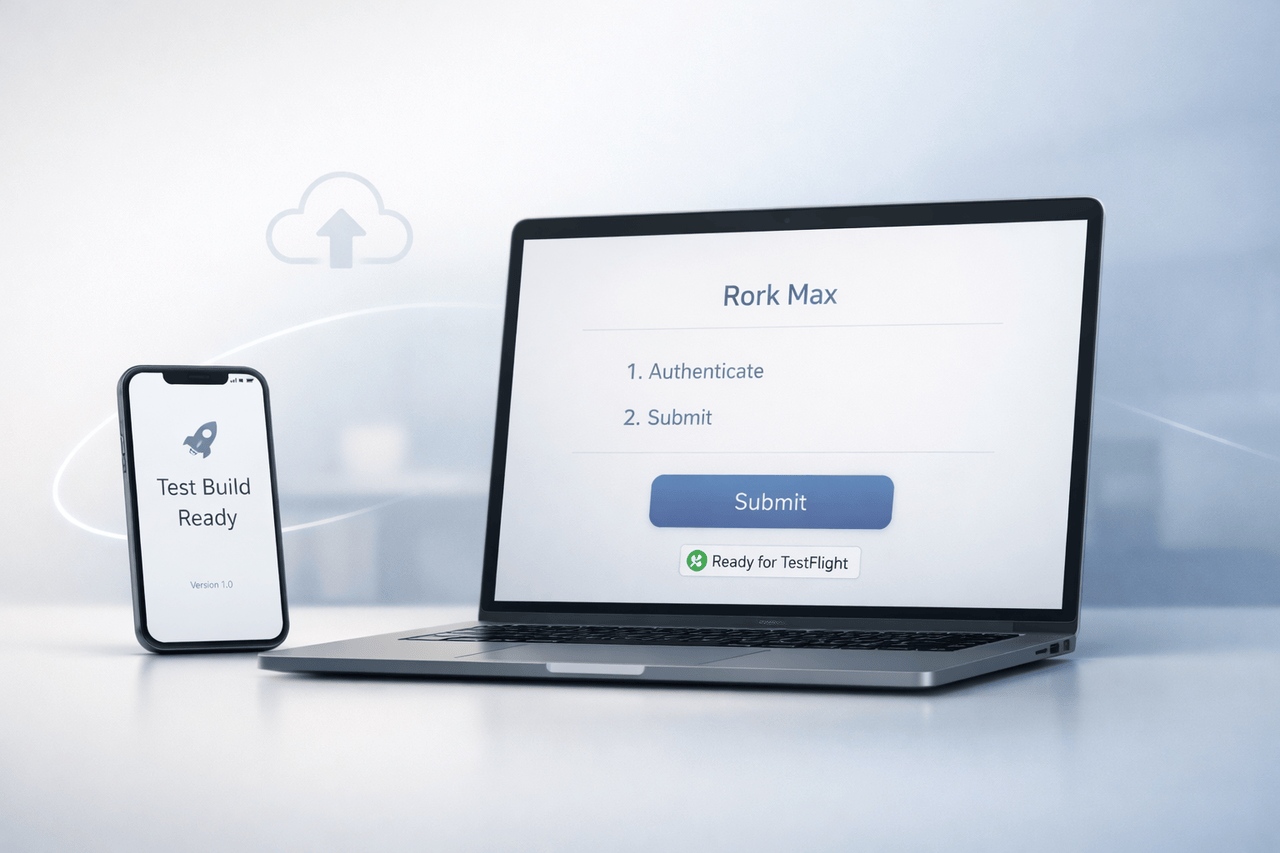
Launching an iOS app typically involves navigating Xcode, builds, certificates, provisioning profiles and App Store Connect processes. Rork Max 2-Click Publishing aims to simplify this process by enabling developers to publish apps directly to the App Store using the same Apple Developer credentials, without manually managing Xcode and App Store Connect.
This article explains what the Rork Max 2-Click publish is, what it does, why it’s important, how it functions, and what developers must be aware of before using it.
What Is Rork Max 2-Click Publish?
Rork Max 2-Click Publish is a feature for deploying Rork-designed iOS applications that eases the iOS application submission process.
Instead of manual:
- Archiving builds in Xcode
- Management of the provisioning profile and certificates
- Uploading binaries via App Store Connect
- Configuring TestFlight testers
Developers can authenticate with their personal Apple Developer Program account and submit their application directly through Rork Max.
As per the feature description, apps can only be published through the developer’s personal account. Rork is not claiming any ownership rights to the application nor the intellectual rights associated with it.
Why 2-Click Publishing Matters for iOS Developers?
The Traditional iOS Publishing Workflow
publishing for the App Store generally is:
- Making and signing certificates
- Configuring App IDs and supplying profiles
- Construction and archiving using Xcode
- Uploading via Transporter or Xcode
- Waiting for processing
- Configuring TestFlight distribution
- Submitting metadata for review
For experienced iOS engineers, this is manageable. For:
- Indie founders
- Non-technical builders
- Designers shipping MVPs
- Cross-platform developers
…i t can be lengthy and vulnerable to errors.
The Promise of 2-Click Publish
The Rork Max 2 Click Publish cuts the following to:
- Enter Apple Developer credentials
- Click “Submit”
The version has been uploaded and is accessible in TestFlight. Testers can be invited via email or a shareable link. Most users gain access within 10 minutes after the process is completed.
How Rork Max 2-Click Publish Works?
As Apple’s upload system remains the same, Rork Max abstracts away the complexities by handling the underlying technology behind the scenes.
Step-by-Step Overview
- Authorise with Apple Developer Credentials: You need these credentials to enable publishing on your account.
- Send this build: Rork Max handles packaging and submission.
- TestFlight availability: After processing, the app will be accessible within TestFlight.
- Invite testers
- Email invitations
- Shareable public links
- Finalise App Store submission: After testing, app developers can fill out the App Store details on the page and submit them for Apple review.
Important Requirement
You need an active $99/year subscription to the Apple Developer Program to publish your HTML code to the App Store.
Feature Comparison Table
| Feature | Traditional Xcode Workflow | Rork Max 2-Click Publish |
|---|---|---|
| Manual build archiving | Required | Abstracted |
| Certificate management | Manual setup | Handled in flow |
| Upload via Xcode/Transporter | Required | Automated |
| TestFlight configuration | Manual | Simplified |
| Apple Developer account required | Yes | Yes |
| App ownership | Developer | Developer |
This contrast shows that Rork doesn’t replace Apple’s infrastructure. Instead, it simply simplifies access to it.
Real-World Use Cases
1. Rapid MVP Deployment
Startups can validate concepts quickly by distributing beta builds on TestFlight without wrestling with configuration issues.
2. Non-Technical Founders
Product teams that use no-code or hybrid frameworks gain from not having to deal with complicated signing procedures.
3. Fast Iteration Cycles
When testing:
- UI improvements
- Performance changes
- New onboarding flows
A streamlined publishing pipeline that reduces the amount of friction between design and feedback.
4. Internal Company Apps
Teams that distribute private TestFlight builds privately can invite testers more quickly via email or links.
Benefits of Rork Max 2-Click Publish
Speed
Eliminates manual steps in Xcode and App Store Connect.
Accessibility
It makes iOS publishing easier for builders who don’t have extensive Apple platform knowledge.
Ownership Protection
Apps can only be published to the developer’s Apple Developer account. Rork doesn’t claim any ownership rights to applications or IP.
Integrated TestFlight Distribution
Invitations to email and public links make it easier for testers to get on board.
Limitations and Practical Considerations
Despite its ease of use, developers must be aware of the fundamental limitations.
Apple Review Still Applies
Apple’s standard App Review process must approve all applications for Stores.
2-Click Publish can’t override:
- App Review guidelines
- Security specifications
- Metadata requirements
- Privacy policy compliance
Developer Account Is Mandatory
If you do not have an active $99 per year Apple Developer membership, publishing isn’t possible.
Advanced Configuration Needs
Complex apps requiring:
- Custom entitlements
- Advanced provisioning configurations
- Enterprise distribution
might still require more understanding of configuration.
Security and Credential Handling
The feature description states that Apple Developer credentials are secure and not stored on Rork’s servers.
Developers must always:
- Use strong passwords
- Enable two-factor authentication
- Use Apple’s security best practices for security
Since publishing rights are tied directly to an Apple Developer account, account security remains crucial.
Traditional vs Simplified Workflow
| Stage | Traditional Approach | With Rork Max |
|---|---|---|
| Build preparation | Manual in Xcode | Managed in-platform |
| Upload process | Manual submission | One-click submission |
| Beta distribution | Configure TestFlight | Direct invite or link |
| App Store metadata | App Store Connect | Completed after testing |
| Final review submission | Manual | Standard Apple process |
This indicates that Rork Max focuses on workflow efficiency rather than modifying the Apple governance system.
Why This Matters for the Broader App Ecosystem?
Tools like Rork Max reflect a broader trend:
- Eliminating obstacles to entry
- Enabling rapid experimentation
- Helping solo founders and small teams
In the course of iOS development, which goes beyond the typical engineering departments, streamlined deployment tools are becoming crucial.
The Apple ecosystem remains managed and governed by reviews. Every publishing tool must work within Apple’s ecosystem.
My Final Thoughts
Rork Max 2-Click Publish makes it easier to handle the most difficult aspects of iOS development, including making an app available on TestFlight and preparing it for submission to the App Store for review.
It is not a replacement for Apple’s infrastructure review process, infrastructure, or developer specifications. Instead, it simplifies interactions with them. This makes publishing more efficient, easier to access, and less susceptible to error.
For developers, indie teams in startups, and those who value speed, this model helps reduce operational expenses while still allowing complete app ownership and control over accounts.
As tools for development continue to evolve, workflow simplification rather than infrastructure replacement may be the next wave of iOS publishing innovations.
FAQs About Rork Max 2-Click Publish
1. Do I require the Apple Developer account to use Rork Max 2-Click Publishing?
Yes. You need to have an active membership of $99 per year with the Apple Developer Program for publishing your work to the App Store.
2. Does Rork control my app if I publish via 2-Click Publishing?
No. Apps are posted on your personal Apple Developer account, and the ownership of the app remains with you.
3. Does this circumvent the Apple App Store review process?
No. All apps must undergo Apple’s standard review before being made available to the public in the App Store.
4. How long will it take to allow TestFlight builds to be made accessible?
After submission and processing, TestFlight accessibility is usually available within 10 minutes, though Apple’s processing time may vary.
5. Are there any easy ways to invite testers?
Yes. Testers are invited to participate via email or by sharing a TestFlight link.
6. Are Xcode completely removed from the procedure?
For the standard publishing flow, Rork Max abstracts away direct Xcode use. However, complicated configurations might still require the traditional development tools.
Also Read –
Rork Max: AI That Builds Apple Apps in One Shot