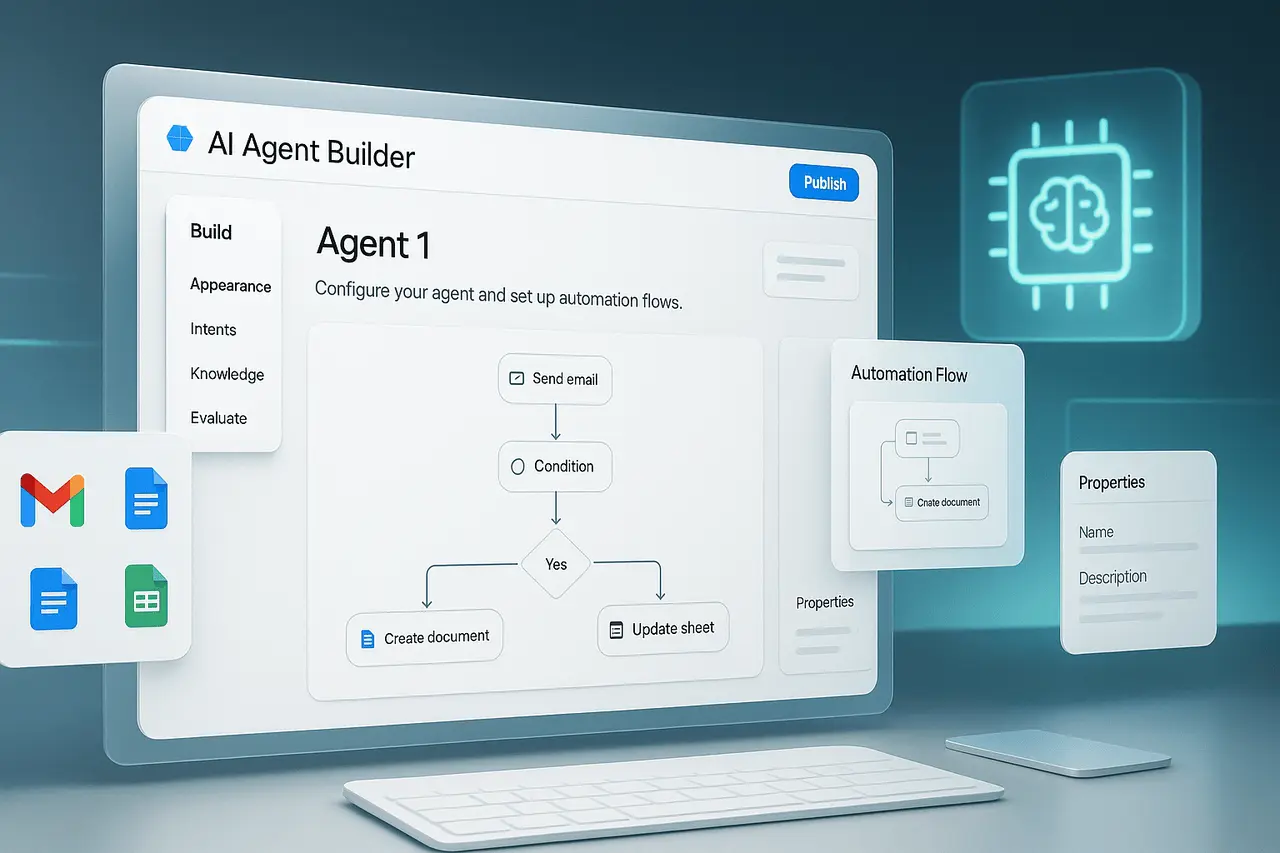
Notion Agents 2.0 represents a significant shift in how productivity platforms handle automation and AI-driven work. With the introduction of Workers and support for script execution, Notion is moving beyond the basic AI assistance towards an application that lets users develop custom, complete workflows that work across Notion and other connected tools. This shift positions Notion 2.0’s agents as the foundation of AI-powered businesses rather than merely an improvement in note-taking or project management.
Since teams are increasingly dependent on interconnected tools, such as task trackers, code repositories, and communication and collaboration platforms, the ability to use AI agents to run automated scripts and handle automations becomes a strategic advantage. Notion Agents 2.0 aims to provide this capability in a user-controlled, flexible manner.
What is Notion Agents 2.0?
Notion Agents 2.0 is an advanced AI automation framework that enables users to build intelligent agents that take action on their behalf. Unlike earlier AI features focused on content generation or summarisation, this new iteration emphasizesoperational capability.
At its heart, Notion Agents 2.0 introduces two essential elements:
- Workers who manage automations and integrations
- Support for script execution, which lets agents execute user-defined logic
All of these capabilities allow AI agents to shift from passive agents to active players within workflows.
What is the reason Notion Agents 2.0 is Important?
Modern companies have to contend with fragmented workflows spread across several tools. Manual handoffs slow the process, and rigid automation platforms typically require a deep technical understanding. Notion Agents 2.0 solves this issue by combining accessibility with flexibility.
Important reasons for this:
- AI agents are now able to carry out tasks that not only make suggestions
- Automation can span the internal Notion systems as well as External connectors
- Users are in control of their customized scripts and defined behaviour
This strategy aligns with the growing need for AI systems that support the entire operational lifecycle, from design through execution.
How Workers Work In Notion Agents 2.0?
Understanding Workers
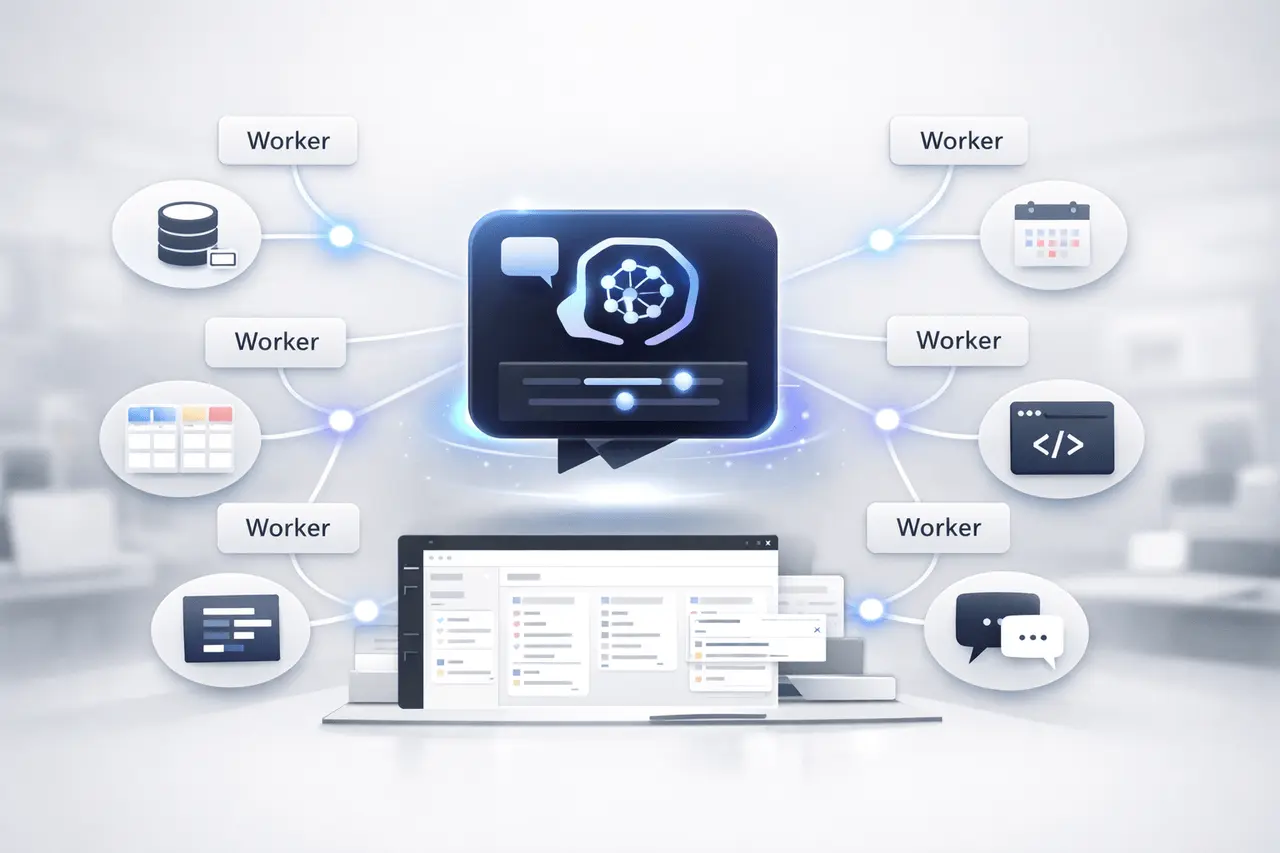
Workers are specialized components that perform specific automated tasks. Each worker is focused on an assigned task that includes creating workflows, synchronizing data and interacting with third-party services.
Instead of a single agent doing all the work, workers enable modular approaches. Automations are simpler to maintain, scale, and personalize.
Workers and External Connectors
Workers are designed to function across Notion and other platforms. Standard integration scenarios include:
- managing problems or pulling requests within the code repository
- Alerts or updates via tools for team communication
- Syncing structured data between systems
As intermediaries, Workers enable Notion Agents 2.0 to manage workflows in line with actual organizational procedures.
Script Execution: Custom-designed Logic for AI Agents
The ability to execute scripts sets Notion Agents 2.0 apart from earlier automation tools. Users can create customized scripts that agents can run, specifying the logic and limits.
This ability allows:
- Conditional decision-making based upon information
- Multi-step workflows that include branching logic
- Automation adapted to specific business rules
Significantly, script execution is determined by the user, meaning agents operate within specific constraints rather than autonomously with no supervision.
Feature Comparison: Traditional Automation vs Notion Agents 2.0
| Aspect | Traditional Automation | Notion Agents 2.0 |
|---|---|---|
| Logic Flexibility | Limited rules | Custom scripts |
| AI Involvement | Minimal or none | Core component |
| Cross-Tool Workflows | Often fragmented | Unified via Workers |
| User Control | Rigid templates | User-defined behavior |
| Scalability | Manual expansion | Modular Workers |
This comparison demonstrates how Notion Agents 2.0 integrates AI reasoning with programmable controls.
Real-World Use Examples in Notion Agents 2.0
Product and Engineering Teams
AI Workers can keep the project database up to date, trigger updates whenever code changes, and automatically synchronize documentation. This helps reduce context switching and ensures a clear line between execution and planning.
Operations and Process Management
Companies can create agents that handle recurring operations, such as monitoring compliance or status reporting, using scripts that maintain uniformity.
Knowledge and Content Management
Agents can maintain well-organized knowledge bases by adding new entries, flagging outdated information, and coordinating reviews across teams.
Advantages Notion Agents 2.0
- Automation from End-to-End: From the planning stage to the execution
- Personalization: The scripts adjust agents to meet specific requirements
- Modularity: Workers simplify complex workflows
- The ability to Scale: Suitable for teams of large or small size
These advantages make Notion Agents 2.0 particularly attractive for companies looking to implement AI rather than merely experiment with features that are not a part of the overall.
Specifications, Limitations, and Aspects
While extremely powerful, Notion Agents 2.0 introduces factors that users need to consider:
- Design of scripts requires attention to prevent accidental actions
- The governance and authorizations are to be clearly identified
- Complex workflows may need ongoing maintenance
Organisations that are adopting this method should define clear guidelines for agents’ behaviour and script use.
Advantages vs Challenges
| Advantages | Challenges |
|---|---|
| High flexibility | Requires thoughtful setup |
| Deep integrations | Learning curve for scripts |
| AI-driven execution | Governance considerations |
Achieving these goals is the key to the success of implementation.
Strategies for AI-Driven Companies
Notion’s direction suggests a broader trend towards AI platforms serving as operational backbones. Through allowing users to determine how agents behave, Notion Agents 2.0 supports AI-powered businesses that integrate automation into everyday routines.
In the coming two years, applications which combine AI thinking, implementation and integration are expected to be the norm. Notion Agents 2.0 will focus on the practical aspects of controlled automation rather than on abstract AI capabilities.
My Final Thoughts
Notion Agents 2.0 marks a significant change in productivity powered by AI, adding Workers and script execution as first-class features. This transforms AI from a passive assistive into an active, operational partner that can manage workflows among teams and tools. When organizations are looking for scalable, flexible automation, Notion Agents 2.0 stands out as a model of how AI can power operations from end to end in the future.
FAQs
1. What exactly is Notion Agents 2.0 used for?
Notion Agents 2.0 automates workflows, enabling AI agents to run scripts and handle jobs across Notion and other connected tools.
2. What are the differences between Workers and traditional automation?
Workers are modular elements designed to fulfil specific tasks, making automations more adaptable and flexible than traditional rule-based systems.
3. Do users require knowledge of programming to utilize script execution?
Basic scripting knowledge is beneficial; scripts can be created gradually, allowing teams to get started easily and grow over time.
4. Does Notion Agents 2.0 integrate with the other tools?
Yes, workers are designed to function with external connectors, enabling multi-platform automated systems.
5. Is Notion Agents 2.0 suitable for large companies?
Yes, its modular design and user-defined controls allow it to be adapted to multi-team, complex environments.
Also Read –
Notion Agents AI Update: Smarter Automation Inside Notion