In the latter half of 2025, Google expanded its AI ecosystem by incorporating Opal. This tool does not require code, allowing anyone to build customized AI agents immediately by simply writing in plain language what they would like the agent to accomplish. Instead of requiring technical configuration or programming, Opal uses natural language and visual workflows to create useful AI mini-apps, called “Gems,” within the Google Gemini web app. This is a significant move towards making Google Opal AI Agents easier to access AI development for professionals, creators, and everyday users.
What Is Google Opal?
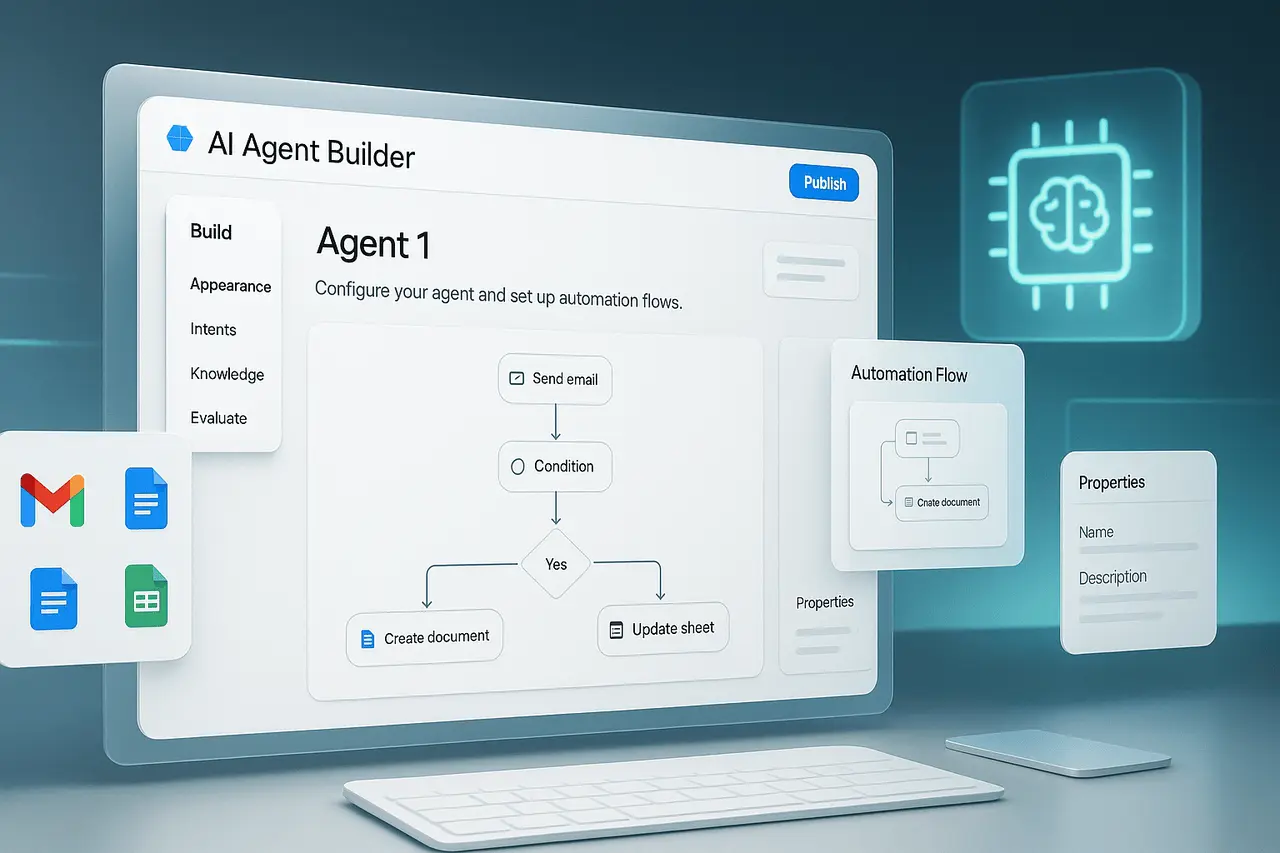
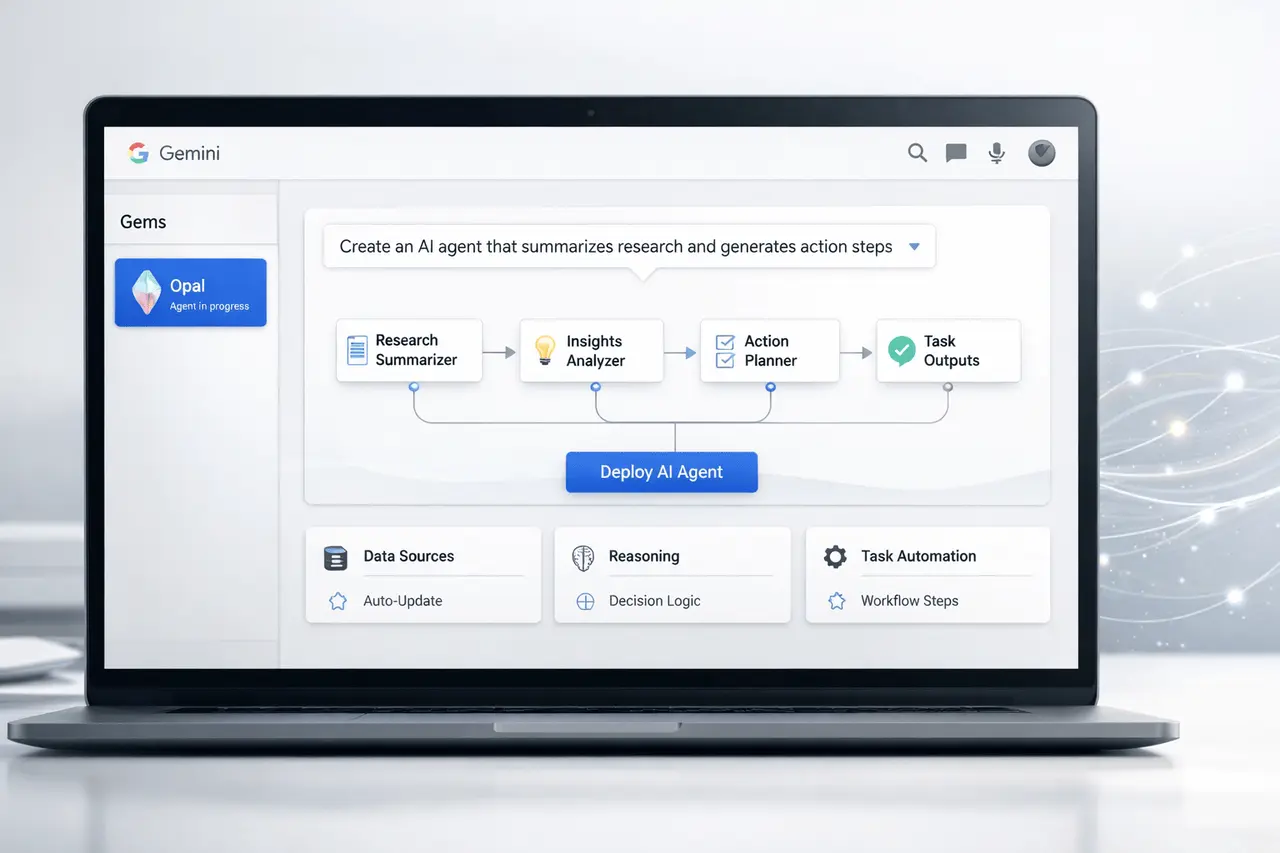
Google Opal is an experimental zero-code AI mini-app creator developed in collaboration with Google Labs. It allows users to build AI-powered applications without writing code, using only natural-language prompts to describe the task. The platform converts these instructions into a visual workflow comprising logical steps that involve AI models and tools, which users can review or modify.
Contrary to traditional software development, which can take days or weeks to complete and requires programming skills, Opal reduces the process to just a few minutes: explain the purpose, modify the automated workflow (if necessary), and then launch it in a matter of minutes. The app is then run in web containers and can be shared with other users.
Opal Meets Gemini: One-Click AI Agents
Google’s decision to incorporate Opal straight into its Gemini web interface has made creating AI agents as easy as a couple of clicks. Gemini, Google’s top AI assistant, is powered by multimodal large-language models that process audio, text, and images. It now has the “Gems” manager, which allows users to design and manage their own custom AI tools.
Here’s how this method works in application:
- Log in to Gemini with your own personal Google Account.
- Open the sidebar, and choose gems.
- Select a New Gem and then Opal.
- Write a concise outline of what you would like the AI Agent or Mini-App to accomplish.
After that, Opal generates a tailored AI tool that runs inside Gemini with no additional setup, simply by using natural language and a single click.
Google Opal AI Agents: The “Vibe Coding” Approach
Opal employs what industry experts call vibe coding, a design paradigm that focuses on natural language interactions rather than formal syntax. Instead of constructing logic manually, users express the spirit or intention of the program they wish to use. Opal will then design an intuitive workflow that breaks the task into distinct actions (“nodes”), each performing a specific task and editable, rearrangeable, or extendable.
This technique can bridge the gulf between editors and the true AI-driven generation. The software interprets language into logic and then generates interactive workflows without exposing code. Users can modify or add actions, such as the web’s research process, summarization, or the generation of content, through the graphical interface.
Capabilities of Opal-Built AI Agents
AI mini-apps made using Opal can automate a variety of practical tasks across different domains, such as:
- Automated task: Build bots to collect information to generate reports or control simple workflows.
- Creation of content: Draft summaries, drafts, or structured outputs that meet particular requirements.
- Data Interaction: Process data or create a visual analysis.
- Customized utilities: Create software specifically designed to meet your workflow needs, such as project trackers, SEO tools, or summarizers.
These mini-apps might not be complete desktop or mobile applications that stand on their own. They are web-hosted applications that tightly integrate with users’ Google accounts and the Gemini environments.
Why This Matters for Non-Tech Users?
Opal significantly reduces the barriers to entry when building AI tools. Traditionally, the creation of custom-designed robots or automated systems demanded the use of APIs, coding, and integration. With Opal, anyone, from professionals in business to students, can transform a thought into a functional application simply by describing what they would like to automate or develop.
This makes it possible for users who used to rely on developers to now test, test, and implement AI tools without developers. For instance, a marketer might build an AI assistant to generate campaign ideas, researchers can automate the writing of literature summaries, and a small company owner could design customized report generators with no technical knowledge.
Google Opal AI Agents: Integration and Ecosystem Benefits
Since Opal is part of the Google network, it integrates effortlessly with other Google AI tools and services. Gemini’s multimodal reasoning, when combined with the Opal workflow generator, allows mini-apps to handle a variety of inputs, ranging from text prompts to images, and seamlessly integrate with Google Workspace tools and services.
This integration simplifies workflows in everyday tools such as Gmail, Docs, and Drive, and allows Opal-built agents to work with familiar interfaces. It is also positioned to enable Google to compete more effectively against other non-coding AI creators and automation tools by mixing user-friendly interfaces with strong AI capabilities.
Google Opal AI Agents: Limitations and Current Status
As of the date of this article, Opal remains experimental and is currently in beta for public release; the availability of the tool may differ by location. While the tool is intended for rapid prototyping and company use, it does not yet substitute for full-scale production development environments. Instead, it excels at rapid ideation, easy workflows, and valuable tools for niche applications.
Furthermore, since the system converts natural language to logic, more complex or unclear requests may require refinement or repeated prompting to achieve the desired outcome. Users should be prepared for an uphill climb as they try to formulate goals for the best outcomes.
Google Opal AI Agents: Future of AI Tool Creation
The integration of Google into Opal into Gemini indicates a time in which the development of autonomous AI tools will no longer require technical expertise. As the understanding of natural languages and AI workflows becomes more efficient, we can expect enhanced capabilities for agents, advanced automation, and a deeper Integration with the productivity ecosystems.
This breakthrough is part of the larger trend towards AI-based development platforms, in which the focus shifts from code to intent. For both creators and businesses alike, tools such as Opal reduce the cost of experiments and speed up the time from conception to execution.
Frequently Asked Questions
1. How do we define Google Opal?
Google Opal is a no-code AI mini-app builder that transforms natural-language descriptions to practical AI processes and agents, without writing code.
2. Do I require programming skills to use Opal?
No, Opal’s interface is made for people with no programming background, using simple language prompts and visual workflows.
3. Where can I use Opal?
Opal can be integrated with the Gemini web application and is available via the Google account. It is still in the beta stage in certain regions.
4. What sorts of tasks could AI agents created using Opal be able to
They can automate routine work, simplify information, analyze data, generate text, and connect with Google tools to build customized workflows.
5. Can I share my AI agents I have built?
Opal indeed lets you share mini apps you make, and users with access can use them.
6. Is Opal suitable for enterprise-level app development?
At present, Opal is best for prototypes, automation, and internal mini-apps, rather than full-scale development of enterprise applications.
Also Read –
ROME AI Agent: Training Reliable Tool-Using Systems
Google NotebookLM Audio Lectures: 30-Minute Lecture Mode Tested