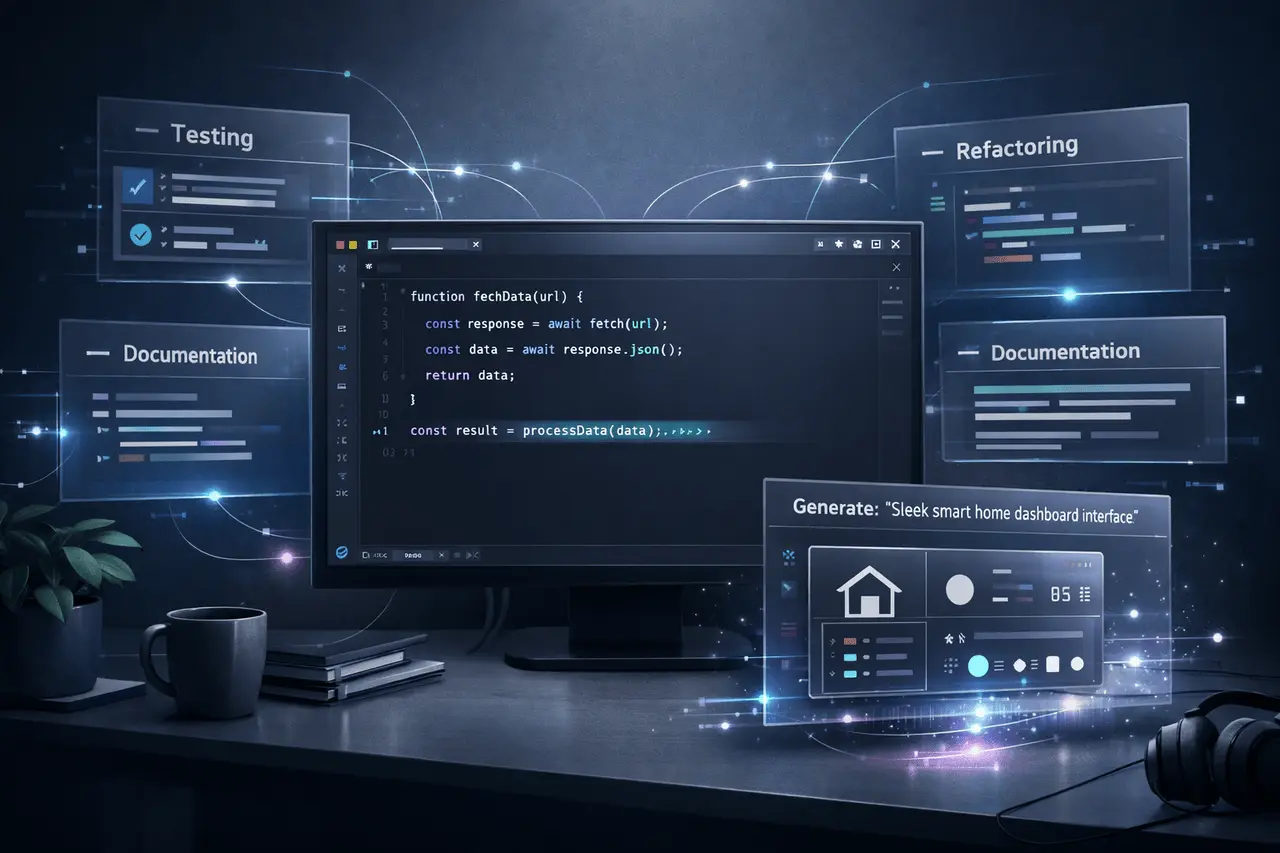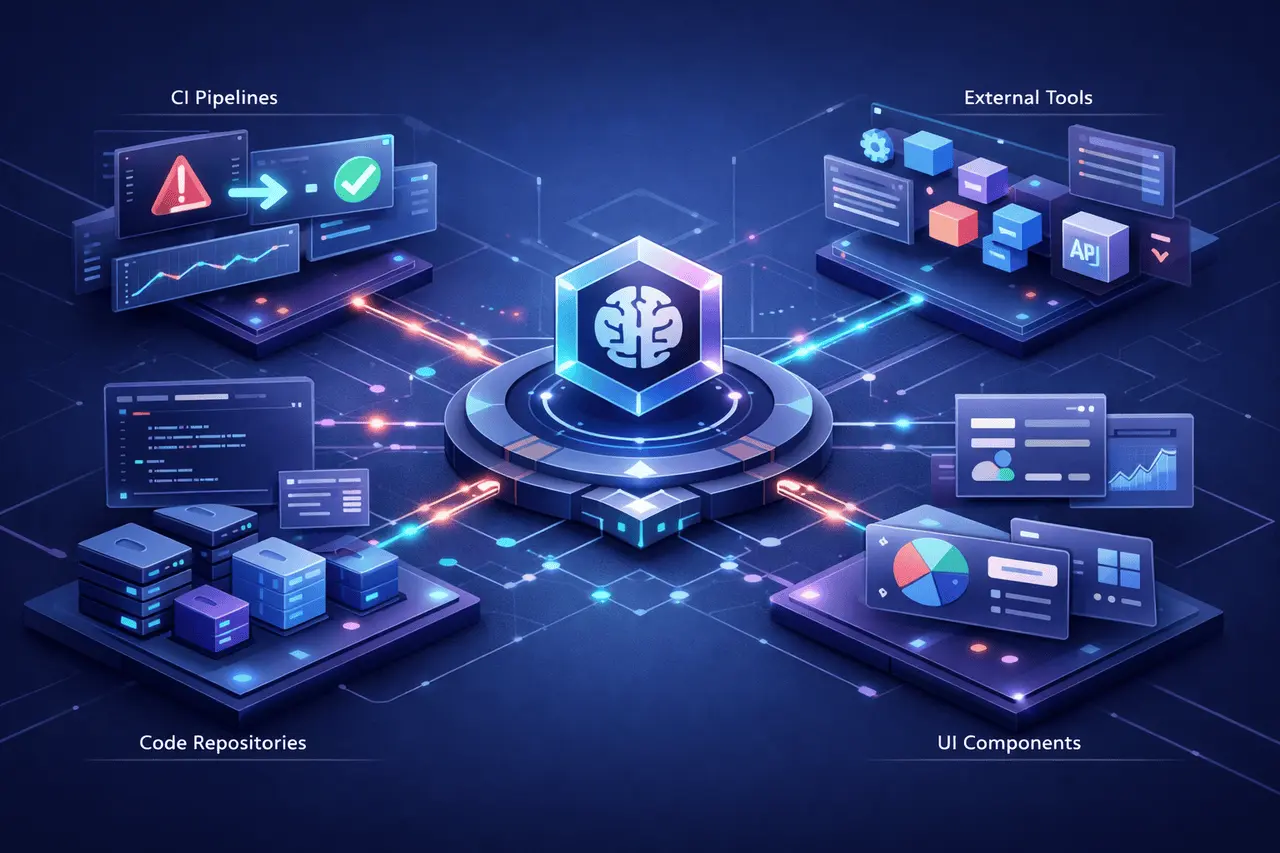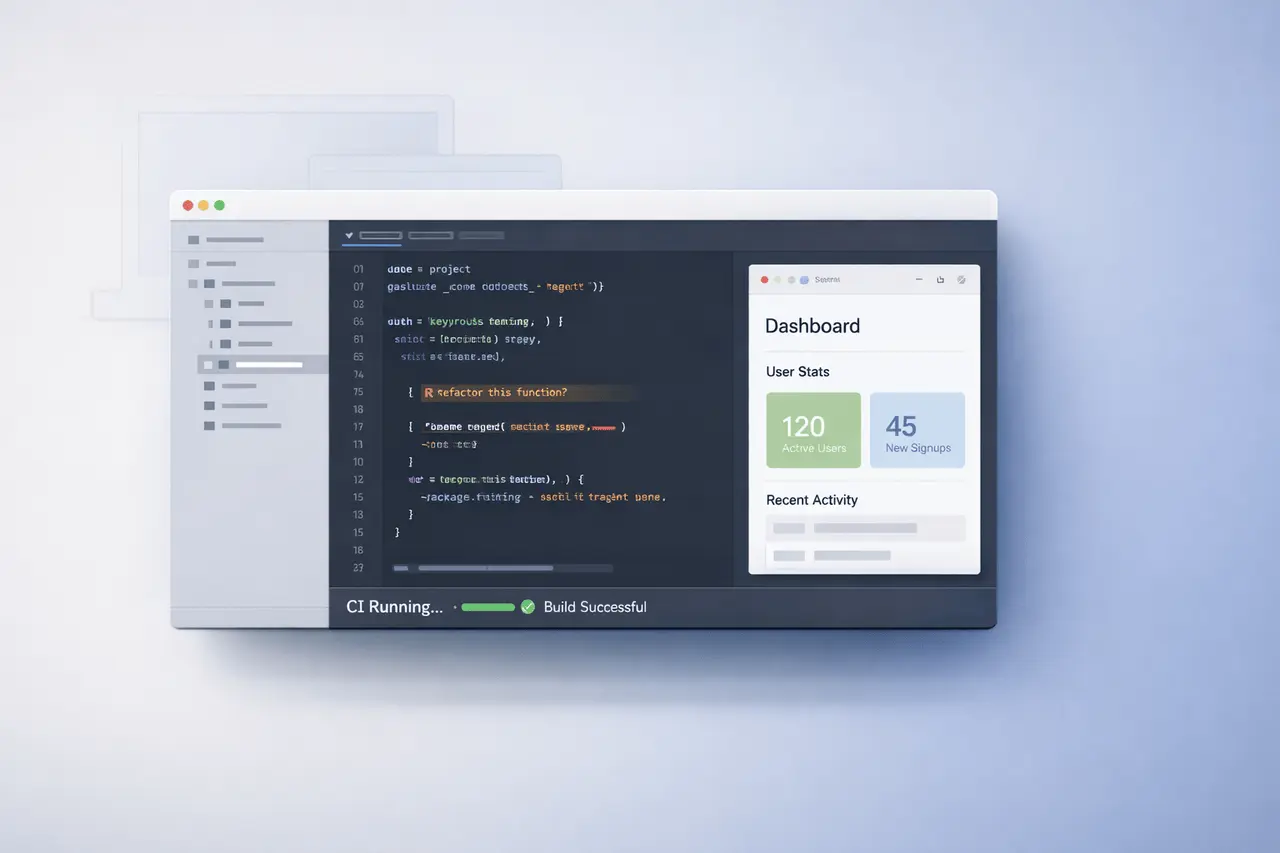
Claude Code Desktop introduces integrated app previews, local code review, CI monitoring, and session mobility within a single desktop. Created to improve development processes, Claude Code Desktop enables developers to view running applications, review console logs, review code before pushing, and automatically manage Pull request (PR) checks while staying in their work area.
This update positions Claude Code Desktop as a process automation tool for development, testing, and collaboration. Below is a comprehensive breakdown of what it offers, how it functions, and why it is important to modern software teams.
What Is Claude Code Desktop?
The Claude Code Desktop is a desktop-based development user interface which connects AI aid directly with local repositories and projects. It goes beyond basic code suggestions and is integrated into the core engineering workflows, like:
- Previewing and running servers for development
- Reviewing local code changes
- Monitoring CI pipelines
- Managing pull requests
- Transferring sessions between desktops and the cloud
In contrast to standalone code assistants, the Claude Desktop runs throughout the entire lifecycle of a feature, from the beginning of development through merging.
Server Previews in Claude Code Desktop
One of the more powerful enhancements is server previews.
Claude Code Desktop can:
- Start local development servers
- Display a preview of the app in use
- Read console logs in real time
- Identify runtime errors
- Automatically iterate fixes
How does it work?
If a developer launches the project’s development server, Claude Code Desktop can access the runtime environment. It interprets:
- Server output
- Stack traces
- Console warnings
- Error logs
If there are issues, the app proposes fixes and repeats the process until the application is stable.
Why It Matters?
This reduces context switching between:
- Terminal
- Browser preview
- Code editor
- Logs
Instead, developers get a unified feedback loop within a single interface.
Local Code Review Before You Push
Claude Code Desktop now supports local code review.
Before creating a pull request, developers can select “Review your code” to get inline comments directly within their modifications.
What does it check?
- Logical errors
- Potential bugs
- Code quality issues
- Structural inconsistencies
- Style concerns
It serves as an initial review layer for PR and can detect issues before human reviewers can see them.
Traditional vs AI-Assisted Code Review
| Traditional Approach | Claude Code Desktop Approach |
|---|---|
| Manual peer review only | AI pre-review before PR |
| Issues caught after submission | Issues flagged before push |
| Reviewer workload increases | Reviewer workload reduced |
| Slower iteration cycles | Faster iteration cycles |
This model of early detection helps teams reduce back-and-forth in PR conversations.
PR Monitoring and CI Automation
Claude Code Desktop extends to pull request lifecycle management.
When a developer makes an email:
- Claude tracks CI pipelines running in the background
- Tracks test results
- Detects failures
- attempts to fix automatically (if allowed)
- Can auto-merge once checks pass
Key Capabilities
- CI failure detection
- Automated fixes
- Auto-merge on green builds
- Monitoring of your background as you do your job
This lets developers shift their focus to other tasks rather than waiting for pipelines for building.
CI Automation Feature Overview
| Feature | Function | Impact |
|---|---|---|
| CI Tracking | Monitors build and test status | Eliminates manual checking |
| Auto-Fix | Attempts to resolve failing checks | Reduces repetitive debugging |
| Auto-Merge | Merges when all checks pass | Speeds deployment cycle |
| Background Monitoring | Runs while user works elsewhere | Improves productivity |
For teams implementing Continuous Integration and Delivery (CI/CD), this helps reduce friction between shipping and coding.
Session Mobility Across Devices
Claude Code Desktop introduces session mobility, enabling developers to transfer active sessions between environments.
Developers can:
- Create the CLI session to the desktop application with the command /desktop
- Send sessions in the cloud
- Resume work using the mobile or the web interface
Why Session Mobility Matters?
Modern developers often switch between:
- Local machines
- Remote servers
- Cloud environments
- Multiple devices
Session portability maintains work continuity without manual reconfiguration.
This supports hybrid workflows common in distributed engineering teams.
How Claude Code Desktop Fits Into Modern Dev Workflows?
Claude Code Desktop integrates throughout the entire development process:
- Development Phase
- Start server
- Preview app
- Monitor logs
- Pre-Submission Phase
- Code review locally
- Fix issues that are flagged
- Pull Request Phase
- Monitor CI
- Auto-fix failures
- Auto-merge on success
- Cross-Device Continuity
- Move sessions between desktops and the cloud
It is more than just a code assistant. It serves as a workflow management layer.
Benefits of Claude Code Desktop
1. Reduced Context Switching
Developers no longer need separate tools to preview, review, examine, and monitor CI.
2. Faster Feedback Loops
Errors are discovered at runtime or before the PR is submitted.
3. Improved Code Quality
Pre-review checks prevent bugs from entering shared repositories.
4. CI/CD Efficiency
Automatic monitoring, merging and monitoring cut down on the time spent waiting in line.
5. Flexible Workflows
Session mobility enables multi-device, distributed development.
Limitations and Practical Considerations
As Claude Code Desktop enhances automation, Teams must consider:
- Human review remains essential for architecture decisions
- Automated fixes need to be verified before deployment to production
- CI integration depends on project configuration
- Security and access rights should be managed properly
AI-assisted automated systems complement engineering judgment but do not substitute it.
Who Benefits Most?
Claude Code Desktop is extremely useful for:
- Startups that have small engineering teams
- Teams practising continuous integration
- Open-source maintainers managing frequent PRs
- Developers juggling multiple active branches
- Distributed teams working across time zones
It reduces friction at the most frequent bottlenecks: review, debugging, or merging.
My Final Thoughts
Claude Code Desktop brings runtime previews, local code reviews, CI monitoring, automated fixes, and session mobility in a single desktop. By integrating AI directly into the process, it reduces the need for context switching, speeds up feedback loops, and simplifies the pull request workflow.
While engineering teams continue to embrace practices of distributed development and CI/CD tools, such as Claude Code Desktop, signal a shift towards AI-powered workflow automation, not just code completion. The longer-term benefits are decreasing operational friction while maintaining the human element, ultimately speeding up the time from conception to actual deployment.
FAQs About Claude Code Desktop
1. What exactly is Claude Code Desktop used for?
The Claude Code Desktop is used to test running apps, review local code, observe CI pipelines, and automate pull request workflows in a desktop interface.
2. Does Claude Code Desktop automatically fix CI problems?
Yes. If auto-fix is activated, it will attempt to fix CI failures as they occur. Developers must still test the changes before deploying.
3. Can Claude Code Desktop replace human reviews of code?
No. It offers a pre-review process to identify common problems before peer review. Human reviewers remain crucial for making higher-level decisions.
4. How is session mobility implemented with Claude Code Desktop?
Developers can transfer CLI sessions to the desktop application via /desktop. They can also push sessions to the cloud and resume sessions from the mobile or the web.
5. Can Claude Code Desktop preview local development servers?
Yes. It can start development servers, render previews, examine console logs, identify issues, and iterate on solutions through its desktop user interface.
6. Is Claude Code Desktop suitable for CI/CD workflows?
Yes. It can support CI tracking, automatic attempts to resolve failures, and auto-merging after checks have passed, making it ideal for continuous integration environments.
Also Read –
Claude Code Security: AI Code Vulnerability Scanner