Artificial Intelligence is revolutionising software development. One of the most effective tools is Claude Code Commands, a part of the terminal-based AI programming assistant Claude Code. In early 2026, Claude Code Commands are becoming more widely accepted in bundle programs and other products. This makes them more important for teams, developers, and enterprises.
This article describes what Claude Code commands are, how they operate, why they are essential, and what the latest extension of bundled support will mean for coders and organisations.
What Are Claude Code Commands?
Claude Code Commands are structured directives used in the Claude Code environment to tell the AI which task to perform.
Claude Code itself is an agentic coding assistant. It’s an application that runs in your development or terminal environment and converts natural-language instructions into code actions. It can alter files, modify code, correct bugs, navigate through a codebase, and automate workflows using these commands.
Core Concepts
- Natural Language for Action: Commands allows you to describe the tasks you need to perform in simple English (or the command form) while Claude Code executes them in your application.
- Slash Syntax: Many commands start with the Slash (e.g.,”/review”, “compact”, “bugs”, etc.), which is similar to command-line tools or chat commands that use slashes.
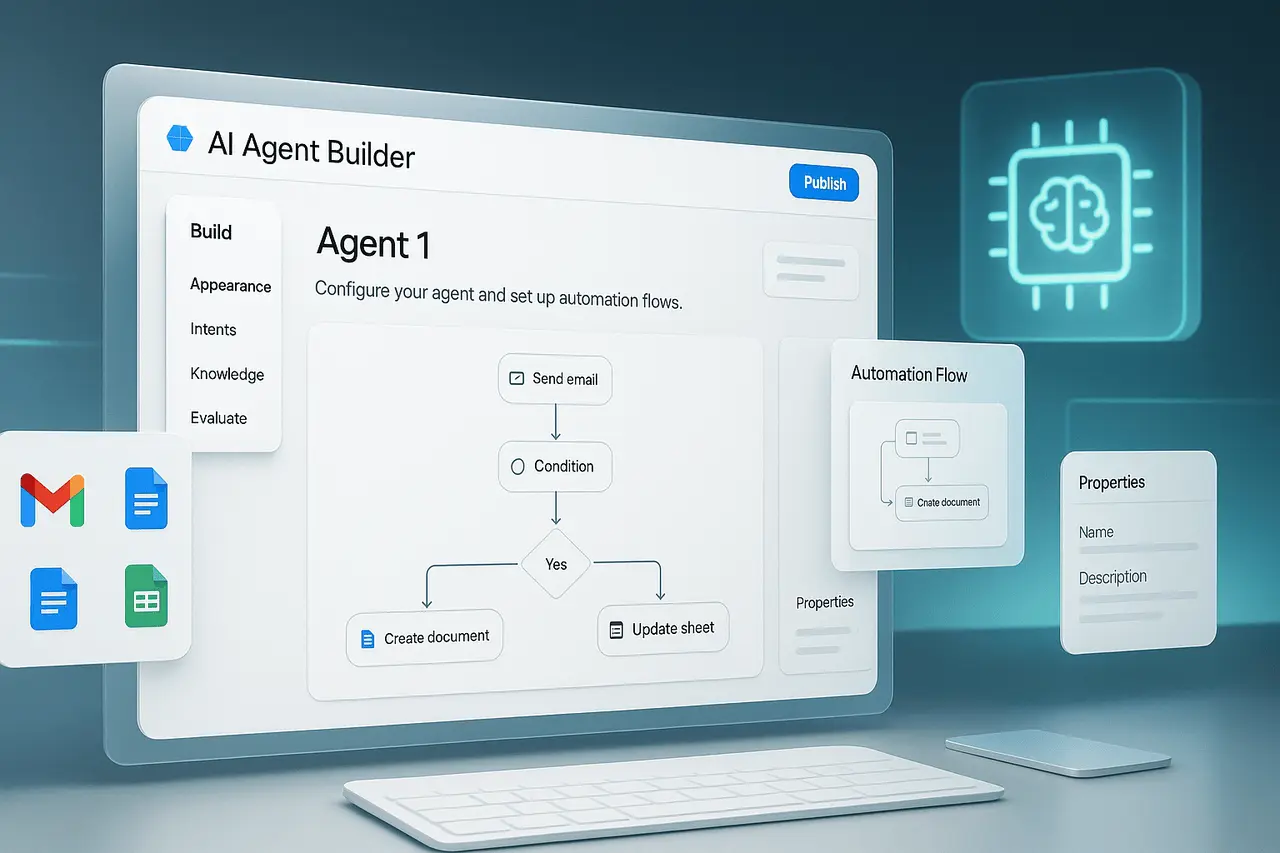
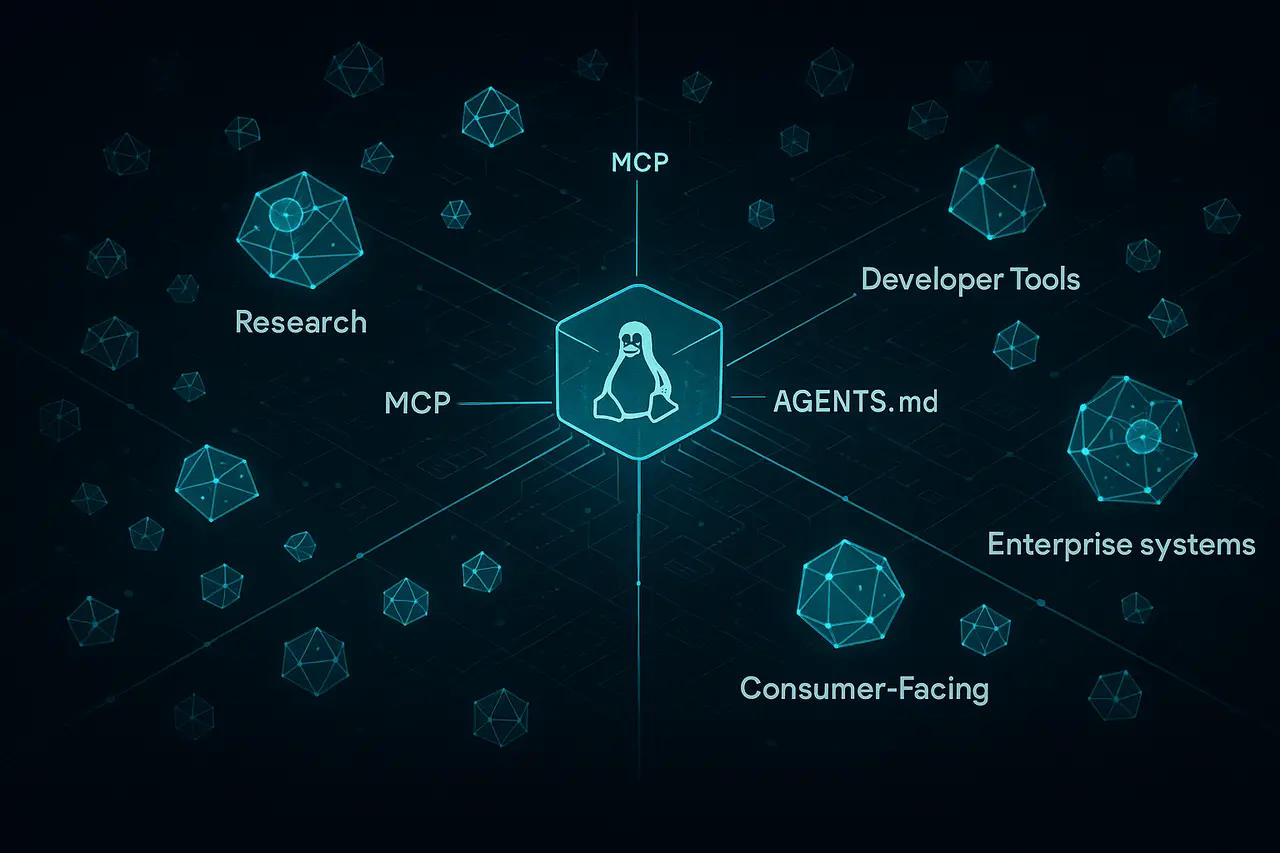
- Extensibility: Commands integrate with extensible systems, such as Skills and Plugins, enabling customized workflows.
Why Claude Code Commands Matter?
Claude Code Commands are more than just simple shortcuts; they are the basis of the way Claude Code functions as a developer tool.
Transforming Developer Workflows
Traditional Coding tools are reactive, suggesting text completions or highlighting any errors. Claude Code Commands empower proactive development:
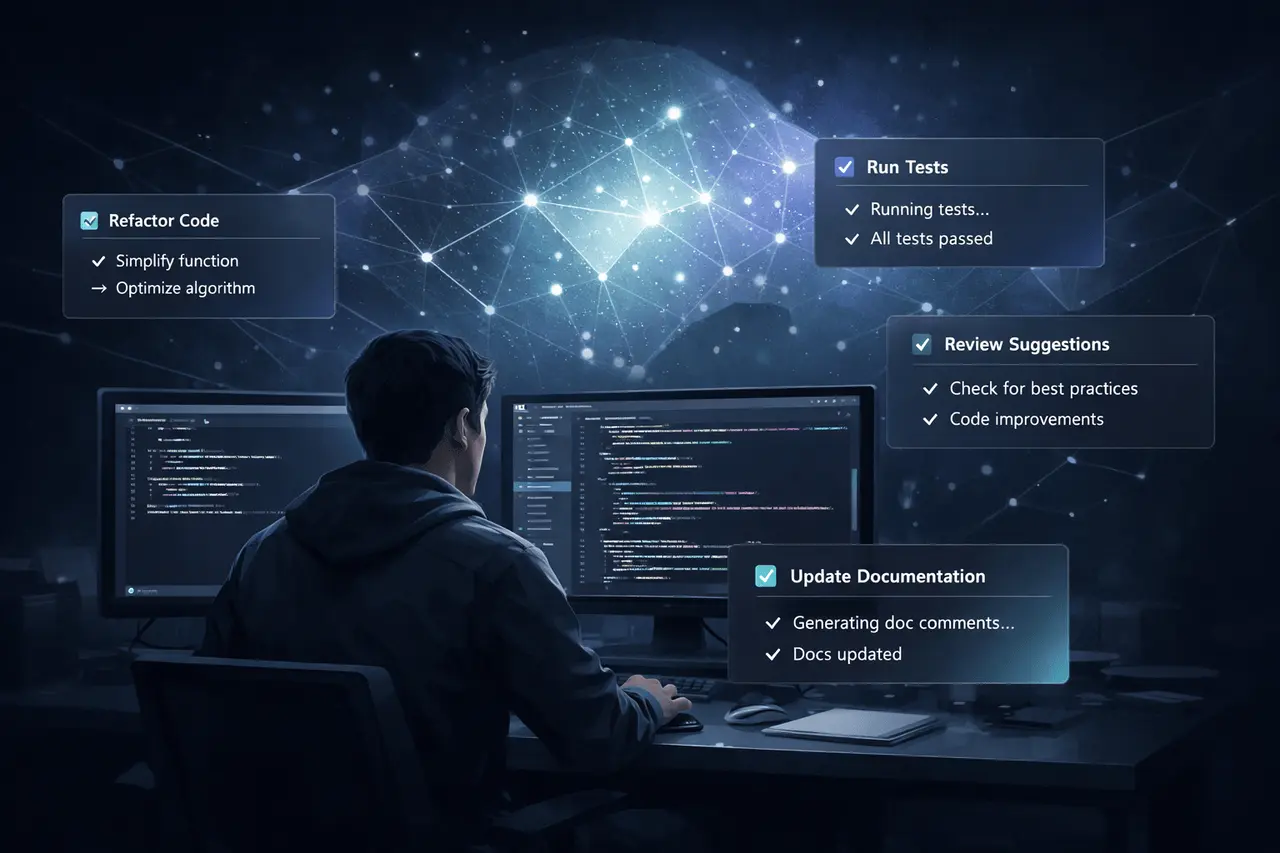
- Task Automation: Automate repetitive tasks like linting, refactoring, or documentation generation.
- Codbase understanding: Request the helper to explain the architecture or find dependencies, without having to do manual searches.
- Commands to Control: Versions can manage Git workflows, commits, and pull requests from the command line.
Connecting AI and Development
Through the integration of natural structure commands and language, Claude Code effectively bridges AI capabilities and established methods of development:
- Documentation-Driven Context: The user can instruct Claude Code using CLAUDE.md files that provide context-specific information about the project they are working on.
- Tool Integration and IDE: The commands function across terminals and VS Code as well as web interfaces, and Continuous Integration (CI/CD) platforms.
How Claude Code Commands Work?
Claude Code Commands operate within the Claude Code ecosystem, translating high-level demands into concrete actions.
Command Structure
Execution Flow
- User input: Developer uses a command to describe the task.
- Interpretation: Claude, code-driven by the Claude AI model, understands intent and context.
- Action: This assistant edits files, runs scripts, or initiates subprocesses.
- Feedback: The changes appear immediately on your terminal screen, in the IDE, or in a version management tool.
Recent Expansion: Bundled Support for Claude Code Commands
The most significant development within the Claude ecosystem is that Claude Code Commands are now included in program and service bundles, extending their functionality beyond standalone use.
What Bundled Support Means?
Bundled support usually refers to the inclusion of features such as Claude Code and its commands within larger product suites, such as Enterprise plans or integrated development environments. This can bring many benefits:
- Advanced Access for Enterprise: Teams with advanced plans can enjoy seamless access without separate installations.
- UWF: Workflows that are unidirectional. Commands work more easily with other software (like project management, CI/CD, or other plugins).
- Scalability: The largest organisations can implement standard commands to teams.
Benefits of Using Claude Code Commands
Enhanced Productivity
- Faster Task Completion: Reduce manual coding by letting Claude Code perform repetitive operations.
- More Context Switching: Remain in your IDE or terminal rather than switching to chat-based interfaces.
Better Code Quality
- Automated reviews: Commands can trigger code reviews or enforce style guidelines.
- Learn Adaptively: Claude Code adapts to your project’s rules over time through config files and skills.
Team Collaboration
- Standardsized Workflows: The bundle of command sets guarantees consistency between developers.
- Cross-Tool Integration: Compatible in conjunction with GitHub Actions, GitLab CD/CI, and tools for managing projects.
Challenges and Limitations
Learning Curve
Developers should learn about the commands available and script formats for the best results.
Security and Governance
Automated actions require carefully planned permissions and sandboxing techniques, even though Claude Code includes safety enhancements; teams must follow the most effective methods.
Context Awareness Constraints
Although Claude Code is a powerful program, its understanding is based on the correct project context configuration. Incorrect configuration or the absence of context files could lead to unsatisfactory results.
Practical Use Cases
| Use Case | Command Example |
|---|---|
| Nightly Code Review Automation | /review |
| Refactoring Large Modules | /refactor |
| Automated Test Fixes | /test-fix |
| Project Documentation Update | /doc-update |
| Bug Triage and Report | /bug |
Claude Code Commands vs Traditional Coding Tools
| Feature | Claude Code Commands | Traditional Tools |
|---|---|---|
| Natural Language Support | Yes | No |
| AI-Driven Automation | Yes | No |
| Terminal-Native Execution | Yes | Partial |
| Context-Aware Actions | Yes | Limited |
| Integration with CI/CD | Yes | Varies |
My Final Thoughts
Claude Code Commands serve as the fundamental method for developers to communicate with their Claude Code AI assistance to act within software projects. They integrate natural language understanding and executable workflows, enabling automated processes, a deeper understanding of the codebase, and improved productivity.
With support for bundled services expanding to more comprehensive product plans and capabilities, these are now more readily available to both enterprises and teams, which makes AI-powered programming an essential part of the modern development environment. As AI programming tools keep evolving and improving, getting the hang of Claude Code Commands can be an advantage for teams working on software that want to improve efficiency and consistency when working on complex projects.
Frequently Asked Questions
1. What is a Claude Code Command?
Claude Code Commands are written instructions that are used in the Claude Code environment to tell the AI what actions it should take on your project or code.
2. Do I have to install anything to utilize Claude Code Commands?
Standalone use typically requires installing Claude Code or using packaged products that support the commands.
3. Are there ways to use Claude Code Commands modify my files regularly?
Yes. If you are granted, commands can modify or refactor files directly from your IDE or terminal.
4. Are Claude Code Commands suitable for enterprises?
Support for bundles, along with integration with the enterprise plan, makes Claude Code Commands ideal for team workflows and controlled code environments.
5. How do I create custom commands?
Custom commands can be created through plugins or Skills that enable customized automation workflows in Claude Code.
6. Are there security issues with the use of AI commands in code?
Like all automated systems, it is recommended to be careful with configuration and sandboxing. are advised to avoid unwanted actions, especially in sensitive areas.
Also Read –
Claude Code Desktop Updates: Plan Mode and Notifications Explained