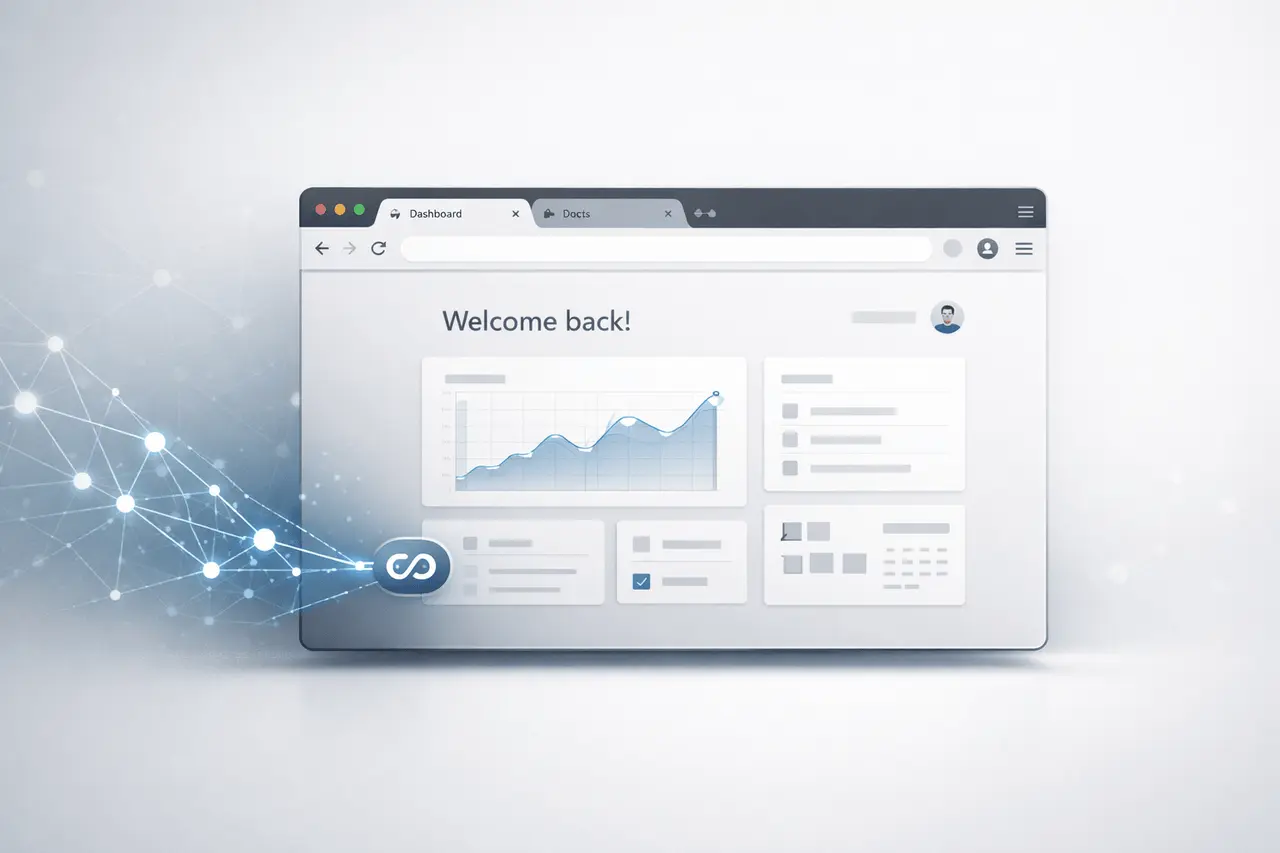
OpenClaw has launched the live Chrome session attachment, which is a new feature that permits AI agents to join directly into an active Chrome session and have full access to cookies, tabs, and authenticated logins. The feature, revealed as part of the OpenClaw March 2026 update, will help simplify the process of automating browsers by removing extensions and allowing AI agents to work in real user sessions.
This update forms part of a larger platform overhaul that includes a revamped Android application, enhancements in Docker deployments, and a Windows update for gateways. But the Live Chrome sessions attach function is an important step towards enabling AI agents to connect with authenticated web environments, without complicated setup.
What Is OpenClaw Live Chrome Session Attach?
It is the OpenClaw Live Chrome session connect function that lets users connect an AI agent to a running Chrome session directly.
Instead of starting a brand-new automated browser, the agent is able to connect to the user’s current browser. This means that the AI agent can:
- Open browser tabs
- Stored cookies
- Sessions with logged-in access
- The state of the browser and the navigation context
In the real world, this enables users of an AI agent to interact with websites precisely like a human, including websites that need authentication.
Traditionally, the tools to automate browsers require separate browser instances or extensions. OpenClaw’s solution eliminates the need for both by directly connecting to the Chrome remote debugging interface.
How does the Chrome Session Connection Work?
The process of setting up is designed to be simple.
Users need to turn on the remote debugging feature built into Chrome. Once it is enabled, the AI agent will be able to identify and connect to the running browser.
Basic Setup Steps
- Debug the tool in Chrome
- chrome://inspect/#remote-debugging
- Toggle remote debugging on
- It is now possible for the OpenClaw agent to have access to the session in the browser
When enabled, the AI agent will be able to observe and interact with web browsing activity, such as authenticated websites and open tabs previously.
This option avoids installing any additional extensions to your browser or custom-built integrations.
Why Real Browser Sessions Matter for AI Agents?
The majority of AI automation systems interface with websites using headless browsers or virtual environments. They are often unable to overcome their limitations:
- Login challenges
- Captcha systems
- Session expiration
- Missing browser context
This OpenClaw Live Chrome session attach capability solves these issues by letting AI agents work within the user’s session.
Key Advantages
| Capability | Traditional Browser Automation | OpenClaw Live Session |
|---|---|---|
| Access logged-in sites | Often difficult | Native access |
| Browser extensions required | Usually yes | No |
| Session persistence | Limited | Full session context |
| Real tab interaction | Limited | Yes |
This enables greater reliability automation across complicated web platforms, such as dashboards, SaaS tools, and internal enterprise systems.
Use Cases for AI Browser Agents
The ability to connect to a secure browser session opens the doors to many practical applications.
AI-Assisted Workflows
AI agents can complete tasks in real web applications, such as:
- Updating CRM records
- Extracting analytics dashboards
- Monitoring SaaS tools
- Submitting forms
- Managing support tickets
Research and Data Collection
AI agents are also able to manage research processes that require authentication, for example:
- Academic databases
- subscription platforms
- enterprise knowledge bases
Automated Productivity Assistants
This feature lets individual AI agents communicate with browser-based applications, for example:
- project management platforms
- document editors
- email clients
- analytics dashboards
In operating inside the browser, AI agents can carry out tasks that used to require manual intervention.
Additional Updates in the OpenClaw March 2026 Release
Although it is true that the Chrome session option is the most prominent change, the update for OpenClaw contains a number of improvements to the platform.
Redesigned Android App
This Android app has been revamped and drastically reduced in size.
Key improvements include:
- App size decreased to 7MB
- simplified interface
- Improved performance for mobile AI agent management
iOS Onboarding Improvements
The iOS version is now equipped with a welcome page that helps users navigate the initial setup procedure.
This onboarding update is designed to make the first-time configuration easier for new users.
Docker Timezone Override
Developers who deploy OpenClaw by using Docker are now able to override timestamps.
This modification helps to make sure:
- accurate logs
- consistent task scheduling
- better regional configuration for automation workflows
Windows Gateway Improvements
This update contains modifications to the Windows gateway. A Windows gateway that improves the stability and connectivity for Windows-based deployments.
How OpenClaw Fits Into the AI Agent Ecosystem?
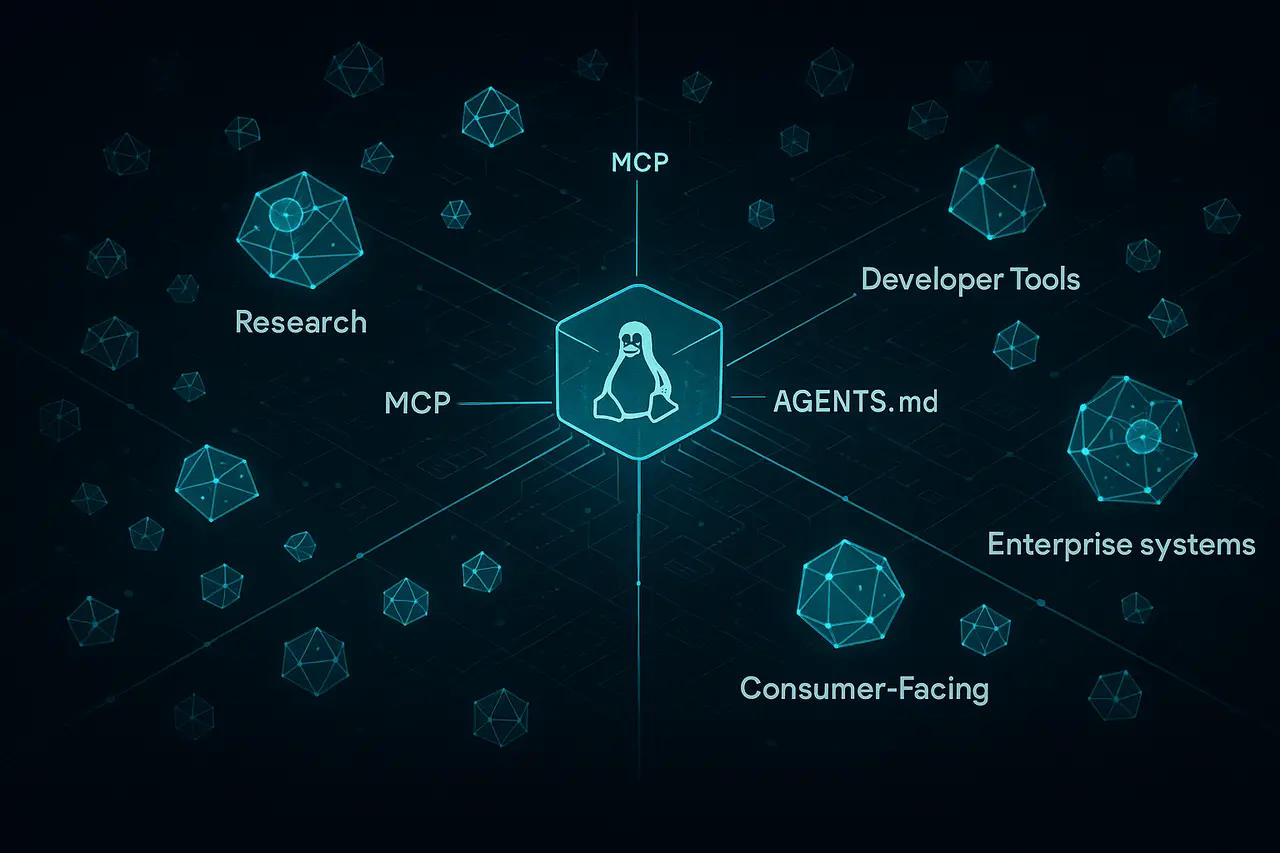
OpenClaw is a component of an expanding network that includes AI agents and infrastructure systems that are designed to assist AI systems in communicating with other tools.
These platforms usually connect large models of language to real-world applications like :
- browsers
- APIs
- desktop environments
- operating systems
By allowing direct access to browser sessions, OpenClaw moves closer to an AI model that is able to operate in completely authenticated environments.
This technology is in line with the broader developments within AI development, such as:
- autonomous task agents
- AI workflow automation
- browser-based AI assistants
Some AI-based agent frameworks have also looked into the possibility of integrating with browsers. However, OpenClaw’s focus is on the need for minimal configuration and direct integration with browsers.
Potential Security Considerations
Although powerful direct access to browser sessions brings security concerns to the forefront.
Since the AI agent has access to cookies and log-in sessions, users should ensure that:
- agents are dependable
- Debugging access is controlled
- Browser sessions aren’t accessible to systems that are not trusted.
Organisations that are deploying AI browser agents will require clear policies for governance around sessions and authorizations.
Security control will be increasingly crucial as AI agents become more integrated with both enterprise and personal workflows.
My Final Thoughts
Its OpenClaw Live Chrome session attachment feature is an important step towards the advancement of AI browser automation. Through the ability for AI agents to connect directly to live Chrome sessions, this platform can remove many of the limitations that once hindered the ability to automate using browsers.
Along with improvements to mobile applications, Docker deployments, and Windows infrastructure, the March 2026 OpenClaw update enhances its standing in the rapidly expanding ecosystem of AI agents.
In the future, as AI assistants move away from being experimental to productive systems, features such as the authenticated interaction with a browser are likely to play a major role in enabling the automation of real-world situations.
Frequently Asked Questions
1. What exactly are OpenClaw Live Chrome sessions?
It’s a function that lets AI agents directly access an active Chrome web browser, granting them access to tabs and cookies, and even logged-in websites.
2. Do users have to install an extension for their browser?
No. This feature is accessible through the built-in remote debugging interface of Chrome and does not require additional extensions.
3. Can AI agents log on to authentic websites through this feature?
Yes. Since the agent is attached to the browsing session of the browser, it will be able to connect to websites on which users are already logged in.
4. What kind of tasks could AI browser agents be used for?
They are able to automate processes such as filling out forms, browsing dashboards, collecting information, as well as making updates to SaaS tools and coordinating browser-based tasks.
5. Is the OpenClaw Chrome session feature secure?
Security is dependent on a proper configuration. Since agents are able to access browser sessions, it’s important to restrict access to secure environments and systems.
6. Does OpenClaw support mobile platforms?
Yes. The most recent update comes with the redesigned Android app as well as onboarding enhancements to users of the iOS version.
Also Read –
MiroThinker-1.7 and MiroThinker H1: New Verification AI Research Agents
Meta acquires Moltbook AI agent social network platform