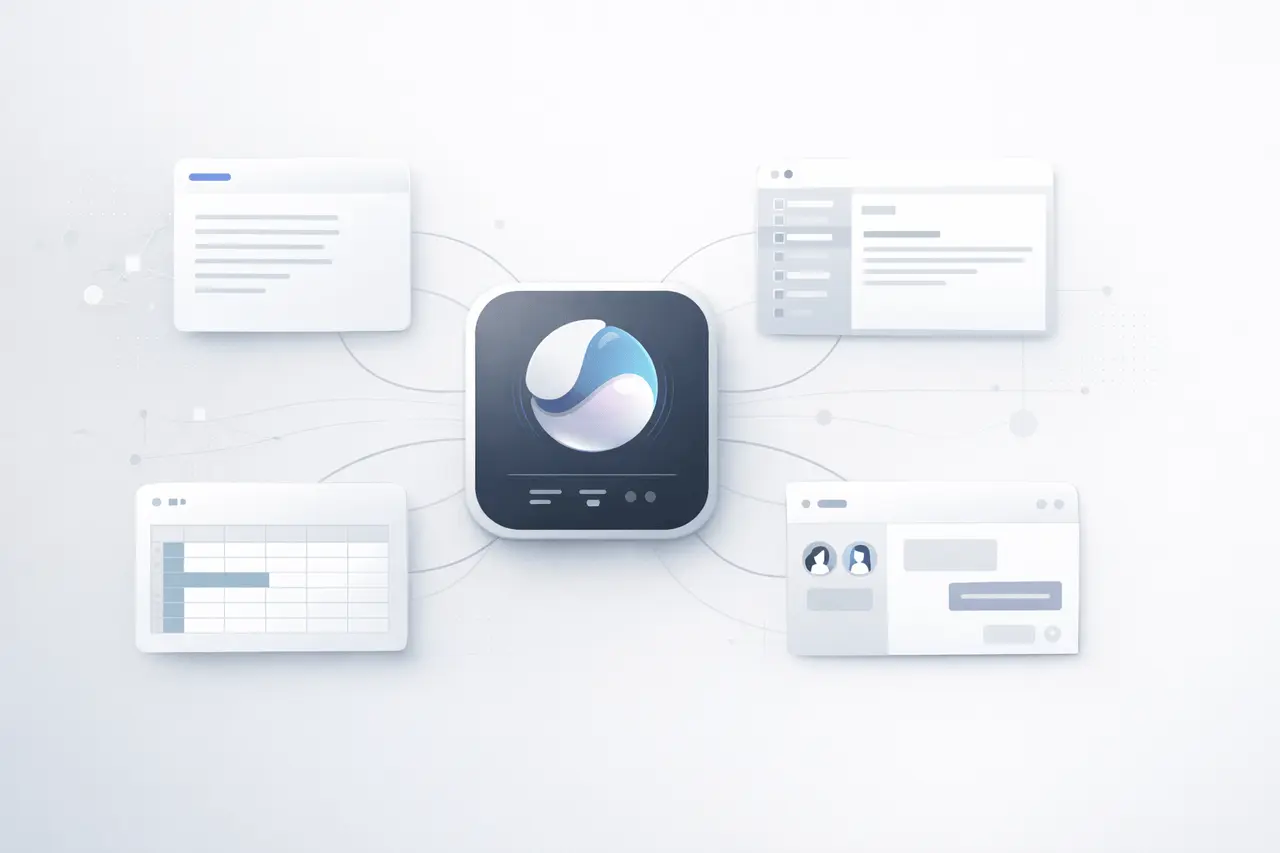
Microsoft has revealed Microsoft Copilot Cowork, a new AI-powered technology that is designed to perform complex jobs within Microsoft 365 applications automatically. This feature transforms requests from users into structured plans and spreads the plans across applications, files, and corporate data in the Microsoft 365 environment.
It was announced on the 9th of March, 2026. Copilot Cowork is Microsoft’s move towards agentic AI systems, which go beyond merely providing chat-based support to perform tasks for users. Through its integration with Microsoft 365’s security, governance, and regulatory frameworks, the software is designed to assist organizations in automating routine workflows without divulging sensitive information outside of the boundaries of an enterprise.
What is Microsoft Copilot Cowork?
Microsoft Copilot Cowork is a new feature in Microsoft 365 Copilot that acts as a more digital coworker, rather than a chatbot.
Instead of just creating drafts or responses, it can also:
- Turn a user request into a multi-step action plan
- Execute tasks that require Word, Excel, Outlook, Teams, and more Microsoft 365 apps
- Utilize corporate email, files, and other documents to provide context
- Use in conjunction with Microsoft 365 security and governance policies
In real life, it is possible for a user to assign a task, such as writing an annual report for a project or studying an array of data. The AI agent would collect relevant files, evaluate information, and create outputs for multiple applications.
This is an evolution in the direction of AI support towards AI tasks implementation.
Microsoft’s current Microsoft 365 Copilot already provides contextual AI assistance within productivity applications, creating content, analyzing documents, and responding to questions that are based on data from workplaces. Copilot Cowork extends that capability by allowing automated workflow orchestration across different applications.
How does the Way Copilot Cowork Work?
At its heart, Copilot Cowork relies on an array of
- Large language models (LLMs)
- Microsoft Graph enterprise data
- Automated task-planning systems
- Integration across Microsoft 365 applications
When an individual gives a task to the system, it will perform a series of steps:
Step 1: Task Understanding
The AI interprets the request in natural language.
Step 2: Plan Creation
Copilot Cowork creates an organized execution plan that outlines the steps needed to finish the job.
Step 3: Workflow Execution
The AI implements the strategy in all relevant applications, for example:
- Data extraction from Excel
- Drafting documents in Word
- Extracting messages out of Outlook
- Making presentations using PowerPoint
- Scheduling updates via Teams
Step 4: Output Delivery
The completed work is then returned to the user, who may then review or modify it.
Because the system works within the Microsoft 365 ecosystem and is part of the Microsoft 365 ecosystem, it can only access data that the user has already been granted the right to access.
Copilot Cowork, along with the rise of AI Agents
Copilot Cowork illustrates an overall shift in the AI sector towards agent-based AI systems.
Traditional generational AI tools typically produce text or answer questions. AI agents can:
- Make decisions
- Execute multi-step workflows
- Integrate with software tools independently
Microsoft’s most recent announcement places Copilot Cowork as a component of the new technology of AI workplace tools.
Recent developments in the industry have shown increasing competition in this area. For instance, Anthropic recently introduced Claude Cowork, which is a software that automates tasks across applications as well as local file systems. Microsoft’s announcement suggests that the company is speeding up its own AI-based agent roadmap to ensure that Copilot is up to speed in the enterprise environment.
Key capabilities in Microsoft Copilot Cowork
| Capability | Description |
|---|---|
| Task Planning | Converts a user request into an actionable plan |
| Cross-App Automation | Executes steps across Word, Excel, Outlook, Teams, and other tools |
| Enterprise Context | Uses files, emails, and workplace data for context |
| Secure Execution | Operates within Microsoft 365 governance and security policies |
| AI Agent Behavior | Completes tasks autonomously instead of only generating responses |
Artificial Agent Behavior completes tasks in a completely autonomous manner instead of producing replies.
Real-World Use Cases
Copilot Cowork may fundamentally alter the way that people working in the field work with software for productivity.
Project Reporting
- Retrieve data from multiple spreadsheets
- Summarize insights
- Create a presentation automatically
Email and Communication Management
- Analyze threads of email
- Draft responses
- Meetings and updates on the status of the project
Data Analysis
- Datasets pulled out of multiple files
- Summary of run or comparisons
- Create dashboards or reports
Meeting Preparation
- Documents relevant to the agenda
- Summarize previous discussions
- Generate briefing notes
These tasks require manual coordination between multiple tools — something Copilot Cowork aims to automate.
Enterprise Security and Governance
A key focus of Copilot Cowork is enterprise-grade security.
In contrast to other AI tools that run outside of corporate systems, this one operates within Microsoft 365. Microsoft 365 environment.
Essential security principles include:
- Respecting existing user permissions
- Operating within the Microsoft 365 frameworks for compliance
- Using organizational data boundaries
This solution is a solution to one of the main issues that companies face with Generative AI: the protection of confidential corporate data.
Accessibility and early Access
Microsoft intends to launch Copilot Cowork initially through limited early-access software and with the possibility of a wider release by 2026.
The feature will be available as part of the Microsoft 365 Copilot subscription that already incorporates AI abilities to Word, Excel, Outlook, Teams, and PowerPoint.
Industry analysts see this release as a first step towards a future in which AI-powered agents are a central interface to enterprise software workflows.
Copilot Cowork vs Traditional AI Assistants
| Feature | Traditional AI Assistant | Copilot Cowork |
|---|---|---|
| Interaction Style | Chat or prompts | Task assignment |
| Execution | Generates text or suggestions | Executes workflows |
| Scope | Single app or conversation | Multiple apps |
| Automation Level | Low | High |
| Enterprise Context | Limited | Integrated with Microsoft 365 data |
This transition away from help based upon prompts, to automatic execution, has been widely regarded as the next step of business AI.
The Reason Microsoft Copilot Cowork Matters for the AI Industry?
Copilot Cowork signals several broader trends shaping enterprise AI:
- AI agents replacing manual workflows
- Productivity software is becoming AI-native
- Integration of enterprise data for an advantage in competition
- AI platform in competition to be an operating system for work
Microsoft plans to integrate the capabilities right into the tools employees already use on a daily basis.
If it is successful, Copilot Cowork could transform Microsoft 365 from a collection of productivity tools into a totally automated AI-powered workspace.
My Final Thoughts
The introduction of Copilot’s new version of Microsoft Copilot Cowork marks an important milestone in the advancement of corporate AI. Through the transformation of simple commands into automated workflows, Microsoft has pushed Copilot beyond its function as an AI assistant and into the role of a real digital coworker.
As AI agents are able to coordinate and carry out tasks across multiple software platforms, productivity platforms could function as autonomous workplaces rather than devices that are passive. Copilot Cowork shows the way Microsoft is placing its ecosystem at the forefront of this change that will see AI not just help in the work process, but actually assist with the task.
FAQs
1. What exactly is Microsoft Copilot Cowork?
Microsoft Copilot Cowork is an AI feature in Microsoft 365 that converts user requests into multi-step workflows and implements them in various apps like Word, Excel, Outlook, and Teams.
2. What is Copilot Cowork different from Microsoft 365 Copilot?
Microsoft 365 Copilot mainly assists in writing, summarizing, and answering questions. Copilot Cowork extends this by scheduling and automating tasks across multiple apps.
3. What kinds of tasks can Copilot Cowork do?
It is a tool to automate processes like creating reports, analysing spreadsheets, summarizing documents, making presentations, and managing communications among Microsoft 365 apps.
4. Are Copilot Cowork secure for enterprise use?
Yes. The system operates in Microsoft 365 security boundaries and is able to use existing permissions, making sure that it only allows Access to data that users have been granted Access to.
5. How long will Copilot Cowork be accessible?
Microsoft is planning to launch Copilot Cowork through early access programs in 2026, with more widespread availability to be expected by the time of.
6. Does Copilot Cowork substitute for the work of a human?
The software is developed to automate routine processes and workflows, allowing employees to concentrate on more advanced decisions and strategic tasks.
Also Read –
Microsoft Copilot: GPT-5.2, Smart Plus and AI Evolution
GitHub Copilot SDK: Agentic Execution Loop Explained
Microsoft Copilot Checkout: In-App Payments with Stripe & PayPal
Sources
Microsoft Announcement
https://www.microsoft.com/en-us/microsoft-365/blog/2026/03/09/copilot-cowork-a-new-way-of-getting-work-done/
Reuters Coverage
https://www.reuters.com/business/microsoft-taps-anthropic-copilot-cowork-push-ai-agents-2026-03-09/
Financial Times Report
https://www.ft.com/content/0978b9ad-d345-4aad-bed2-37c22fbf3214
Microsoft 365 Copilot Overview
https://learn.microsoft.com/en-us/copilot/microsoft-365/microsoft-365-copilot-overview
Microsoft 365 Copilot Product Page
https://www.microsoft.com/en-us/microsoft-365-copilot