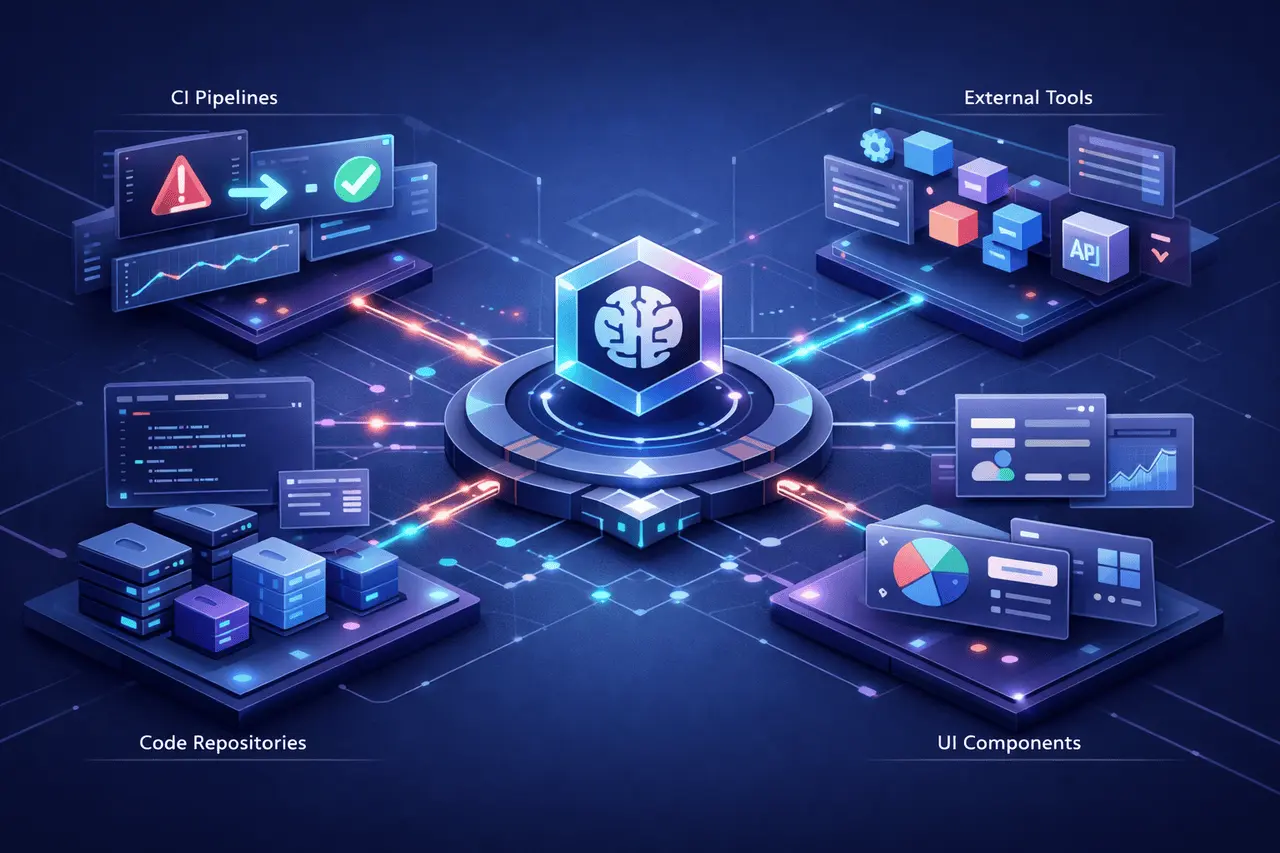
The Firecrawl Browser Sandbox introduces secure, fully managed browser environments that enable AI agents to connect to the web at scale. It is designed for modern agent workflows. It enables pagination, form submission, authentication, and dynamic navigation on the web without any configuration.
For teams working on automated systems powered by AI, the release changes how agents search, scrape, and run complex web flows by integrating browser control with Firecrawl’s scraping technology.
What Is Firecrawl Browser Sandbox?
The Firecrawl Browser Sandbox is an isolated, secure execution environment that supplies AI Agents with fully functioning tools and a browser.
In contrast to the simple scraping tools, it allows users to
- Navigate dynamic websites
- Interact with input fields and forms
- Handle authentication flows
- Manage pagination
- Extract hard-to-reach data behind JavaScript rendering
It integrates with Firecrawl’s scrape and search endpoints to complete the automation stack to perform advanced web-based tasks.
Why Firecrawl Browser Sandbox Matters?
Modern websites heavily rely on client-side rendering, session management, and authentication. Traditional scraping tools have difficulty with:
- Infinite scroll pages
- Login-protected content
- Multi-step workflows
- Interactive dashboards
The Sandbox for Firecrawl’s Browser solves these problems by giving agents access to integrated web browser environments rather than static page-fetching capabilities.
This method enhances:
- Reliability
- Data completeness
- Workflow automation depth
- Scalability across web-based use scenarios
How does the Firecrawl Browser Sandbox work?
Zero Configuration Deployment
Agents can access an already-installed browser by making a single API call. No infrastructure configuration or browser orchestration is required.
Skill + CLI First Architecture
The sandbox was built to support the use of agents programmatically. It seamlessly integrates into command-line workflows and agent-based architectures.
Secure, Isolated Sessions
Every browser session runs in a sandboxed, secure environment, making sure:
- isolating from all other applications
- Secure execution boundaries
- Managed capacity
This is essential for enterprise-quality automated pipelines.
Core Capabilities of Firecrawl Browser Sandbox
Integrated Browser Environment
Agents can:
- Click buttons
- Fill forms
- Navigate multi-page flows
- Extract structured information from the content rendered
Full Toolkit for Web Tasks
When paired with Firecrawl’s scrape or search endpoints, agents can benefit from:
- Fast search discovery
- Structured scraping
- Secure browsing
- Workflow automation
This allows for end-to-end web interaction.
Feature Comparison: Traditional Scraping vs Firecrawl Browser Sandbox
| Feature | Traditional Scraping | Firecrawl Browser Sandbox |
|---|---|---|
| JavaScript Rendering | Limited | Fully supported |
| Pagination Handling | Manual scripting | Native browser navigation |
| Form Submission | Complex | Built-in interaction tools |
| Authenticated Sessions | Difficult | Supported via browser session |
| Infrastructure Setup | Required | Zero configuration |
| Session Isolation | Limited | Secure sandboxed sessions |
This comparison shows how Firecrawl Browser Sandbox bridges the gap between scraping static content and full-automated browsers.
Real-World Applications
Patent Research Automation
Agents can access and navigate large patent databases with a single prompt. Browser-level navigation ensures structured extraction across multiple pages.
Market Intelligence
AI agents can:
- Log in to portals
- Access subscription content
- Extract dynamic data
Lead Generation Workflows
Form interaction that is automated allows:
- Data submission
- CRM integration
- Workflow complete
Competitive Monitoring
Agents can sign in to dashboards and regularly pull up performance information.
Use Cases by Industry
| Industry | Use Case | Benefit |
|---|---|---|
| Legal | Patent & case research | Automated pagination and document extraction |
| Finance | Authenticated dashboard scraping | Reliable access to live metrics |
| E-commerce | Product data extraction | Structured dynamic page scraping |
| SaaS | Competitor monitoring | Automated workflow handling |
Benefits of Firecrawl Browser Sandbox
1. Secure Execution
Each session runs independently to reduce risk exposure while providing clear execution boundaries.
2. Fully Managed & Scalable
Firecrawl manages infrastructure. The team’s focus is on creating agent workflows rather than managing browser instances.
3. Agent-Compatible
works with
- Claude Code
- Codex
- Other AI Coding agents
This compatibility allows for a range of AI platforms.
4. Integrated Automation Stack
Search, scrape, and browser interaction make an all-inclusive Web automation toolkit.
Limitations and Practical Considerations
Although powerful, it is not without limitations. Users should think about:
- Browser-based automation consumes much more energy than traditional scraping.
- Auth flows can require careful session management.
- Large-scale parallel browsing may require scaling planning.
However, the managed architecture helps reduce some of the operational overhead commonly associated with browser orchestration.
Firecrawl’s Expanding Agent Ecosystem
Firecrawl already offers high-speed search and scraping endpoints. In addition, with the introduction of Browser Sandbox, Agents have the following advantages:
- Discovery (Search)
- Data extraction (Scrape)
- Workflow interaction (Browser Sandbox)
This standard approach supports hundreds of workflows across different industries.
For teams working on AI-based apps, the ability to automate complete web flows is a significant improvement over traditional scraping-based pipelines.
Why Firecrawl Browser Sandbox Represents a Shift?
The shift isn’t only technical, it’s also architectural.
Instead of:
Agents who request data via APIs
They are now:
Explore the web as other users
This allows access to sophisticated systems without requiring access to government APIs, thereby substantially increasing automation capabilities.
My Final Thoughts
The Firecrawl Browser Sandbox transforms how AI agents interact with the internet. It combines secure, isolated browser environments, scalable technology, and seamless integration, overcoming the many issues associated with scraping.
For businesses that build automation-heavy AI systems, this technique lets:
- Dynamic data access
- Workflows with authentication
- Scalable web interaction
- End-to-end automation pipelines
As the web platform becomes more dynamic, the ability to execute agents using a browser is expected to become more important. Firecrawl’s sandbox integration architecture positions it as a foundational layer for the next generation of AI-powered web automation.
Frequently Asked Questions (FAQs)
1. What exactly is the Firecrawl Browser Sandbox employed to do?
Firefoxcrawl Browser Sandbox lets AI agents connect to dynamic websites, process forms, manage authentication, and extract data in a secure browser environment.
2. What is Browser Sandbox different than scraping traditional websites?
Traditional scraping is a method of retrieving static HTML. Browser Sandbox is a complete browser session that allows interaction with JavaScript-generated pages, pagination, login, and flows.
3. Is it true that Firecrawl Browser Sandbox requires infrastructure installation?
No. It is a zero-configuration. A single API call creates a secure browser environment for the agent.
4. Can it manage authenticated websites?
Yes. Since it runs in a browser, real agents can sign in to their accounts and navigate their authenticated sessions.
5. Is Firecrawl Browser Sandbox scalable for enterprises?
Yes. Sessions are run in isolated, completely managed environments designed for scalability and safe execution.
6. Which AI agents work with Firecrawl Browser Sandbox?
It is compatible with Claude Code, Codex, and other agent-based development systems that require web-based browser interactivity.
Also Read –
Branding Format v2: Accurate Brand Identity Extraction