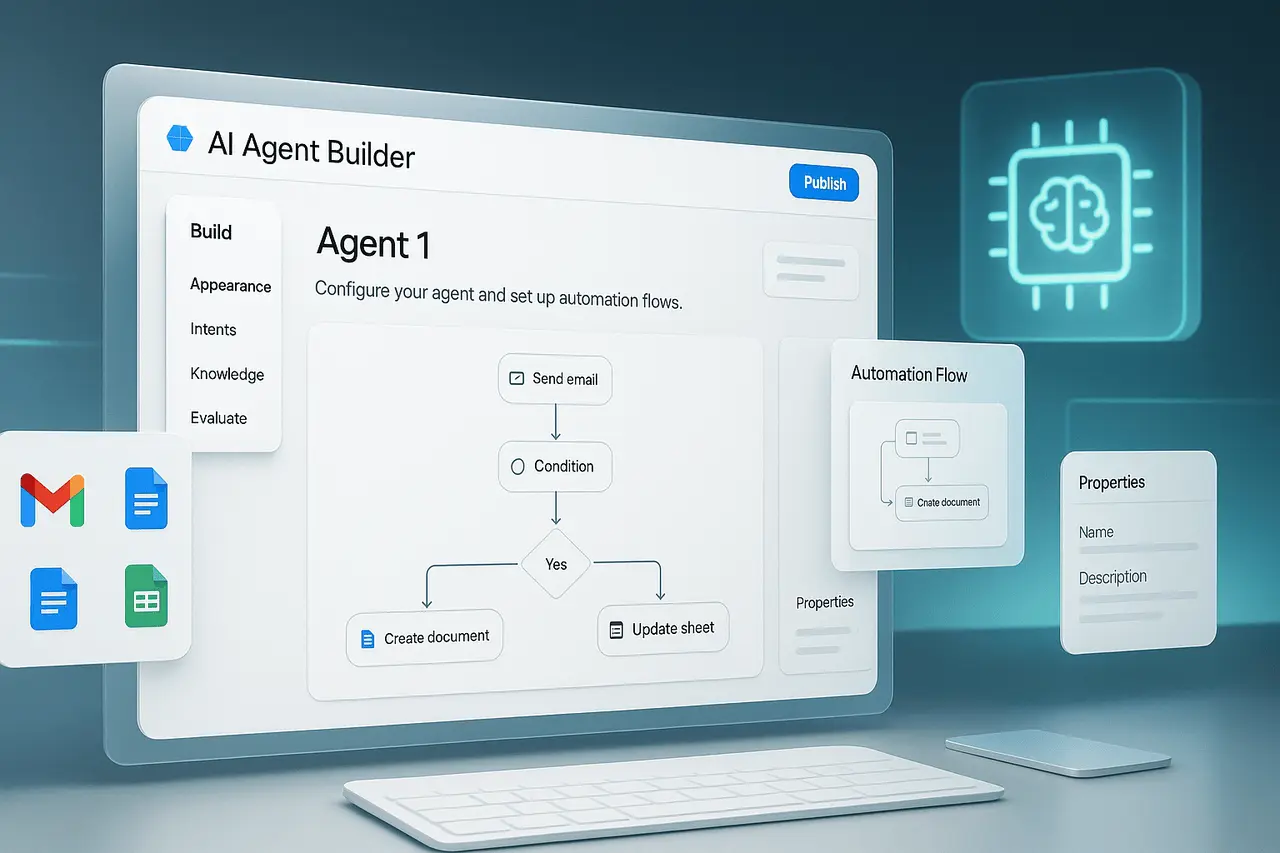
Comet update to the browser’s agent marks a significant step in AI-assisted navigation. With the default browser agent model updated to Opus 4.6 and the introduction of the brand-new Control Browser mode, Comet now provides more precise and reliable browser automation for subscribers. The updates aim to make it easier for users to delegate information gathering, research and task execution right in the browser.
This article will explain the Comet browser agent upgrade, what the upgrade entails and why it is important, how it operates, and what it can mean in real-world use, without speculation and with clear attention to its practical value.
What is the Comet Browser Agent?
It is the Comet browser agent that uses AI to create a computer that can connect to live websites on the user’s behalf. Instead of providing unstructured summaries, it actively:
- Navigate pages
- Click buttons and links
- Fill forms
- Get structured info
- Complete the multi-step task of browsing
This technology positions Comet differently than just a search assistant. It serves as a control layer based on an agent model underpinning.
What’s new in the Most Recent Comet update?
Change into Opus 4.6
The default browser agent model used by eligible users has been updated in Opus 4.6, a more recent model specifically designed for better performance in complex browser interactions.
Some of the key improvements that were made available by the release of Opus 4.6 are:
- More accurate element detection on modern websites
- Improved handling of JavaScript and dynamic pages
- Better task persistence across many steps
- Reducing failure rates during lengthy browsing sessions
To Max customers, Opus 4.6 is currently the default agent model for browsers.
The introduction of the Control Mode
Control Browser mode enables users to explicitly direct Comet to control the browser and complete tasks from start to finish. Instead of passively supporting the agent, it actively performs actions in an ordered sequence.
It is accessible to:
- Pro subscribers
- Max subscribers
What is Control Browser Mode?
If the Control Browser mode is activated, the browser agent can operate with direct interaction authority. The process typically appears like this:
- The user gives an extremely high level of instruction
- The agent outlines the steps to be taken
- The agent uses the interface of the internet
- Actions are performed in real-time
- Returns are in a structured shape
This method minimises the need for manual back-and-forth and enables completing tasks that normally require multiple user interventions.
Features Comparison Between Before and after the upgrade
| Capability | Earlier Browser Agent | Opus 4.6 with Control Browser |
|---|---|---|
| Dynamic site handling | Limited | Significantly improved |
| Multi-step task execution | Inconsistent | More reliable |
| Explicit browser control | Not available | Fully supported |
| Form interaction accuracy | Moderate | Higher precision |
| Long-session stability | Variable | Improved persistence |
What is the reason the Opus 4.6 Upgrade is Important?
Reliability at Large
Modern websites depend heavily on dynamic loading, authenticated states, and interactive elements. Opus 4.6 is designed to understand these environments better and reduce the risk of task errors.
Reducing Cognitive Load
Users do not have to be able to direct every step. One simple instruction can replace dozens of manual steps.
Time Efficiency
Tasks such as research, compilation, competitive analysis, or data collection can be completed more quickly with fewer interruptions.
Comet Browser Agent Upgrade: Real-World Use Cases
Research and Analysis
- Data collection from various sources
- Comparing product specifications across sites
- Watching changes made to pages that are frequently updated
Businesses Operations
- Lead discovery via directories
- Market intelligence gathering
- Price and availability checks
Automation and Productivity Automation
- Filling repetitive web forms
- Navigating dashboards to retrieve reports
- Managing multi-page workflows
Use Cases for Category
| Category | Example Tasks | Primary Benefit |
|---|---|---|
| Research | Cross-site data extraction | Faster insights |
| Marketing | Competitor monitoring | Better decision-making |
| Operations | Repetitive browser workflows | Time savings |
| Analytics | Dashboard navigation | Reduced manual effort |
Advantages of the Control Mode
- Task execution from end-to-end
- Improved handling of complicated websites
- Reducing the requirement to supervise manually
- Improved consistency of results
These advantages make the browser agent ideal for power-user and professional workflows in which accuracy and consistency are crucial.
Specifications, Limitations and Aspects
While the update significantly enhances the capabilities of HTML0, users must be aware of the limits that apply to them:
- Access level varies based on the tier of subscription
- Very restricted and secured websites can limit the possibility of automation
- Complex authentication flows may require manual input
Understanding these limitations helps set realistic expectations and enables efficient use.
Workflow and the Implications
In a broader sense, AI browser agents like Comet’s reflect a shift in how people interact with web content. Instead of navigating, clicking, and reading by hand, most users delegate these tasks to agents, transforming how information is accessed and consumed.
It has implications for: could have an impact on:
- Website accessibility
- Presentation of structured content
- Machine-readable layouts
My Final Thoughts
The Comet Opera browser’s upgrade from Claude Opus 4.6, along with the introduction of the Control Browser mode, represents an important advancement in AI-powered browsing. By improving reliability, extending automation capabilities, and providing direct control over the browser, Comet moves closer to a real-world, everyday web task delegate.
As AI browsers mature, these features are expected to influence the next phase of how users interact with online information, making the browsing experience more productive, focused, and hands-free.
Frequently Asked Questions
1. What’s the purpose of the Comet web browser upgrade?
It’s an update that enhances Comet’s AI-driven browser automation by bringing the agent’s default model into Opus 4.6 and introducing the Browser Mode control.
2. Who is entitled to the Opus 4.6?
Opus 4.6 is the default agent model for browsers for Max subscribers.
3. What exactly is Control Browser mode?
Mode Control enables Comet to continuously navigate and interact with web pages to perform tasks on behalf of the user.
4. Is the Control Browser mode accessible to everyone?
No. It is available to Pro subscribers and Max subscribers.
5. Does this replace manual browsing?
It doesn’t completely replace the manual method of browsing; however, it drastically reduces the need for hands-on interaction during complex or repetitive tasks.
6. Can it manage dynamic websites?
Yes. One of the most significant improvements made in Opus 4.6 is a better handling of interactive and dynamic web pages.
Also Read –