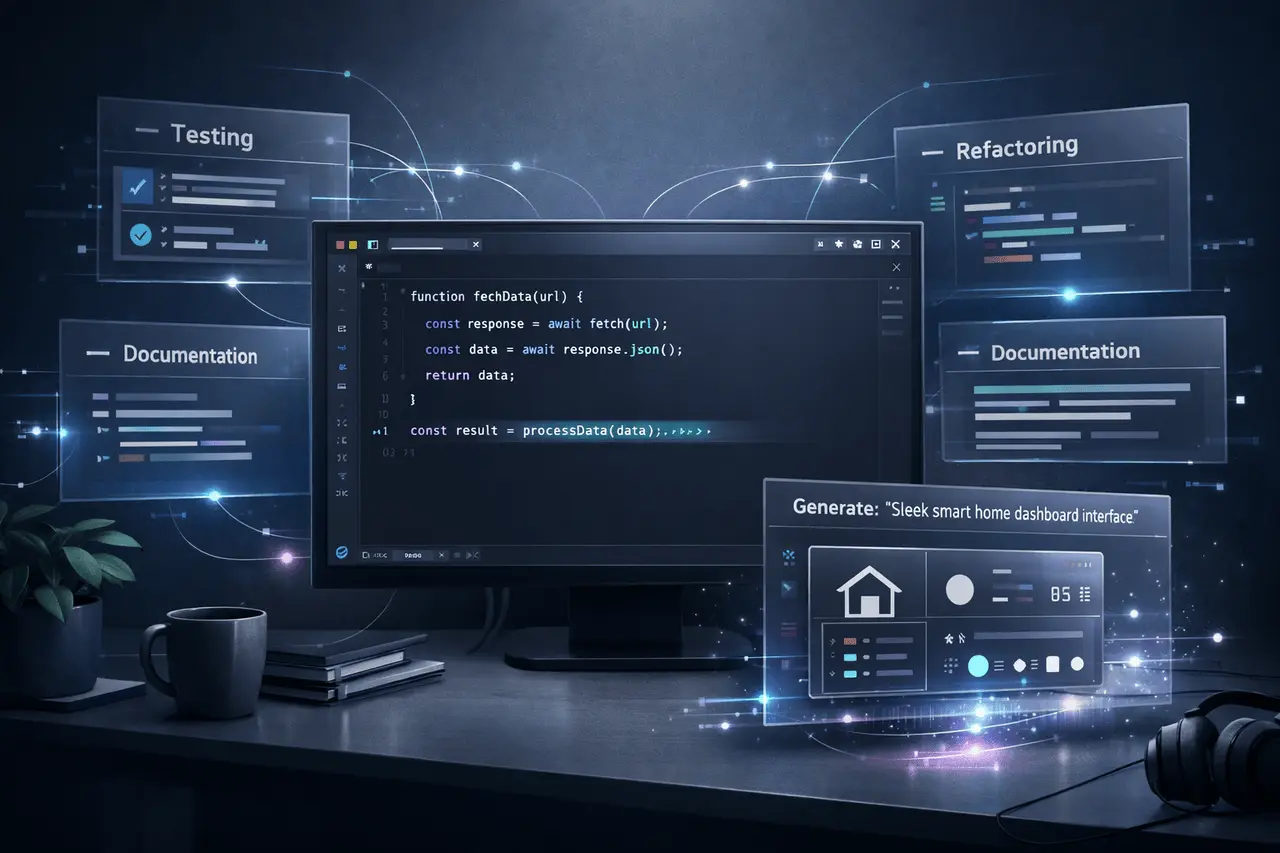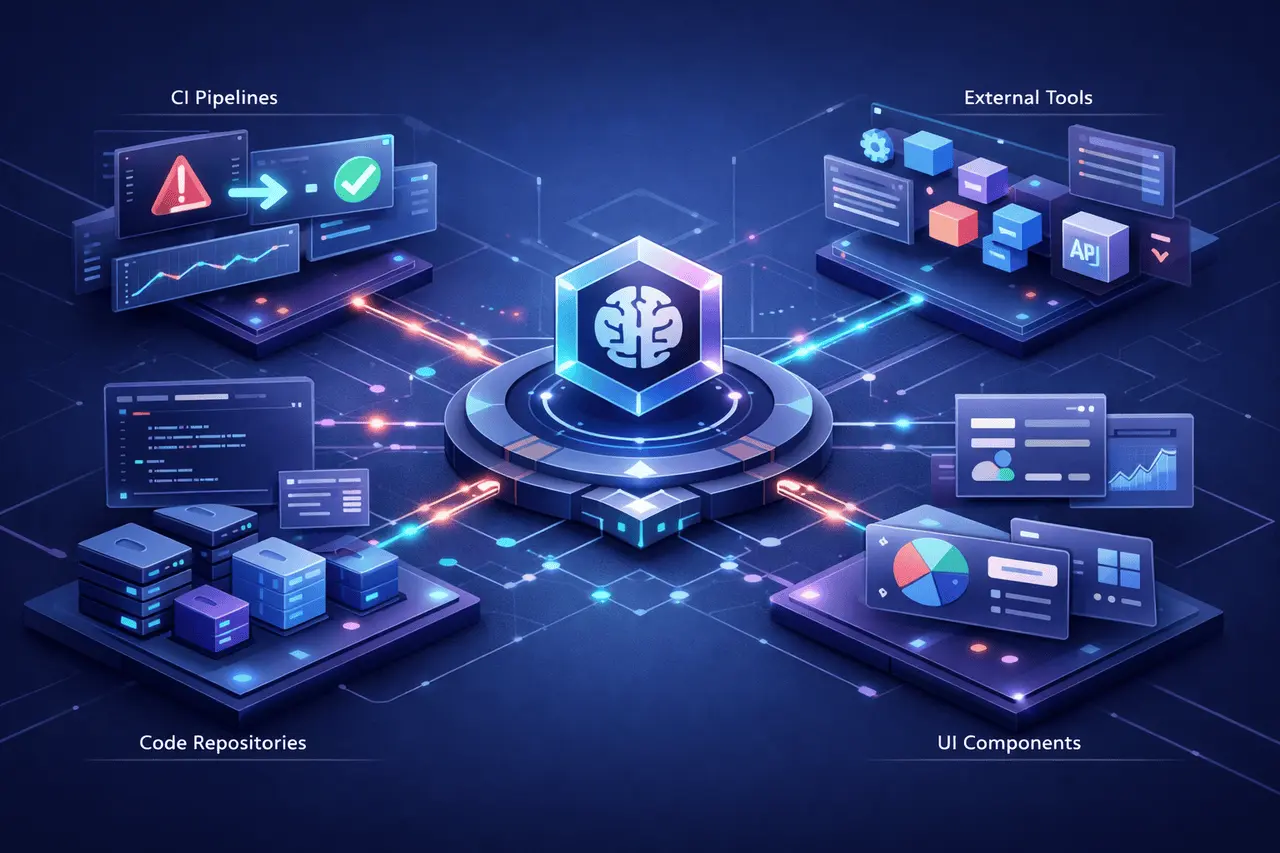
Windsurf Arena Mode introduces a practical approach to evaluating AI programming models by using actual development workflows rather than abstract benchmarks. It is designed for developers concerned about how models perform in real-world codebases. Arena Mode allows side-by-side comparisons in which human judgment alone determines who wins.
In the initial rollout, Windsurf included Plan Mode, expanded model availability, and a limited-time zero-credit access that makes experimentation effortless. Together, these changes redefine how teams select AI models for software engineering tasks.
What Is Windsurf Arena Mode?
Windsurf Arena Mode is a feature that enables developers to create a single challenge and receive responses from two AI models simultaneously. Users then review both results and choose the model that best suits their situation.
In contrast to traditional benchmarks that rely on synthetic tests, Arena Mode emphasizes the real-world quality of code and how the model aligns with an actual codebase, stack, and development style.
Core Principles Behind Arena Mode
Arena Mode is built on three fundamental concepts:
- The real-world coding tasks are more critical in comparison to benchmark scores
- The “best” model depends on the context, not on rankings
- Developer feedback can be the most trustworthy signal
This method shifts the model selection process from abstract performance metrics to actual validation.
Why Windsurf Arena Mode Matters?
AI Coding assistants are becoming integrated into the daily workflow of development. But selecting the best model can be difficult because its performance is mainly dependent on:
- Framework and programming language
- Size and structure of the codebase
- Conventions for teams and conventions and
Windsurf Arena Mode directly solves this issue by letting developers evaluate models against the requirements, making the assessment immediately relevant.
How Arena Mode Works?
Utilizing Arena Mode is intentionally quick and straightforward.
- Enter a single prompt describing your task
- Two AI models generate responses side by side
- Check the outputs live in real time
- Choose the model that best meets your requirements.
The voting process can help developers quickly identify the best model for their workflow.
Arena Mode Configuration Options
Arena Mode offers a variety of options for selecting models, allowing users to be flexible in how they run comparisons.
Manual Model Selection
Developers can select from five or more models and conduct head-to-head comparisons across multiple rounds. This is helpful for specific assessments, such as testing the performance of a particular framework or language.
Battle Groups
Battle Groups can randomly select models. Each round pits two distinct models against one another to encourage unbiased exploration.
For the occasion, Battle Groups consume zero credits for a time for both paid and trial users.
Feature Comparison Overview
| Feature | Arena Mode | Traditional Benchmarks |
|---|---|---|
| Evaluation basis | Real prompts and outputs | Predefined tests |
| Context awareness | High | Low |
| Human judgment | Required | Not included |
| Stack specificity | Yes | No |
| Iterative testing | Easy | Limited |
Introduction of Plan Mode in Windsurf
In addition to Arena Mode, Windsurf introduced Plan Mode, the feature that focuses on logical reasoning and task scheduling.
Plan Mode was created to assist developers in evaluating the quality of models that handle:
- Architectural planning
- Multi-step reasoning
- Task decomposition
Plan Mode and Arena Mode Compatibility
The Plan Mode works perfectly and is fully compatible with Arena Mode. It allows developers to test models not just on the output of their code, but also on the quality of their planning.
A built-in function, “megaplan,” provides an interactive, more comprehensive plan experience for complex tasks.
Expanded Model Availability in Arena Mode
Windsurf has increased the number of models to compare, including the Kimi K2.5, which is available through Arena Mode’s Frontier Arena.
Let’s developers test experimental or new models in the same conditions as standard options.
For a brief period, paying users can access specific Arena Mode features at no cost, lowering barriers to experimentation.
Practical Use Cases for Developers
Arena Mode supports a wide range of realistic scenarios.
Common Evaluation Scenarios
- The choice of a standard coding aid for a team
- Comparing model performance on legacy codebases
- Testing planning quality before large refactorings
- Evaluation of the reliability of a model for workflows in production
By focusing on real developer instructions, results can be implemented immediately.
Benefits and Limitations
Key Benefits
- Context-aware model evaluation
- Fast, side-by-side comparisons
- No dependence on abstract benchmarks
- Flexible model selection
- Limited-time zero-credit access
Current Limitations
- Requires human review and vote
- Results are subjective due to the design
- The availability of models could change over time
These limitations are deliberate choices to ensure real-world applicability.
Practical Considerations for Teams
If playing in Windsurf Arena Mode, teams must:
- Test using prompts derived from everyday work
- Run multiple comparisons before deciding
- Includes plans, not just programming tasks
- Document results to be used internally as a reference
It guarantees that evaluations translate into long-term productivity improvements.
My Final Thoughts
Windsurf Arena Mode introduces a practical, developer-centric approach to AI model evaluation that prioritizes real-world code quality over abstract benchmarks. With side-by-side comparisons, the ability to select models in various ways, and an integrated Plan Mode, developers can better understand which models suit their workflows.
As AI techniques continue to develop, features like Windsurf Arena Mode highlight a shift towards a more contextualized evaluation, in which real-world scenarios, human judgment, and actual outcomes determine what “best” really means.
FAQs
1. What exactly is Windsurf Arena Mode used for?
Windsurf Arena Mode is used to test AI models using real prompts and human-based evaluation rather than benchmarks.
2. How many models can be evaluated within Arena Mode?
Users can choose between five models manually or use Battle Groups, where two models are randomly selected each turn.
3. Is Arena Mode free to use?
Arena Mode provides limited-time access to certain features at no cost, such as Battle Groups and selected model comparisons.
4. What is Plan Mode in Windsurf?
Plan Mode tests how AI models handle formal planning, reasoning, and task breakdowns.
5. Is Plan Mode used with Arena Mode?
Yes, the Plan Mode is entirely compatible with Arena Mode, allowing planning comparisons between models.
6. What’s the “megaplan” command?
“Megaplan” triggers an immersive, interactive planning experience in Plan Mode.
Also Read –
Windsurf Wave 13 (Shipmas Edition): SWE-1.5 Free and Parallel AI Development