The most recent Notion Agents AI update signals an essential change in how teams work in Notion. With increased customisation, greater integrations, and greater autonomous capabilities for agents, Notion is positioning its AI agents as programmable partners rather than mere assistants.
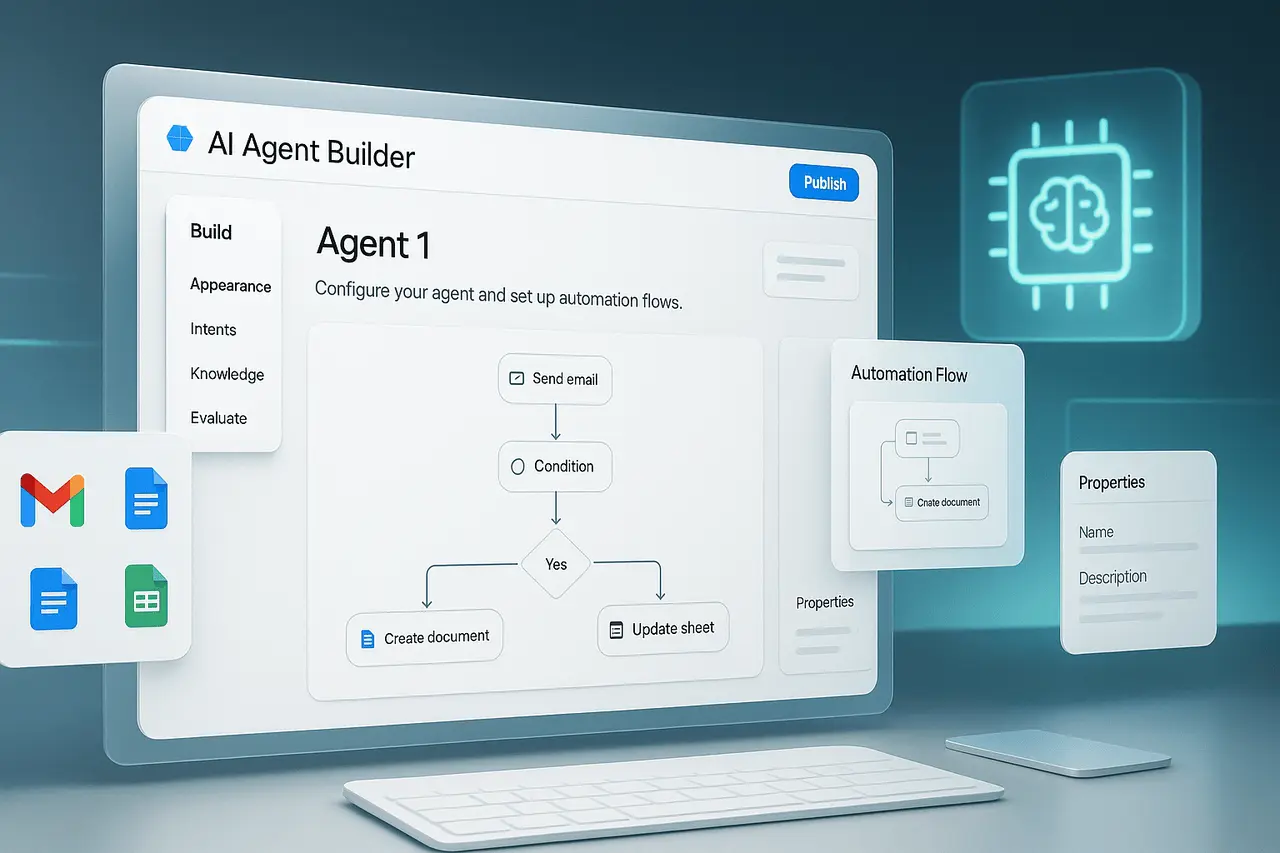
The updates include the ability to create custom MCP support agent integrations, agent integrations using Linear and Ramp emails and calendar triggers, custom connectors, workers, and the ability to run AI agents on computers. These are designed to help companies manage complex workflows right within Notion.
This article explains the new features, why they’re important, how they work, and what businesses need to consider when implementing them.
What are the Notion Agents?
Notion Agents are AI-powered entities within Notion that can complete tasks, respond to events, and interact with various tools across an area. Contrary to static AI prompts, agents can:
- react to triggers
- Utilise the tools available and access to data
- Execute multi-step workflows
- Work with other humans in real-time
The latest updates dramatically extend the capabilities of Notion Agents.
What is the reason why the Notion Agents AI update is Important?
Modern teams depend on fragmented tools for planning, execution, communication, and reporting. Notion Agents AI update reduces this fragmentation through:
- Centralising automation logic inside Notion
- allowing for more customisation but without the use of heavy engineering
- Allowing agents to perform across systems and applications
- Transparency and reliability are improved for AI-driven projects
For fast-moving teams, this means faster decisions, less manual effort, and more reliable execution.
Essential Features in the Notion Agents AI Update
Custom MCP Support
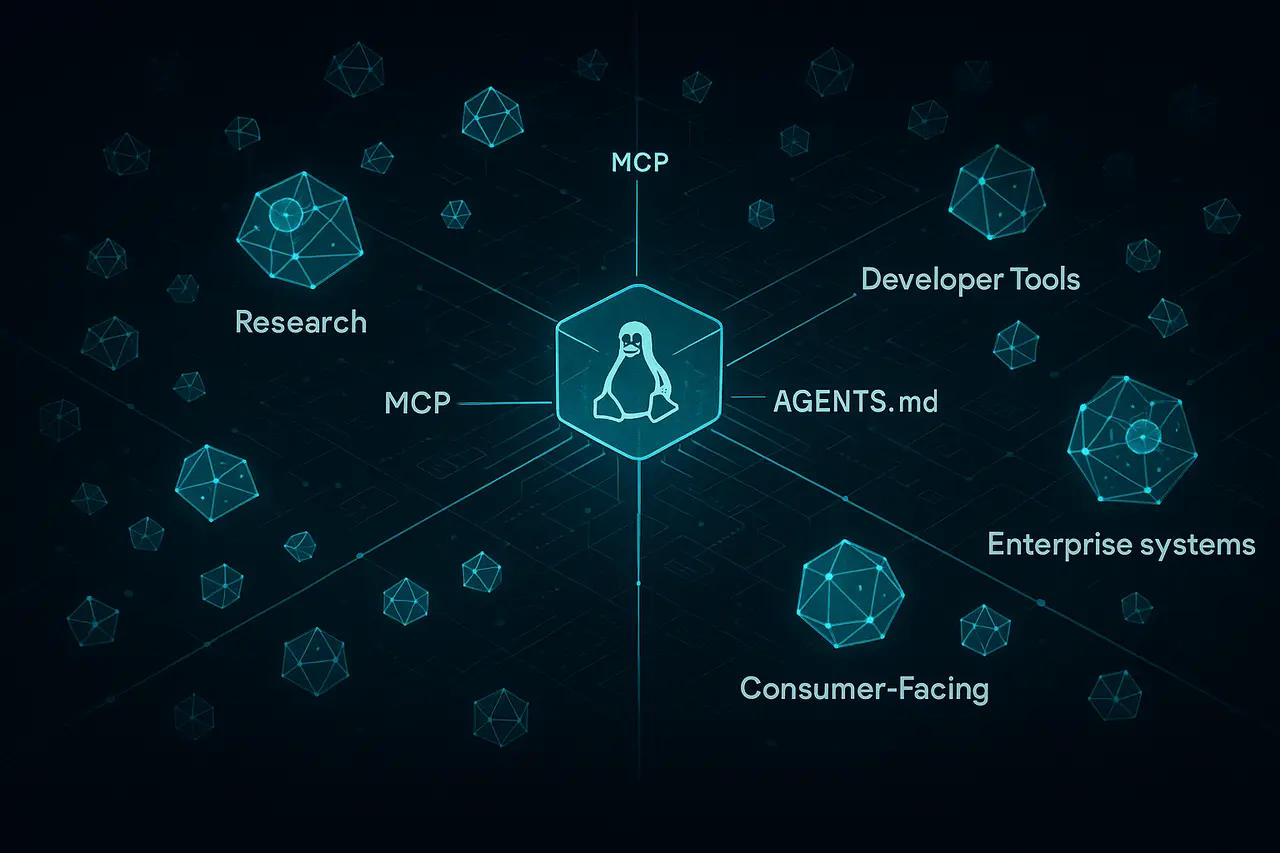
A custom Support for MCP (Model Context Protocol) support lets teams determine how agents can use context, tools, and information.
Why it matters:
- Enables precise control over agent behaviour
- Supports organization-specific workflows
- Enhances the reliability as well as predictability of outputs
This feature is handy for industries that are regulated or have complex business environments.
The New Agent Integrations Linear and Ramp
Notion Agents now integrate directly with Linear and Ramp.
Practical use cases include:
- Making or updating Linear issues arising from Notion tasks
- Synthesising the progress of the sprint automatically
- Monitoring Ramp costs and flagging any anomalies
- The ability to create engineering or finance reports within Notion
These integrations help reduce the need for context switching and manual data entry.
Notion Calendar Triggers and Mail
Agents can now respond to events from Notion Mail and Notion Calendar.
Examples:
- Automatically creating tasks based on incoming emails
- Preparing meeting briefs before calendar events
- Sending follow-ups after meetings
- Updates project timelines when meetings are moved
This is what makes agents more event-driven than simply reactive.
Custom Workers (Tools) for Agents
Custom workers allow teams to create specialised tools that agents can utilise.
Benefits:
- Agents can be tailored to specific internal processes
- Combine API call, as well as logic and data handling
- Agent functionality can be extended without creating workflows
Custom-designed workers turn agents into a modular automation system.
Custom Connectors
Custom connectors enable agents to communicate with other systems outside the default integrations securely.
Key advantages:
- Connect tools that are proprietary and databases
- Maintain centralised control over data access
- Reduce dependence on automation platforms from third parties
This is a crucial feature for businesses that use customised technology stacks.
New Library and Feed Tabs
New Library and Feed tabs improve agent management and discovery.
library tab
- View centrally of all available agents
- Reusable agent templates
- Standardised best practices
Feed tab
- Real-time view of agent activities
- It is easier to audit and troubleshoot
- Transparency improved across teams
AI Co-editor
A Co-editor for AI enables humans and agents to work on content simultaneously.
Use cases:
- Documentation that is being drafted and refined
- Updating project plans dynamically
- Improved the consistency of knowledge bases
This technology blends human judgment and AI effectiveness.
Computer Use for AI Agents
One of the most sophisticated enhancements is the use of computers to create an AI agent.
What does it do:
- Interfaces with programs
- Performs tasks that require web applications
- Workflows that are not accessible through APIs
This dramatically increases the possibilities for automation, especially in closed systems or those with a long history.
Comparison Table of Features Before and After the Update
| Capability | Earlier Notion Agents | Updated Notion Agents |
|---|---|---|
| Context control | Limited | Custom MCP support |
| External integrations | Basic | Linear, Ramp, custom connectors |
| Triggers | Manual | Mail and calendar events |
| Tooling | Fixed | Custom workers |
| Visibility | Minimal | Library and Feed tabs |
| Automation scope | API-based | Includes computer use |
Application in real-world scenarios of Notion Agents
Use Cases by Functions
| Function | Example Use Case |
|---|---|
| Engineering | Auto-sync specs with Linear issues |
| Finance | Monitor Ramp spend and flag risks |
| Operations | Trigger workflows from emails |
| Product | Maintain living roadmaps |
| Leadership | Receive real-time status summaries |
Advantages of the Notion Agents AI Update
- Greater automation flexibility
- Reduced manual coordination
- Stronger alignment between tools
- Transparency in operation improved
- Scalable AI workflows
Specifications, Limitations and Questions
Despite the advances, the teams must consider:
- Configuration complexity: Custom MCPs and connectors need preparation
- Governance: Clare’s authorisations and audits are vital.
- Management of Change: Teams require guidance on how to trust agents’ actions
- Maintenance regularly: Agents should evolve to meet the needs of processes
Starting with low-risk, high-impact workflows is suggested.
My Final Thoughts
This Notion Agents AI update represents an evolution in direction from passive AI assistance to an active, collaborative, programmed collaboration. With customised MCP support, extensive integrations, event triggers and the use of computers, Notion allows teams to develop intelligent systems within their workspace.
As AI-driven functions become the norm, tools that combine flexibility with transparency and control will be the future of efficiency. Notion Agents are taking a step in this direction, laying the foundation for more self-sufficient and flexible workplaces.
FAQs About Notion Agents AI Features
1. What is the purpose of The Notion Agents AI update?
The objective is to turn agents into flexible, event-driven collaborators who can work with different tools and systems.
2. Can Notion Agents replace traditional automation tools?
They can reduce the need for other automation platforms, but they can be a part of complex environments.
3. What is the difference between custom workers and connectors?
workers define what agents can accomplish, and connectors define where they can do it.
4. Do Notion Agents operate without APIs?
Yes. Computers enable agents to communicate directly through software interfaces.
5. Are these features appropriate for teams of small size?
Yes, however, the most significant advantages are seen in teams that have a repeatable workflow.
Also Read –
Notion AI Agents: Building AI Co-Workers for an AI-First Organisation